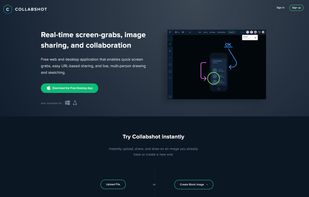
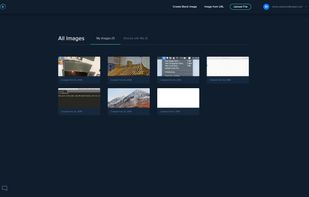
Free web and desktop application that enables quick screen grabs, easy URL-based sharing, and live, multi-person drawing and sketching.
 United States



+2


There are many alternatives to Jing for Windows and since it's discontinued a lot of people are looking for a replacement. The best Windows alternative is ShareX, which is both free and Open Source. If that doesn't suit you, our users have ranked more than 100 alternatives to Jing and loads of them are available for Windows so hopefully you can find a suitable replacement. Other interesting Windows alternatives to Jing are Greenshot, Snipping Tool, PicPick and FastStone Capture.
Free web and desktop application that enables quick screen grabs, easy URL-based sharing, and live, multi-person drawing and sketching.
United States
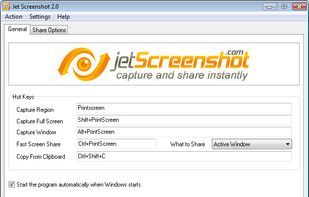
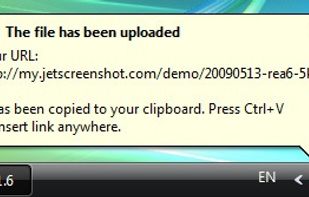
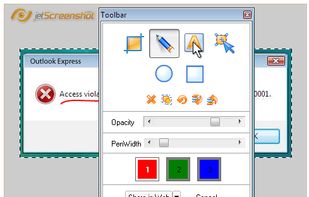
Jet Screenshot is a freeware utility enabling you to share screenshot via the internet in seconds. It allows you to take a screen snap, edit it and send it to the Web, so that you can immediately provide anyone with a link to the image.
 Ukraine



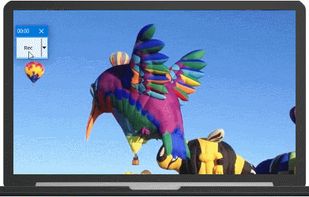
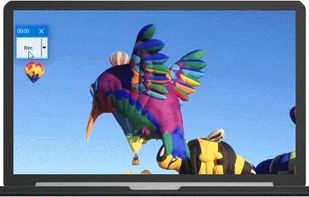
RecButton is a one button tool for capturing screen + (speaker audio or microphone or mix of both), it’s like Windows snipping tool but for capturing video & audio.
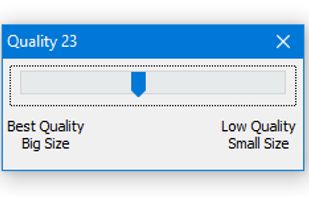


The smallest free tool for taking screenshots of different size. Just open SnapaShot, resize it's window to fit the area you want to save, and press "save it" button.
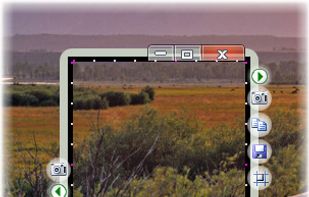


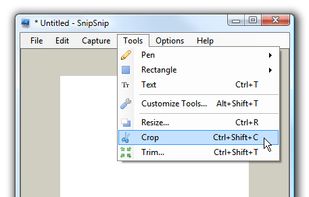
SnipSnip is a screen capture utility, designed for easy capture of some or all of your screen(s). It also allows you to do simple tasks like resizing, cropping and drawing on the capture.
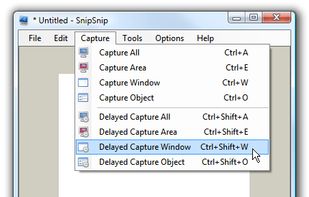
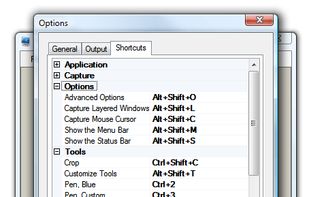


Every annoying feature is consistently excluded. Make a screenshot with a click on the button or by pushing the "Print Screen" key and it will be directly saved as an image - thats it!
 Germany
 EU
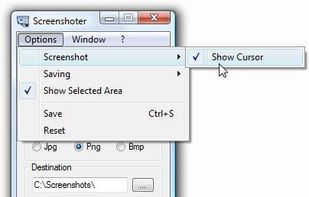
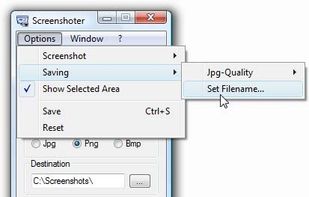


QuickScreenshot is a lightweight and very easy to use application that enables you to take screenshots of your desktop with a few mouse clicks. Just press the wanted screenshot key (or press it multiple times) and your screenshots are done!
GermanyEU


Right click on any web page, frame or iframe, click "Save Page As Image..." and then resize the selection around the piece you want to save.



 Indonesia

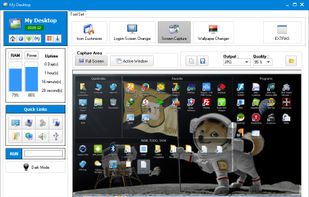
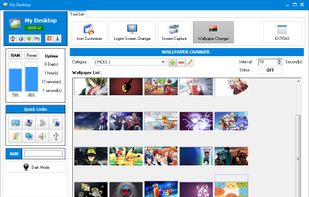


Capture is a quick-and-easy screen capture utility for Windows (and NT), which allows you to capture the entire screen, at any color depth and resolution, and save it into a Bitmap file for editing. If you are interested in only capturing one window, you can select to capture...


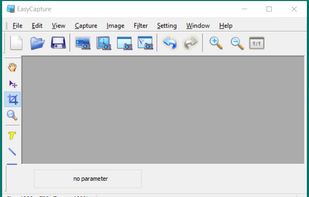
EasyCapture is a powerful and easy-to-use free screen capture software.
It allows you to capture whole windows, scrolling windows, selected-regions, fixed-size rectangles (regions) and window controls. It has a delayed capture mode, so that you can capture the target window dur.