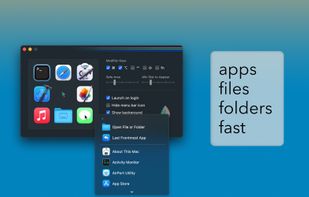
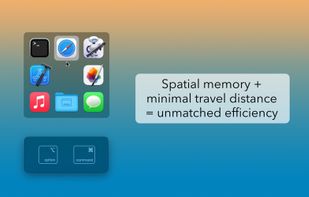
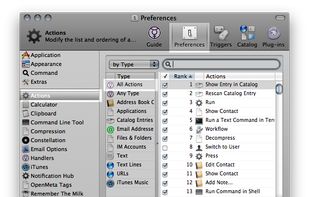
Quicksilver is a fast and free macOS productivity application that gives you the power to control your Mac quickly and elegantly.
Cost / License
- Free
- Open Source (Apache-2.0)
Application type
Platforms
- Mac




J


Apps similar to JetStart include Alfred, which has a free version. Other options are Listary, Keypirinha, ueli and Tuna. You're spoiled for choice with Application Launchers like JetStart: we list more than 50 alternatives for Windows, Mac, Linux, iPad and iPhone.
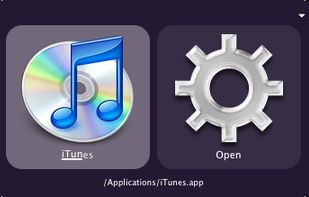
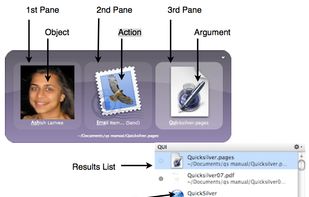
Quicksilver is a fast and free macOS productivity application that gives you the power to control your Mac quickly and elegantly.

ASuite is a simple open source portable launcher for Microsoft Windows. Designed to run portable applications, you can start anything runnable (software, documents and other file types) from removable storage media (USB keys, hard drives, iPods, etc.).
 Italy
Italy EU
EU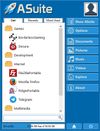


 Australia


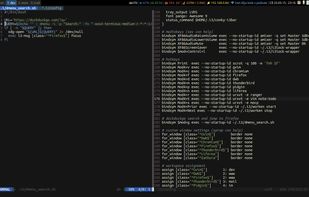
dmenu is a dynamic menu for X, originally designed for dwm. It manages large numbers of user-defined menu items efficiently.


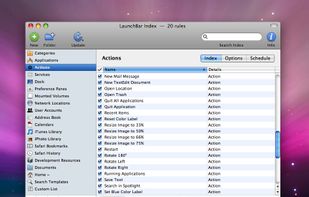
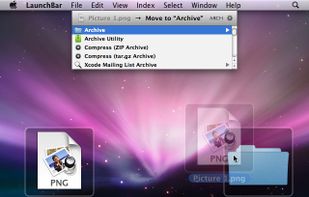
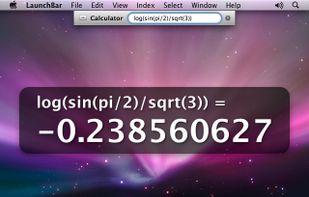
LaunchBar is a smart and powerful, keyboard driven productivity utility that lets you access and control every aspect of your digital life. Whatever you want to get done on your Mac – with LaunchBar it’s only a few keystrokes away.
 AustriaEU


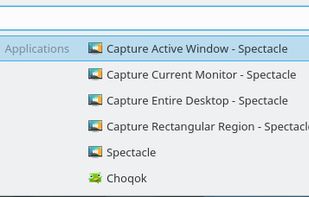
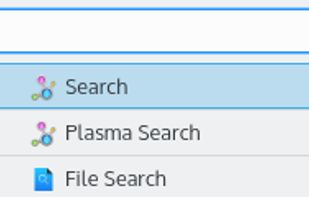
Krunner is a multi-function command line menu for the KDE Plasma Desktop.
 GermanyEU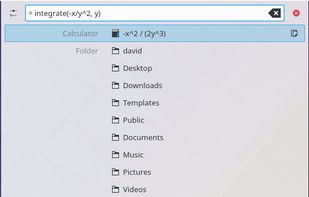


XMenu adds one or more global menus to the right side of the menu bar. They give you access to your preferred applications, folders, documents, files, and snippets. Launch any application, or insert text snippets or URLs into your email messages or Pages documents with a single...
GermanyEU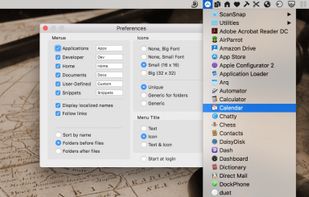


Avant Window Navigator (AWN/Awn) is a dock-like navigation bar for the linux desktop that positions itself at the bottom of the screen. It can be used to keep track of open windows and behaves like a normal window list.


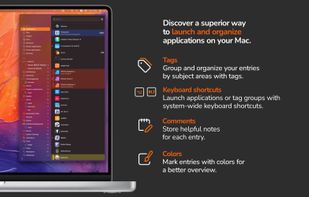
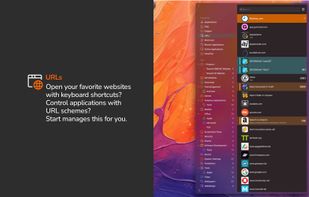
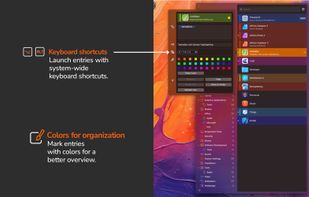
With start, the innovative launcher for macOS, you can open applications, documents, shortcuts, URLs, and folders in an instant. Say goodbye to clutter - start brings order and efficiency to your workflow.
GermanyEU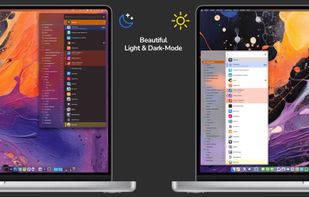


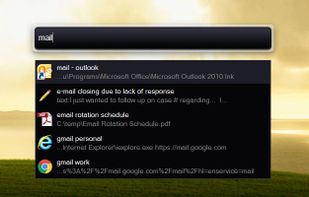
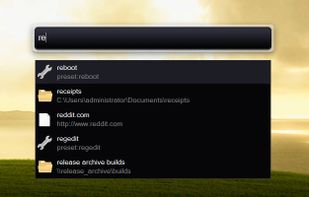
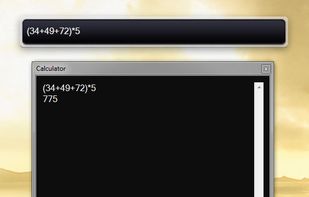
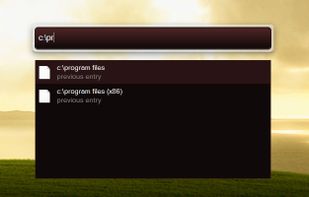
Hotkey-activated desktop toolbar for launching files, folders, and websites, searching online resources, managing notes and reminders, pasting custom text, automating tasks with macros, handling clipboard history, performing calculations, and keeping windows on top.


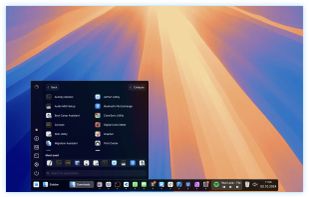
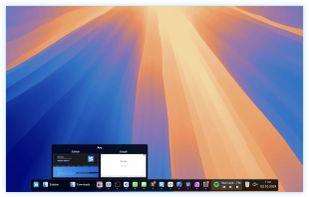
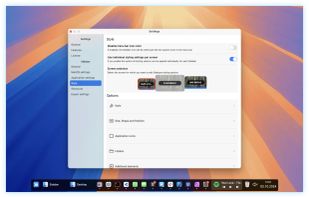
Sidebar transforms the macOS Dock experience, offering multi-screen support, customizable preferences, live previews on Ventura, and window management with WindowSnap. It reserves screen space to optimize display usage and supports storing multiple window configurations for flexible setups.
 United States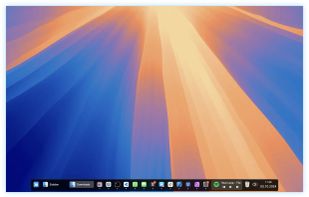

 United States