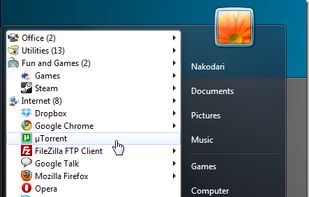
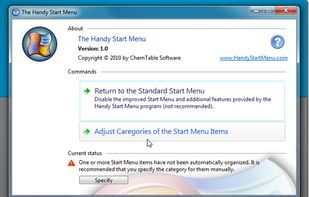
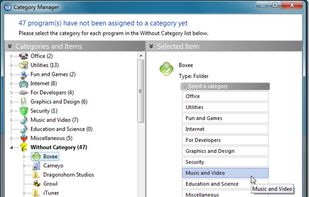
Do you often find yourself looking for a program in the long list of the Start menu?
Cost / License
- Freemium
- Proprietary
Alerts
- Discontinued
Platforms
- Windows
 Russia




J


Apps similar to JetStart include Alfred, which has a free version. Other options are Listary, Keypirinha, ueli and Tuna. You're spoiled for choice with Application Launchers like JetStart: we list more than 50 alternatives for Windows, Mac, Linux, iPad and iPhone.
Do you often find yourself looking for a program in the long list of the Start menu?
Russia
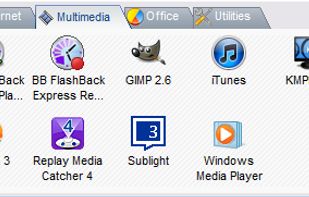

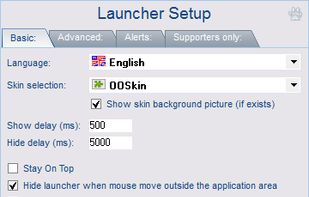


Enso is dead simple to use. You just hold down the Caps Lock key and type an Enso command, which is displayed in a translucent overlay. Once the command is typed, you simply release the Caps Lock key to activate it, and the overlay disappears.
 United States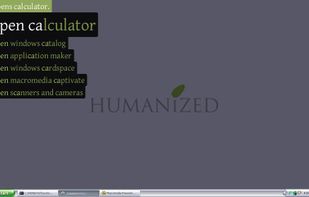
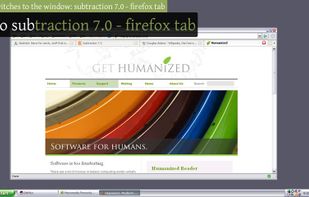


Access your files, programs, browser bookmarks, search engines and windows with a few key presses.
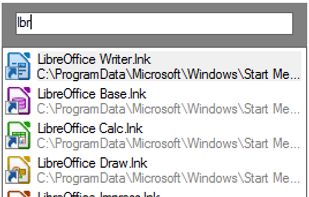
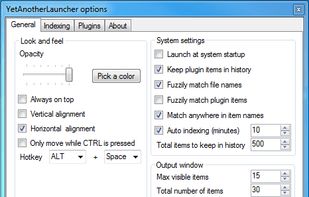
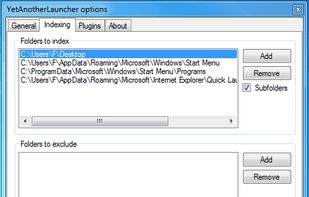
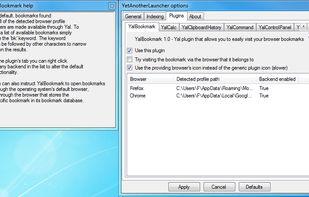


Flashtray - Our system tray application launcher and macro tool makes you work more efficiently by automating a lot of repetitive keyboard tasks by using custom macros and hotkeys.
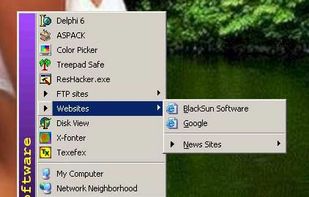


Advanced Recent Access is designed to see more properties of your recent used resources (files and directories). Key features: can see more properties of the recent resources, such as path, size, type, date modified and date created. And more.
United States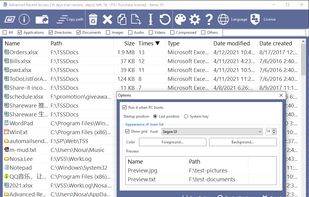


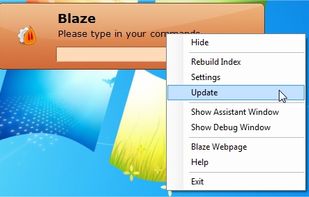
Blaze is an application launcher that distinguishes from amongst the others by being able to automate recurrent tasks performed in the file-system or even any application on Microsoft Windows.
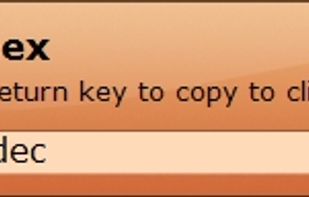
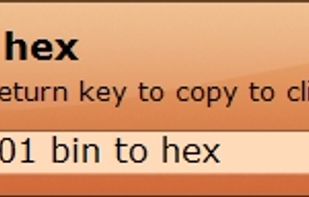
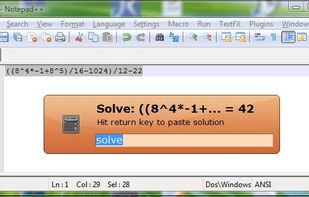


Flashlight gives you control over Spotlight. There are tons of options for customization so you can do things how you want to. Flashlight is designed to make enhancing Spotlight easy and enhance it's usefulness on macOS 10.9 and up.
United States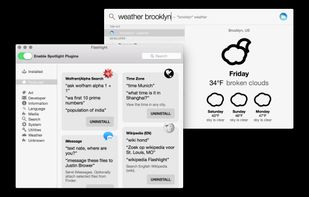


Application launcher with bash-like completion. It's a simple program which provides a "run program" window, featuring a bash-like TAB completion. It uses GTK+ interface. Also, supports CTRL-R / CTRL-S / "!" for searching through history. Running commands.


 Indonesia



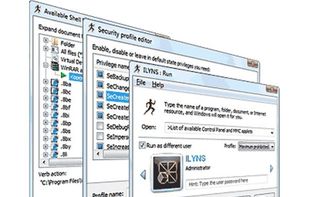
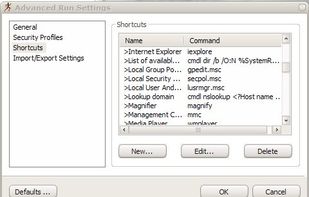
Advanced Run is a replacement for a standard Windows Run dialog. Advanced Run allows you to run any program, run any command line command, open and edit and print documents on behalf of any user account without switching between user accounts.