



A light application for instant recording of events happening on the monitor and saving that to an AVI file at high quality.
Cost / License
- Free
- Proprietary
Application typeApplication types
Platforms
- Windows
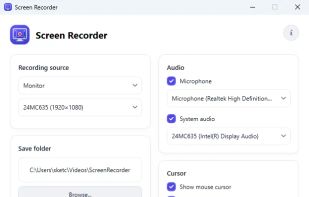

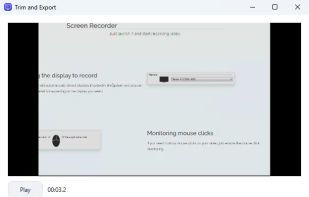


Apps similar to Free Cam include OBS Studio, which is free and open source. Other options are SimpleScreenRecorder, Bandicam, FastStone Capture and Camtasia. Screen Recorders like Free Cam are a crowded field, with more than 100 alternatives for Windows, Mac, the web, Linux and Android.
A light application for instant recording of events happening on the monitor and saving that to an AVI file at high quality.

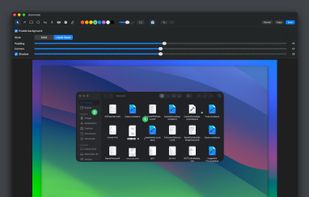
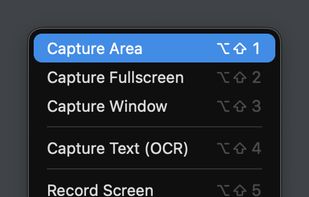
Capso is a free and open-source screenshot and screen recording app built natively for macOS in Swift. It offers annotation tools, scroll capture, GIF recording, OCR text recognition, and a smart OCR-powered highlighter. No Electron, no subscriptions, no watermarks.
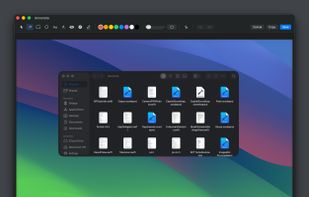
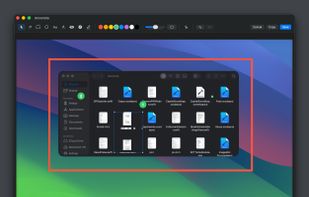


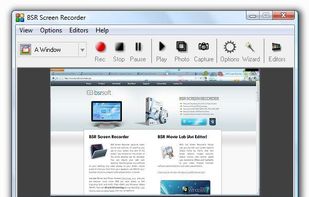
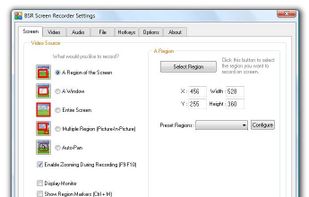
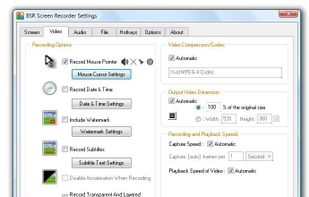
BSR Screen Recorder captures video, sound, and pictures of anything you see on your screen and records to AVI (Standard Video Format), SWF (Flash File), WMV (Windows Media Video), and EXE (Executable File). Any portion of the screen can be selected for recording.


Record what you see on your PC screen exactly as it appears. GOM Cam also records all audio outputs from your PC, allowing you to make more dynamic videos. Record your computer screen, webcam video or games, and share with others on YouTube, Google Drive or Facebook.



 Russia


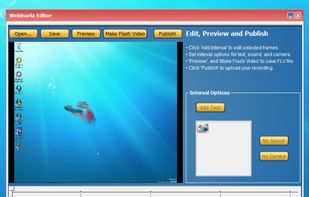
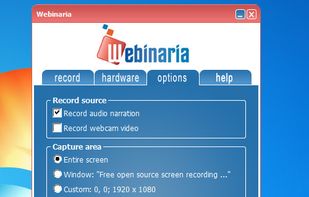
Webinaria is an easy to use screen recording and screen-casting tool. It allows you to record your screen or just a specific window. The integrated editor allows you to annotate your screen-cast before publishing it as a flash video.


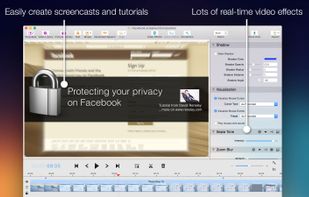
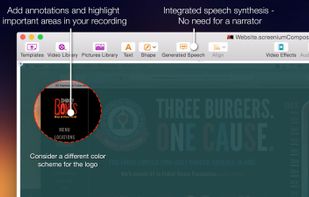
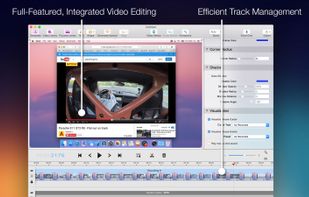
Record exactly what you see on the screen and turn it into a screencast in next to no time. Screenium lets you record at 60 frames per second, offering optimum performance for your tutorials, gameplay recordings or any other screen content you wish to record.
 Germany
 EU
EU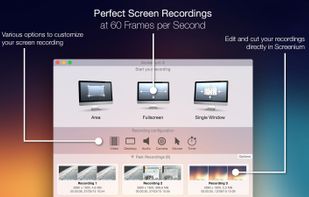


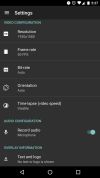
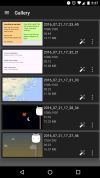
AZ screen recorder lets you record your screen to HD and FullHD videos, no time limit and no watermarks. It can record audio from the mic and users can even pause while recording. The recorder is totally free with an option to upgrade to get extended features like a video...
 Vietnam


Screeny gives you the freedom to capture your videos or images at any size. You can click & drag to resize the capture area or input the exact pixel dimensions to set to the size of the capture area.
 United States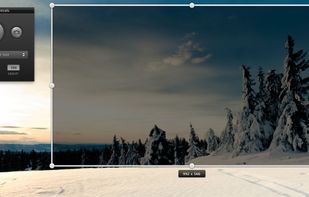
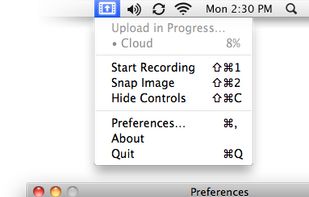
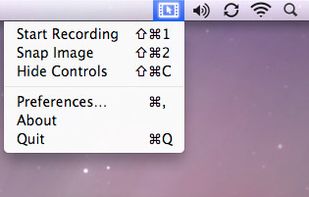


Hippo Video is an online video platform to create explainer videos, educational videos, how-tos, training videos, customer testimonials, video assignments, video tutorials, host videos and a video marketing platform.


Screen capture in real time and send instantly to any destination: clipboard, file, graphic editor, studio, e-mail, web, Windows Instant Messenger, ICQ, printer/fax.


