Input Leap AlternativesOnly apps categorised as Keyboard Sharing Utilities

The best Keyboard Sharing alternative to Input Leap is Barrier, which is both free and Open Source. If that doesn't suit you, our users have ranked more than 10 alternatives to Input Leap and 14 are Keyboard Sharing Utilities so hopefully you can find a suitable replacement. Other interesting Keyboard Sharing Utility alternatives to Input Leap are Synergy, InputShare, Deskflow and Mouse without Borders.

Copy a direct link to this comment to your clipboard
Input Leap alternatives page was last updated

Alternatives list

  1. Barrier icon
     128 likes

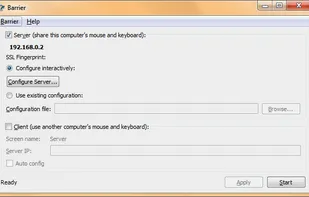
    Barrier is a cross-platform software utility for sharing your mouse and keyboard between multiple computers on your desk. It was forked from Synergy version 1.9's codebase.

    19 Barrier alternatives

    Cost / License

    • Free
    • Open Source

    Alerts

    • Discontinued

    Platforms

    • Mac
    • Windows
    • Linux
    • FreeBSD
    • OpenBSD
     
    |
    1
    Barrier vs Input Leap Comments
    maboroshin
    Positive
    0

    Barrier has been stagnant since 2021. Developers moved to Input Leap.

    • Barrier is Free and Open SourceInput Leap is also Free and Open Source
  2. Synergy icon
     335 likes

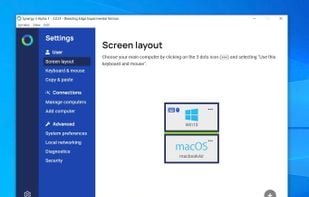
    Synergy combines your desktop devices together in to one cohesive experience. It's software for sharing your mouse and keyboard between multiple computers on your desk. It works on Windows, macOS and Linux.

    19 Synergy alternatives

    Cost / License

    Platforms

    • Mac
    • Windows
    • Linux
     
  3. Deskflow icon
     10 likes

    Deskflow is a free and open-source keyboard and mouse sharing app. Use the keyboard, mouse, or trackpad of one computer to control nearby computers, and work seamlessly between them. It's like a software KVM (but without the video). TLS encryption is enabled by default.

    11 Deskflow alternatives

    Cost / License

    Platforms

    • Mac
    • Windows
    • Linux
    • BSD
    • Flathub
    • Flatpak
     
  4. Multiplicity icon
     25 likes

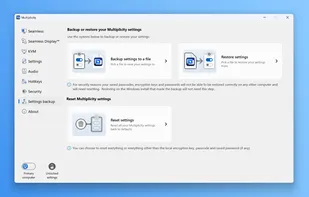
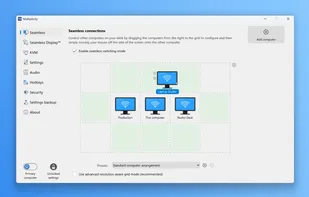
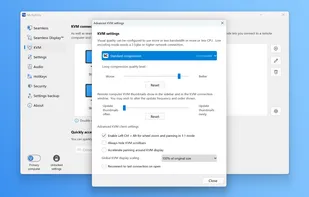
    Multiplicity offers a virtual KVM solution, managing several computers with one keyboard and mouse. Its remote modes enable cursor transition across monitors and centralized control. Users can transfer files, stream audio, and lock computers without extra hardware, suitable for command rooms, IT desks, and home users.

    22 Multiplicity alternatives

    Cost / License

    • Paid
    • Proprietary

    Platforms

    • Windows
     
  5. Input Director icon
     81 likes

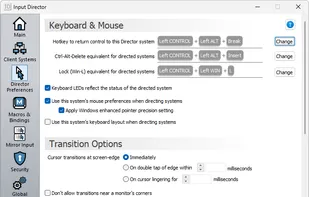
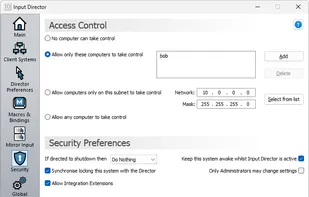
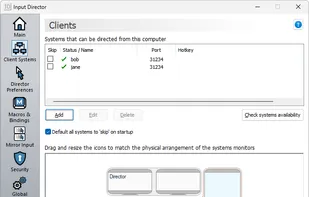
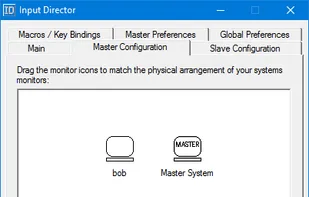
    Input Director is a Windows application that lets you control multiple Windows systems using the keyboard/mouse attached to one computer. It is designed for folks who have two (or more) computers set up at home and find themselves regularly sliding from one system to the other.

    15 Input Director alternatives

    Cost / License

    • Free Personal
    • Proprietary

    Platforms

    • Windows
     
  6. ShareMouse icon
     94 likes

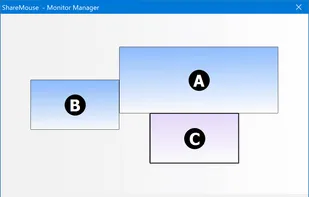
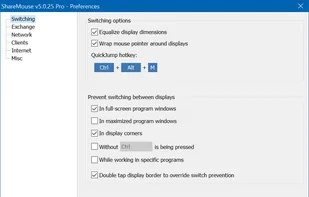
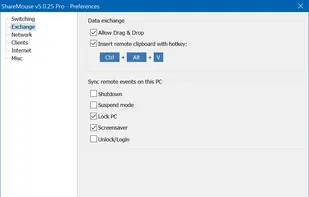
    Seamlessly control multiple computers using one mouse and keyboard, switch between systems by moving the pointer, transmit input securely over LAN, share clipboard, support drag-and-drop files, and work across Windows or macOS with no hardware required.

    15 ShareMouse alternatives

    Cost / License

    • Freemium
    • Proprietary

    Platforms

    • Mac
    • Windows
     
  7. Cursr icon
     7 likes

    Cross-platform utility tool for seamless mouse, keyboard and clipboard sharing and usage in multi-display, single and multi-device setups.

    16 Cursr alternatives

    Cost / License

    • Freemium
    • Proprietary

    Platforms

    • Mac
    • Windows
    • Linux
     
  8. across icon
     9 likes
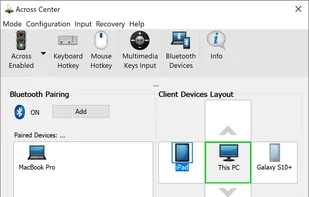
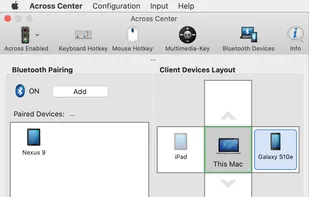
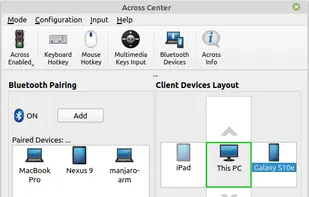
    1. Bluetooth Keyboard/Mouse Emulator: across makes a Bluetooth equipped PC or Mac work as a standard Bluetooth keyboard/mouse combo. Thus, you can seamlessly/wirelessly control all your smart devices including computer, smartphone and tablet PC with the computer’s keyboard and...
    173 across alternatives

    Cost / License

    • Paid
    • Proprietary

    Platforms

    • Mac
    • Windows
    • Linux
    • Android
     
  9.  3 likes

    Controls multiple computers via another's keyboard and mouse.

    Cost / License

    • Free
    • Open Source (MIT)

    Alerts

    • Discontinued

    Platforms

    • Windows
     
12 of 14 Input Leap alternatives