


A plugin that lets you view HEIC photos on Windows and convert them to JPG by right-clicking.
 Switzerland


Apps similar to iMazing HEIC Converter include CopyTrans HEIC for Windows, which is free. Other options are Bitwar HEIC Converter, Ricly, HEIC Converter Plus and HEIC Convert. You can choose from more than 10 Image Converters like iMazing HEIC Converter for Windows, the web and Mac.
A plugin that lets you view HEIC photos on Windows and convert them to JPG by right-clicking.
Switzerland
With Apple's latest image innovation, HEIC format becoming the default image format above iOS 11 and Mac High Sierra. When you try to view the HEIC files or share to your friends, you will find that the HEIC files can't be viewed on Windows.
 China



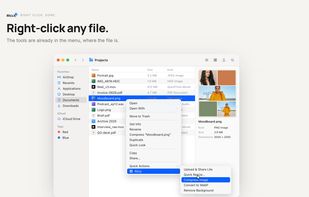
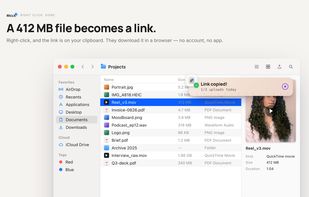
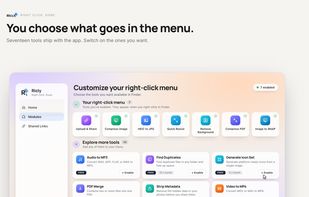
Finder extension for Mac: right-click a file to convert, compress, resize, remove its background, merge PDFs or share it as a link. Processed on your Mac; only sharing uploads files.
 France
 EU



High Efficiency Image Formats allows you to create and store photos at a much smaller size without losing image quality. But not all users can open and view HEIC and AVIF images due to compatibility issues. With HEIC Converter Plus you can simply convert HEIF (.heic) and AVIF (.
 United States


HEIC-Convert Helps you to Mass Convert Effortlessly your Images to a Wide Range of File Formats: HEIC, AVIF, JPEG, PNG, WEBP, GIF, TIFF, and BMP.



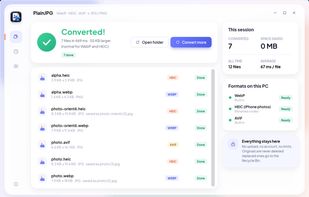
Convert WebP, HEIC and AVIF images to JPG or PNG on Windows, whole folders at once, with camera info and dates kept and nothing uploaded.
 RomaniaEU

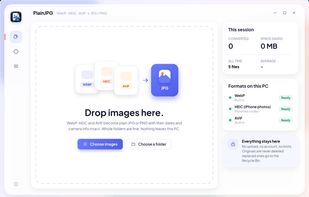
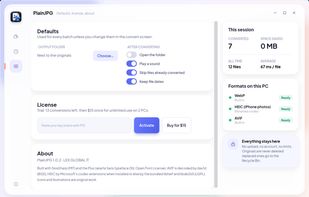


Kingshiper HEIC to JPG Converter is a professional HEIC converter tool that allow you to convert HEIC files to JPG, JPEG, PNG, BMP or other formats with one click.


Offline batch converter for iPhone HEIC/HEIF photos to JPG or PNG - keeps EXIF, one-time license, files never leave your PC.
United States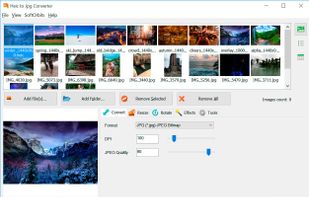


Simple and intuitive tool allows you to quickly convert your HEIC files to high-quality JPG format. No registration required, and it's completely free!.


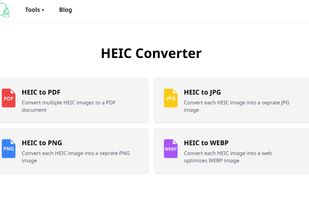
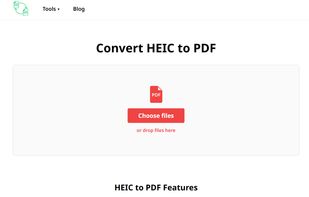
OnlineHEICConvert.com is a handy, free tool for converting those tricky HEIC files into formats like JPEG, PNG, WEBP, PDF. It’s incredibly easy to use: just upload your HEIC files, pick the format you want, and hit “Convert.” You can even convert multiple files at once!


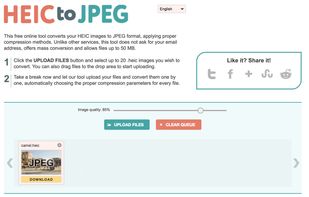
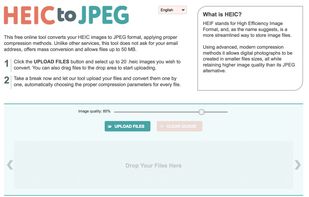
This free online tool converts your HEIC images to JPEG format, applying proper compression methods


 Israel


