

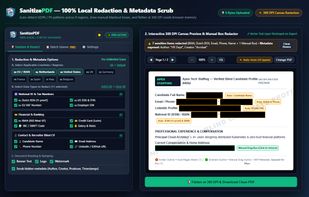
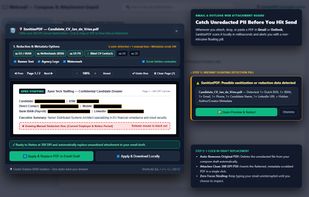
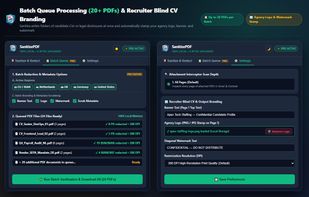
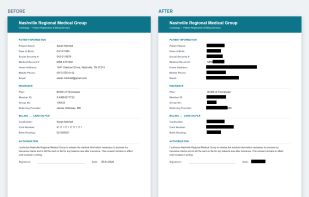
SanitizePDF strips hidden metadata, burns manual and auto-scanned Multi-Region PII / GDPR Detection redactions into 300 DPI canvas pixels. Detects unsanitized PDFs in Gmail & Outlook.
 Netherlands
 EU




The best PDF Editor alternative to iLovePDF is PdfCraft, which is both free and Open Source. If that doesn't suit you, our users have ranked more than 100 alternatives to iLovePDF and loads of them are PDF Editors so hopefully you can find a suitable replacement. Other interesting PDF Editor alternatives to iLovePDF are Stirling PDF, PDF24 Creator, BentoPDF and Adobe Acrobat DC.
SanitizePDF strips hidden metadata, burns manual and auto-scanned Multi-Region PII / GDPR Detection redactions into 300 DPI canvas pixels. Detects unsanitized PDFs in Gmail & Outlook.
NetherlandsEU
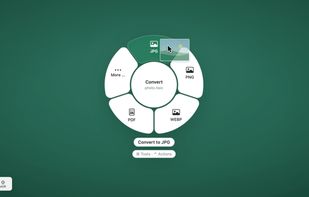
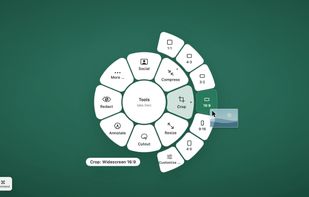
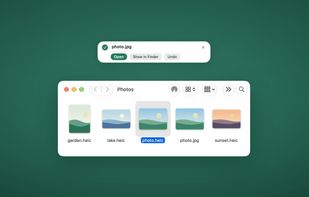
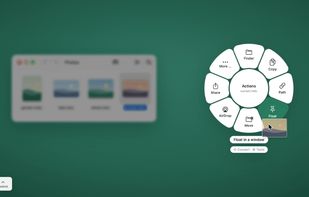
twistel is a free, open-source menu bar app for macOS. Drag files in the Finder, hold a key, and a ring appears around the pointer. Drop the files on an option and the result appears as a new file next to the original.


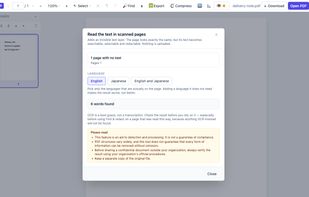
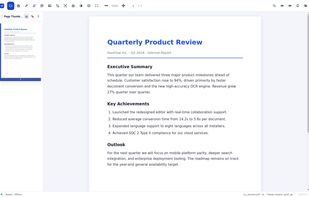
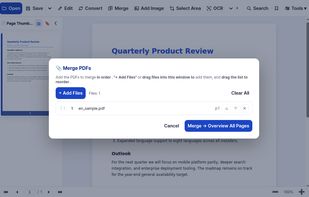
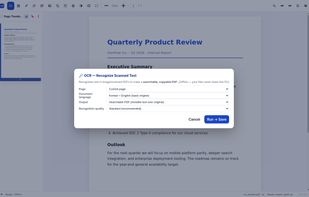
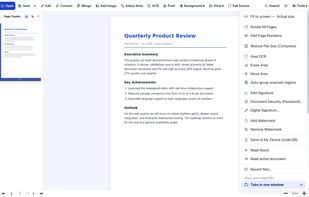
HanFlow PDF puts everyday PDF work in one compact app: read, highlight, add text, merge, compress and convert. Its in-house engine converts PDFs to Word and PowerPoint and recognizes text in scanned pages (OCR).
 South Korea


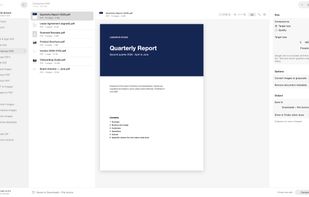
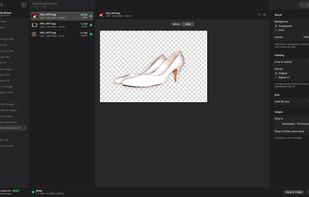
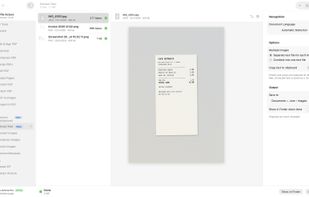
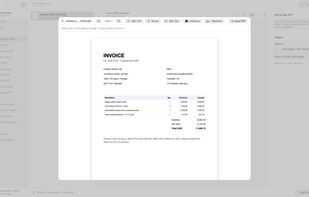
Offline toolbox for PDFs, images and archives on Mac and Windows: compress PDFs to an exact size, convert HEIC, remove backgrounds. Nothing is uploaded.
 Türkiye


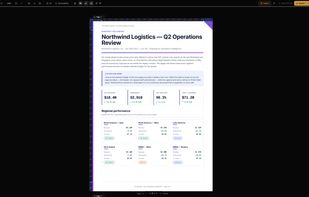
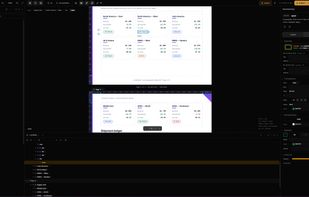
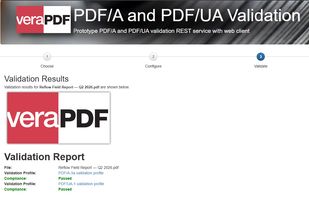
Browser-based PDF editor that reflows content structurally when you edit — with tagged, accessible (PDF/UA-ready) export.
 United States


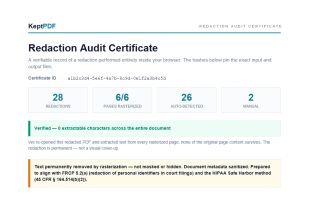
KeptPDF is a set of PDF tools that run in the browser. Files are processed on your own device, so a sensitive document is not uploaded to a server to be edited.
United States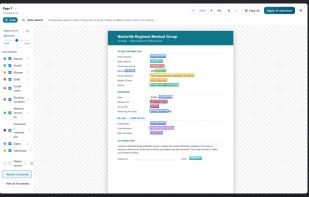

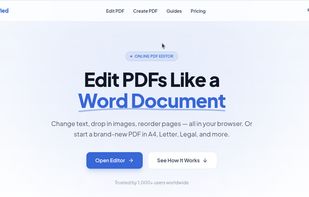
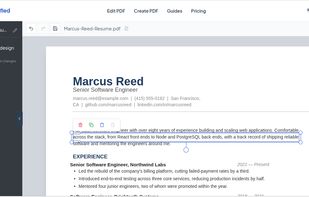
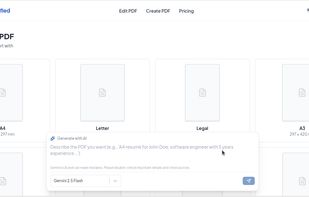
PDFSimplified is an online PDF editor. Edit text in PDF files, create PDFs from scratch or from a prompt, and edit or translate pages with AI.

Offline Windows PDF editor: edit text in place, merge, compress, OCR, sign, convert, and send PDFs to Kindle as EPUB. One-time $9.99.
Türkiye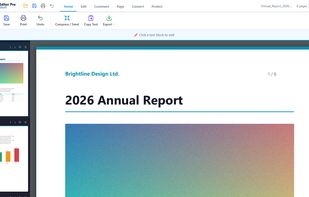
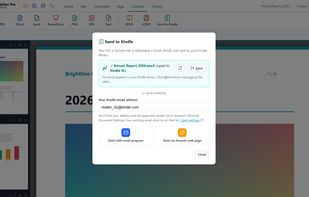
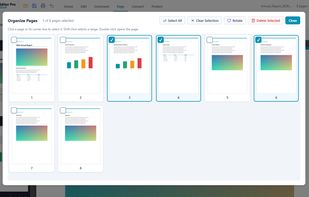
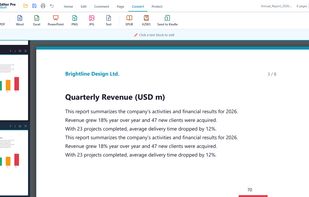

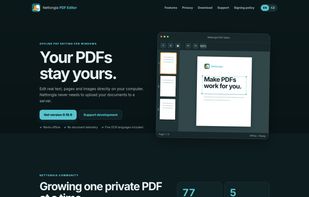
Nettongia PDF Editor is a free and open-source PDF editor for Windows that processes documents locally without uploading them to a server. It allows users to edit existing text, add and modify images, reorder, rotate or delete pages, create and insert signatures, search...
 CzechiaEU

Word, Excel, PowerPoint and images, OCR scanned documents into searchable PDFs, edit existing text, sign, annotate, add watermarks or page numbers, encrypt, unlock, repair and flatten, extract embedded images or plain text, convert a web page to PDF, and scan paper documents...
Türkiye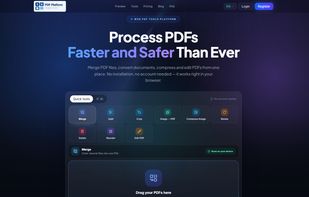




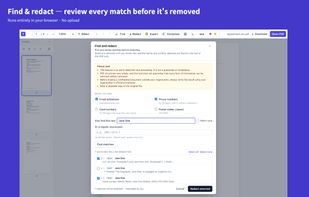
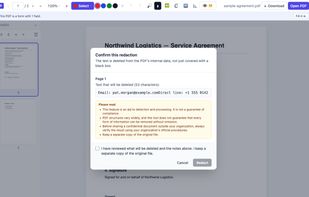
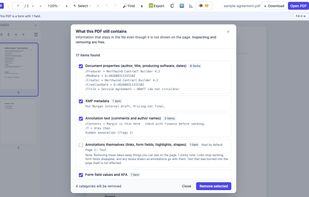
Redact and clean PDFs entirely in your browser: true text removal, find & redact, and hidden metadata cleanup, with nothing uploaded.
 Japan