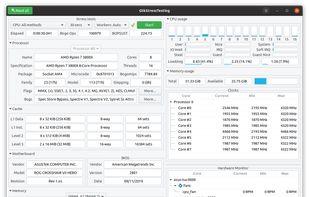
GST is a GTK system utility designed to stress and monitor various hardware components like CPU and RAM.
Cost / License
- Free
- Open Source
Application type
Platforms
- Linux
 Italy
Italy EU
EU


HWRadar has been discontinued. Similar apps include HWiNFO (32/64), which is free for personal use. Other options are Libre Hardware Monitor, MSI Afterburner, Open Hardware Monitor and Stats. There's no shortage of System Information Utilities like HWRadar, with more than 50 alternatives for Windows, Linux, Mac, Android and iPhone.
GST is a GTK system utility designed to stress and monitor various hardware components like CPU and RAM.
ItalyEU


 Japan
Japan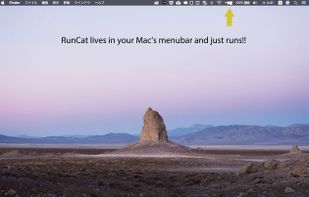


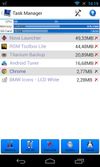
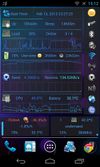
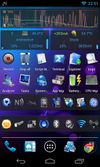
3C Toolbox is the comprehensive toolbox to save battery, tweak, tune, backup, secure and monitor any Android devices running any ROMs, any kernels.


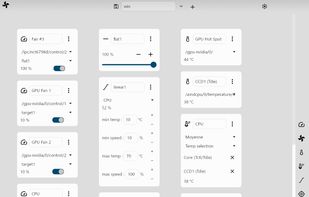
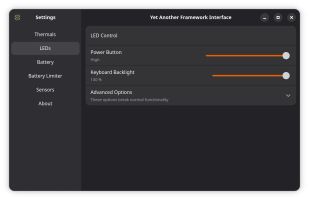
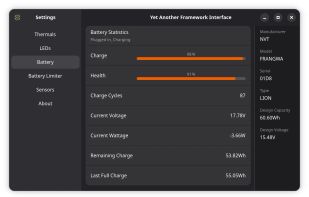
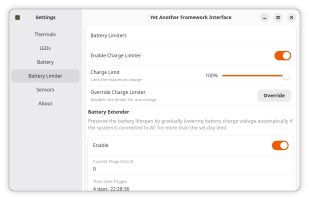
YAFI is another GUI for the Framework Laptop Embedded Controller. It is written in Python with a GTK4 Adwaita theme, and uses the CrOS_EC_Python library to communicate with the EC.
 Australia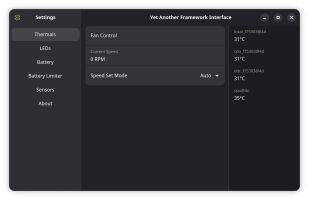


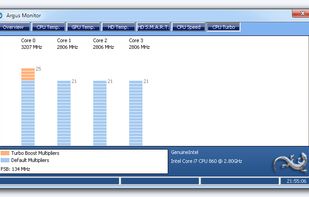
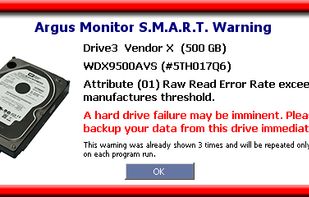
Monitoring temperatures and status of system components such as CPU, GPU and hard disk drive, fan speeds
 GermanyEU



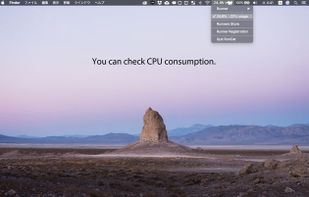
macOS menu bar utility written in SwiftUI that presents CPU, memory, disk, and network usage, plus Bluetooth battery levels, customizable Big Sur widgets, Dark Mode, and real-time sensor data. Open-source, lightweight, and compatible with Apple Silicon.
 China
China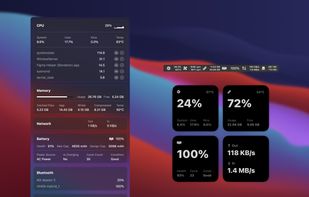

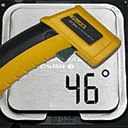
Continuously monitors and logs temperatures from Intel Core single, dual, quad, and i7 CPUs using digital sensors, supports per-core calibration, benchmarking, and logging, offers high temperature alarms and auto shutdown, and operates as a portable utility with no installation.
 United States


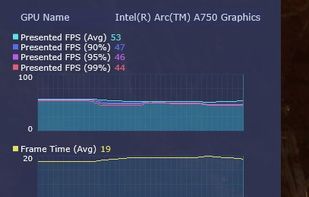
PresentMon is a set of tools to capture and analyze the high-level performance characteristics of graphics applications on Windows. PresentMon traces key performance metrics such as the CPU, GPU, and Display frame durations and latencies; and works across different graphics API...
United States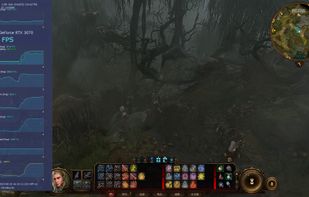


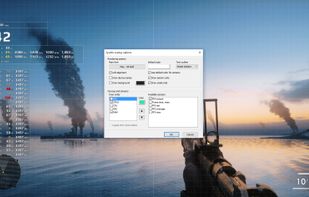
FPS Monitor tracks your PC's hardware state and displays this information as an overlay in-game.
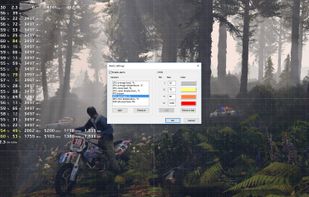


ASUS GPU Tweak III is currently open beta testing so try it out, if you feel it is missing something crucial give ASUS your feedback & they may be able to add it while still in beta. So far ASUS has been very accommodating with all useful feedback..
 Taiwan