Lm-Sensors is a free and open-source application that provides tools and drivers for monitoring temperatures, voltage, and fans.
Cost / License
- Free
- Open Source
Platforms
- Linux


HWRadar has been discontinued. Similar apps include HWiNFO (32/64), which is free for personal use. Other options are Libre Hardware Monitor, MSI Afterburner, Open Hardware Monitor and Stats. There's no shortage of System Information Utilities like HWRadar, with more than 50 alternatives for Windows, Linux, Mac, Android and iPhone.
Lm-Sensors is a free and open-source application that provides tools and drivers for monitoring temperatures, voltage, and fans.

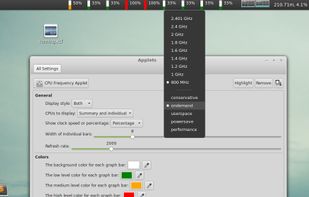
cinnamon-cpufreq-applet - Port of Gnome 3 CPUFreq applet to Cinnamon - with some fixes.


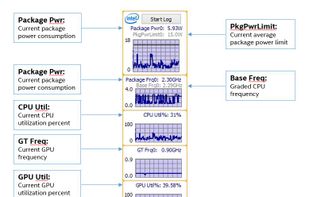
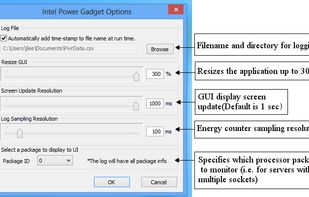
Intel® Power Gadget is a software-based power estimation tool enabled for 2nd Generation Intel® Core™ processors or newer. It provides real-time processor package power information in watts using energy counters.


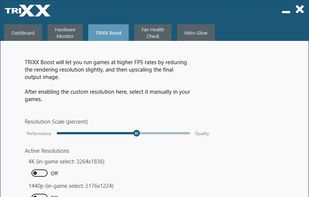
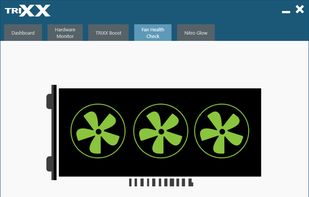
A GPU overclocking tool. Low level driver access, core and memory frequency overclocking, monitor and more, SAPPHIRE TriXX is a great alternative to comparable overclocking utilities. Worth a download for novice or enthusiast overclockers.




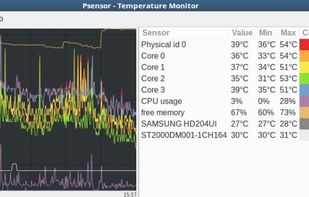
Temperature Monitor is an application to read out all accessible temperature sensors in Macintosh computers. The program can visualize the history graphs of the readings, display measured values in a large variety of fashions, or announce readings by speech output.


fancontrol is a shell script for use with lm_sensors. It reads its configuration from a file, then calculates fan speeds from temperatures and sets the corresponding PWM outputs to the computed values.
 Germany
 EU
EU


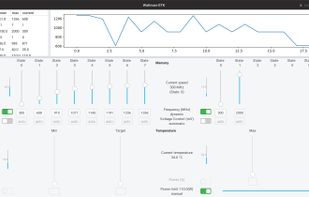
A Wattman-like GTK3+ GUI. Contribute to BoukeHaarsma23/WattmanGTK development by creating an account on GitHub.



Linpack is a benchmark and the most aggressive stress testing software available today. Best used to test stability of overclocked PCs. Linpack tends to crash unstable PCs in a shorter period of time compared to other stress testing applications.
 Taiwan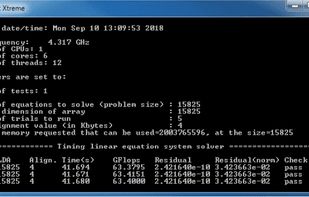


Track Mac fan speed, target speed, minimum and maximum speeds, number of fans, and CPU or GPU temperature in real time from the Notification Center or Menu Bar using a compact widget designed to provide hardware stats without workspace clutter.
 United States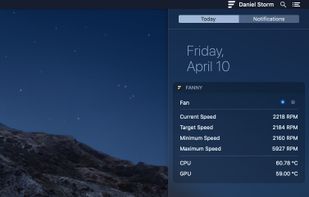


Lightweight macOS menu bar utility providing live CPU, memory, disk, network, battery, and thermal state monitoring, supporting Apple Silicon and Intel hardware, with customizable interface options, low resource usage, and strong privacy protections.
 United Kingdom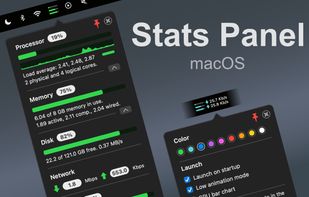
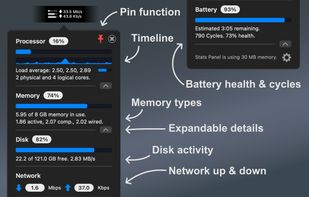
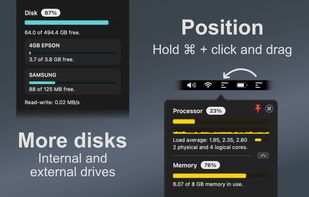
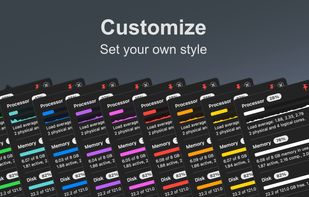


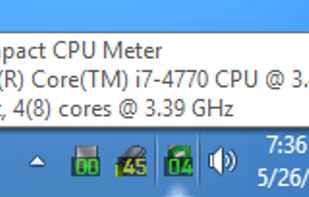
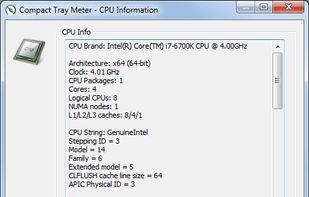
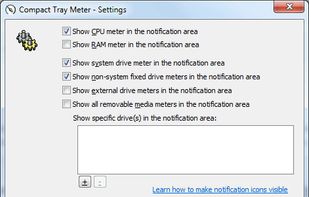
This compact utility displays real-time CPU, RAM and disk drives usage meters right on the taskbar notification area, or next to the system clock, that is always visible.


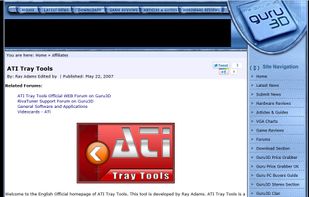
This tool is developed by Ray Adams. ATI Tray Tools is a Full Featured Radeon Tweaker that can be found in the windows tray which then allows instant access to options and settings. Quite handy and quite a small download. Just click the executable and you are good to go.