Cost / License
- Free
- Open Source (GPL-3.0)
Application typeApplication types
Platforms
- Linux
- Snapcraft
- Flathub
- Linux Mobile



+9


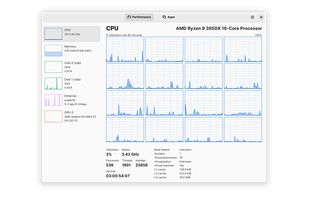
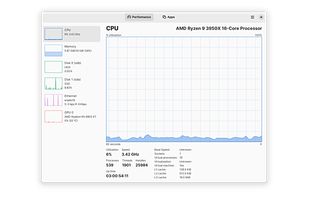
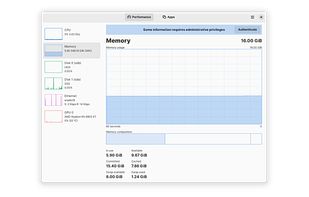
The best Disk Usage Analyzer alternative to HWiNFO (32/64) is Mission Center, which is both free and Open Source. If that doesn't suit you, our users have ranked more than 100 alternatives to HWiNFO (32/64) and five of them are Disk Usage Analyzers so hopefully you can find a suitable replacement. Other interesting Disk Usage Analyzer alternatives to HWiNFO (32/64) are iStat Menus, Stats Panel, Monitorets and Compact Tray Meter.

Advanced Mac utility with menubar monitoring for CPU, GPU, memory, disks, network, and sensors, including fan control, S.M.A.R.T status, Bluetooth battery tracking, weather, notifications, and deep customization. Combines multiple stats in a single view while prioritizing privacy.
 Australia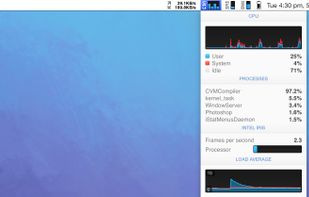
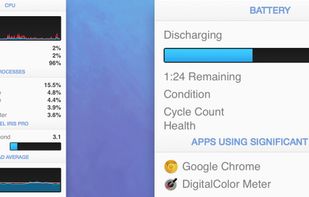


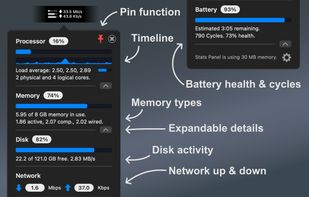
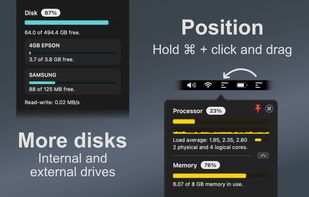
Lightweight macOS menu bar utility providing live CPU, memory, disk, network, battery, and thermal state monitoring, supporting Apple Silicon and Intel hardware, with customizable interface options, low resource usage, and strong privacy protections.
 United Kingdom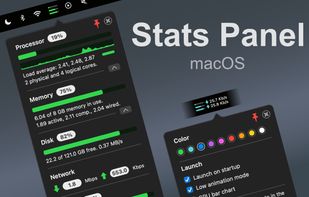
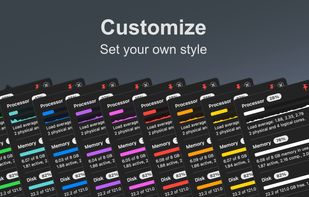


Monitorets is a small utility application offering a simple and quick view at the usage of several of your computer resources. Almost like an applet or a widget for your Linux desktop.
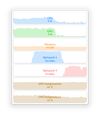


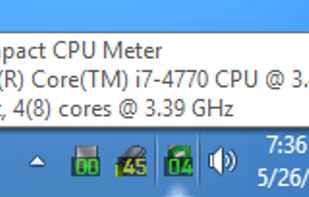
This compact utility displays real-time CPU, RAM and disk drives usage meters right on the taskbar notification area, or next to the system clock, that is always visible.