informUp screen capture is a free screen capture software for you to easily take screenshots.
Cost / License
- Free
- Proprietary
Application type
Platforms
- Windows


HotShots is described as 'Hotshots is a screenshot tool with some editing features. It is particularly suitable for writing documentation (as used in the following chapters) but you can use it to highlight some details on a map image or what ever you want' and is a screenshot capture tool in the photos & graphics category. There are more than 100 alternatives to HotShots for a variety of platforms, including Windows, Mac, Google Chrome, Web-based and Linux apps. The best HotShots alternative is ShareX, which is both free and Open Source. Other great apps like HotShots are Greenshot, PicPick, Snipping Tool and Ksnip.
informUp screen capture is a free screen capture software for you to easily take screenshots.

PrintKey-Pro is a screen capture program that can capture the screen or any part of it with the press of the Print Screen key (or any other key you configure).


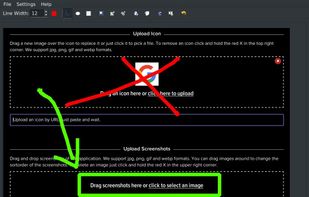


This is the handiest way to screen capture, edit selected areas on the screenshots, and sharing with others.
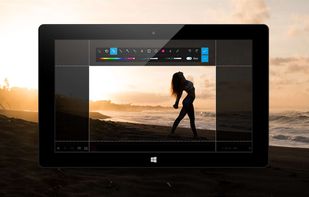
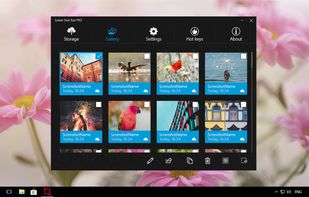

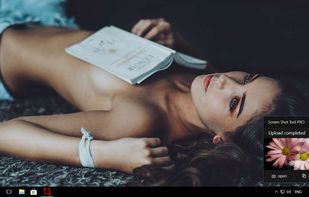


Small and free screenshot app for Mac that offers custom area and resolution presets, and much more.
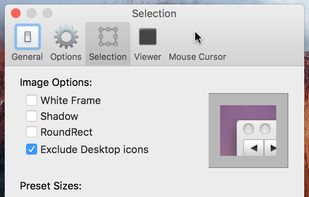
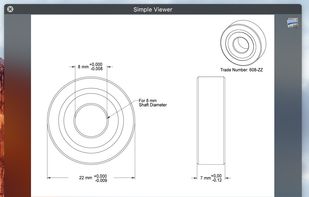
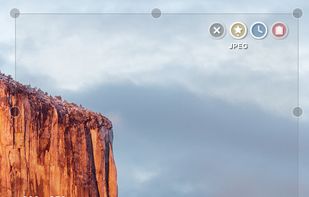
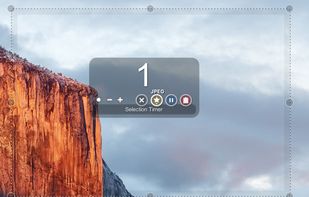


A macOS app for capturing, annotating and sharing screenshots. Quickly add comments, highlight what matters or blur any sensitive content. Upload screenshots to Google Drive or Dropbox. Copy screenshots to the clipboard and paste them directly into Slack, Skype, Jira, Trello and...

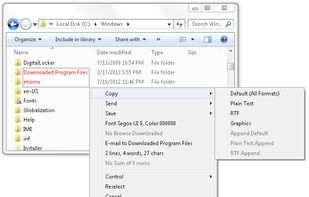
Kleptomania lets you select text anywhere on the screen, including areas that you cannot highlight with your mouse, such as columns of data from a word processor or error messages from any Windows program.

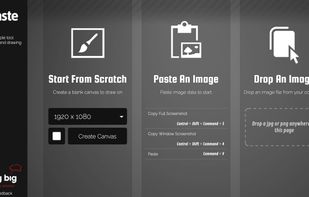
Fast and simple tool for screenshots and drawing with secure Dropbox and imgur support.


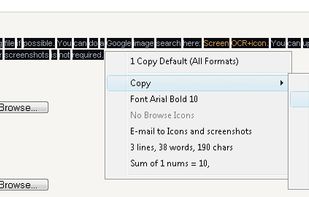
Screen OCR is a screen capture and character recognition tool. You can use Screen OCR in any way you are most comfortable with. It can be window selection, scrolling capture, simple cursor capture or rectangular selection.
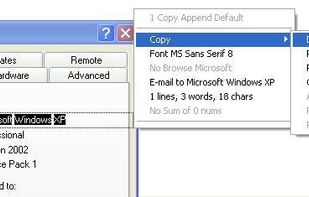


Boxoft Screen OCR is fast and easy-to-use software which helps to extract any area on your screen, recognize every character and then save as TXT file. Price: 27 USD. The smart tool enables you to select text from anywhere on the screen, including areas that you cannot highlight...
 China
China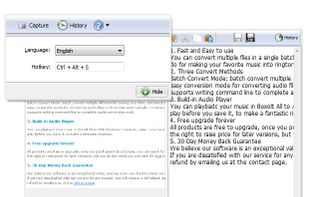


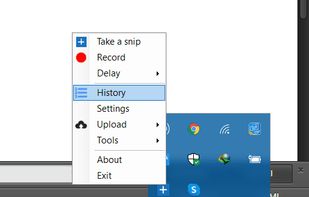
With Free Snipping Tool, not just you create snips, you can save your snips on major backup services like Imgur, Google Drive and Dropbox. Not just this you can also upload them via FTP or simple WebRequest.
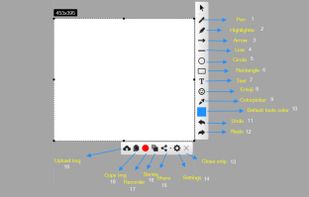
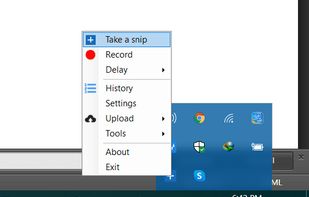
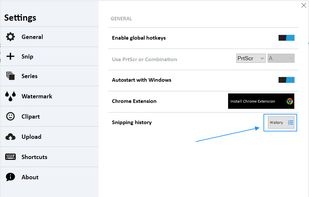


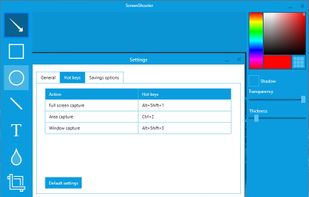
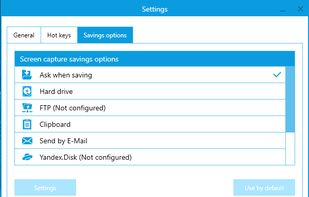
Simple, but powerful application for taking screenshots, editing them with included editor, and saving using multiple options, such as local storage, cloud, FTP-server, or direct copying to the clipboard or E-mail message.
 Russia