





Hister
6 likes
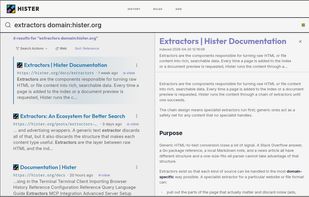
Your own search engine. Hister turns the pages you visit and the files you keep into a private, full content search index that you control.

Cost / License
- Free
- Open Source (AGPL-3.0)
Application type
 EU
EUPlatforms
- Mozilla Firefox
- Google Chrome
- Linux
- Mac
- Windows
- Docker
- Nix Package Manager


Features
Hister News & Activities
Highlights All activities
Recent activities
 SuperCommands added Hister as alternative to SuperCommands
- Juan Anderson liked Hister
- Nam Pham liked Hister
- Wierzciu liked Hister
- Martijn-van-der-Velde liked Hister
- epoxeternia liked Hister
- dimanesterchuk liked Hister
- Paul added File Search as a feature to Hister


Hister information
Developed by
 Adam Tauber
 Licensing
Open Source (AGPL-3.0) and Free product.Written in
Alternatives
40 alternatives listedBadge
Get an embeddable badge for HisterSupported Languages

AlternativeTo Categories
Online Services, AI Tools & ServicesGitHub repository
- 5,810 Stars
- 256 Forks
- 66 Open Issues
- Updated


No comments or reviews, maybe you want to be first?