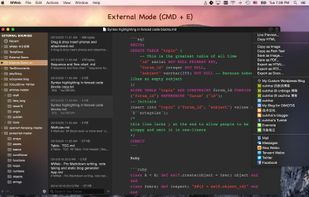
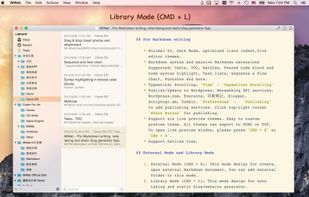
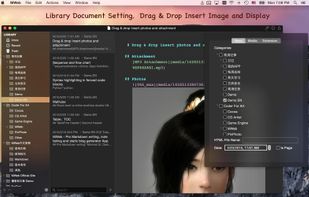
MWeb can handle professional-level markdown with support for markdown extensions. It provides publishing to various social networks and blogging formats, as well as various preview themes.
Cost / License
- Paid
- Proprietary
Platforms
- Mac
 China
China




Haroopad has been discontinued. Similar apps include Sublime Text, which has a free version. Other options are Vim, Zettlr, Neovim and Typora. There's no shortage of Text Editors like Haroopad, with more than 100 alternatives for Mac, Windows, Linux, the web and iPhone.
MWeb can handle professional-level markdown with support for markdown extensions. It provides publishing to various social networks and blogging formats, as well as various preview themes.
China
LightPaper lets you write your documents/articles/blogs using powerful features such as markdown, folder navigator, real and live preview, shadow notes, multi-tabs, custom styles, distraction free mode, syntax highlighting, math rendering, full GFM support including GitHub...
 United States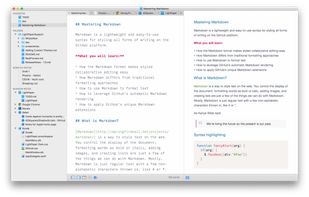


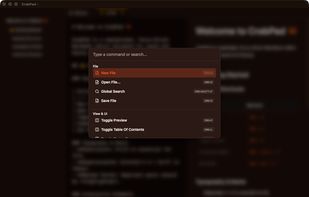
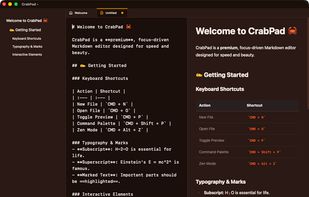
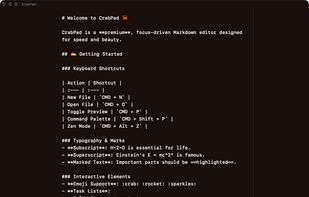
CrabPad is a fast, free Markdown editor built with Rust. Local-first, keyboard-driven, with Zen Mode, Command Palette, live preview, and support for KaTeX math, Mermaid diagrams, and GFM. Available for macOS, Windows, and Linux.
 Poland
 EU
EU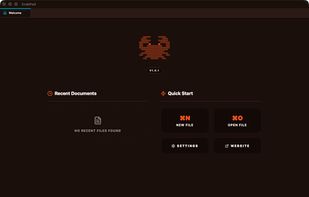


Markdown Monster is a responsive Markdown editor that lets you edit Markdown with syntax highlighting and super fast text entry. A collapsable synced, live preview lets you preview your output as you type.
United States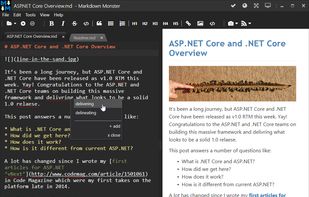


A Markdown Text Editor to manually edit a markdown file, with instant preview of the output in a HTML Viewer.
 ItalyEU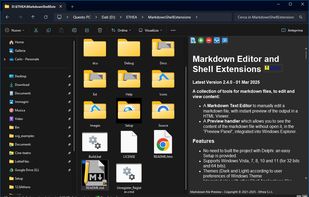
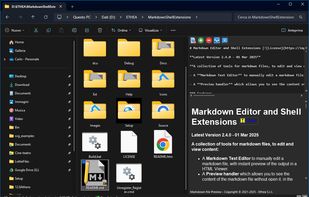
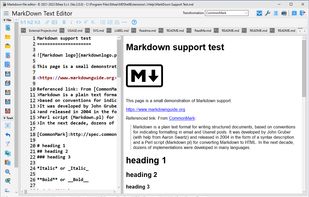
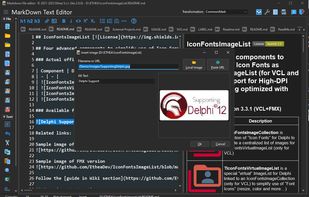


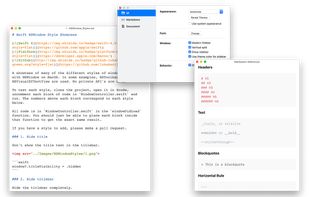
A modern macOS markdown editor - themeable, tabs, sidebar, GitHub flavored markdown, exporting, latex and more.
 Australia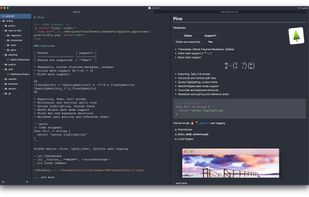


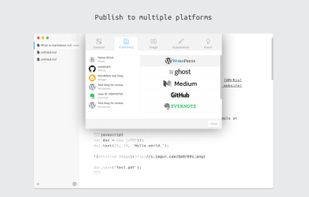
WordMark is a lightweight editor for markdown writers. You can easily publish posts to your blogs via WordMark including Wordpress, Ghost, Medium, Blogger, Github (Jekyll), Evernote, and so on.
China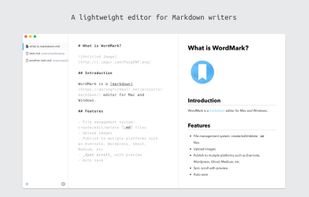
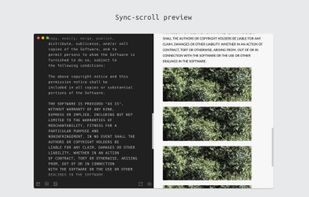


Monod was a secure and offline-first, React-based Markdown editor. Development has STOPPED and the app has been taken down.
 FranceEU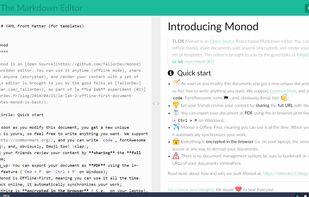
 FranceEU
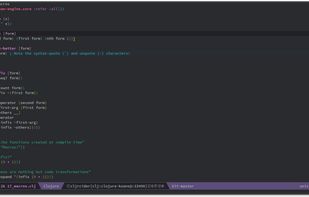


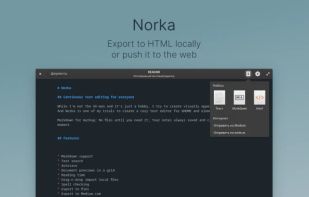
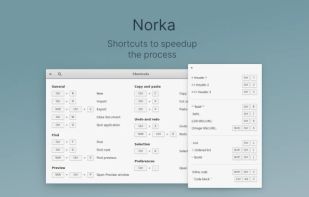
Imagine a hassle-free text-writing experience. Don't worry about saving files, complex markup, or accidentally deleted notes.
 EstoniaEU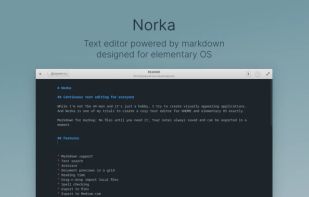


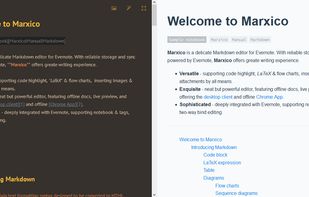
Marxico is a neat Markdown editor that features :
code highlight, tables, images, attachments, LaTeX etc.
live preview, offline desktop client and Chrome App.
Evernote integration with notebooks & tags, two-way bind editing etc.


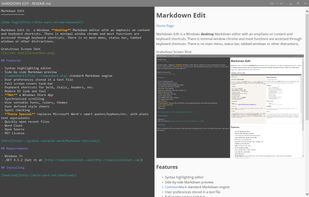
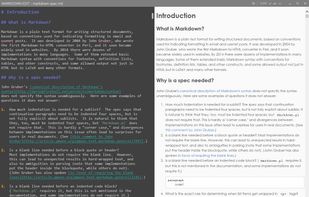
Markdown Edit is a Windows desktop Markdown editor with an emphasis on content and keyboard shortcuts. There is minimal window chrome and most functions are accessed through keyboard shortcuts.
United States