

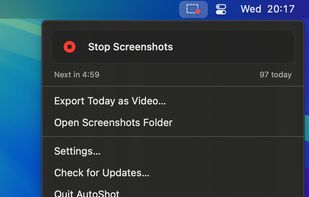
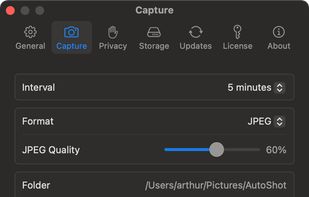
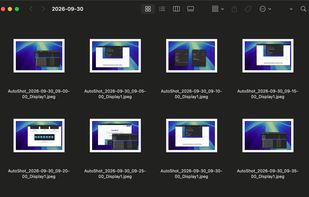
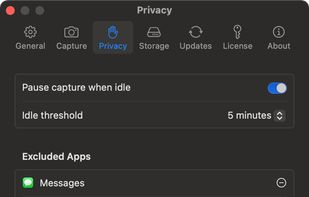
Menu bar app for Mac that takes a screenshot of every display on a timer, sorts them into a folder per day, and turns any day into a timelapse video.



+2





The best Screenshot Capture alternative to Greenshot is ShareX, which is both free and Open Source. If that doesn't suit you, our users have ranked more than 100 alternatives to Greenshot and loads of them are Screenshot Capture Tools so hopefully you can find a suitable replacement. Other interesting Screenshot Capture Tool alternatives to Greenshot are Flameshot, Snipping Tool, PicPick and macshot.
Menu bar app for Mac that takes a screenshot of every display on a timer, sorts them into a folder per day, and turns any day into a timelapse video.

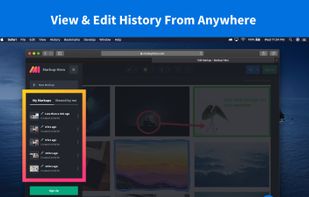
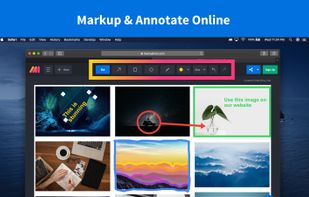
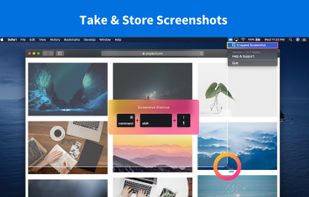
Screenshot and annotation tool that runs in your web browser, with free capture apps for Mac, Windows, Linux, Chrome and Firefox.
 United States


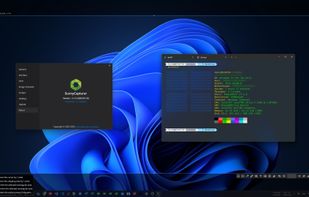
SunnyCapturer is a simple and beautiful cross-platform screenshot software that supports OCR for extracting text from images, image translation, custom stickers, and pinning images to the screen. Supports Windows, MacOS, Linux operating systems.
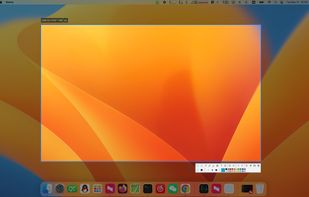
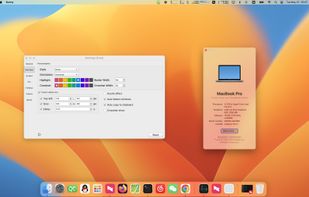
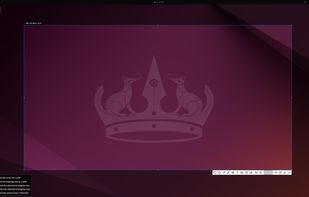


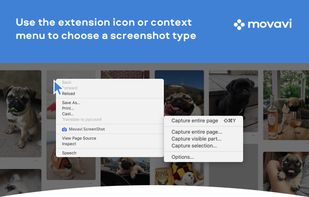
Movavi ScreenShot is a screenshot extension for Chrome and Firefox that lets you grab full and partial screen captures as well as save screenshots in multiple formats.
 Cyprus
 EU




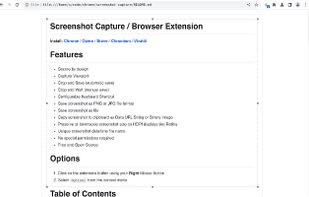
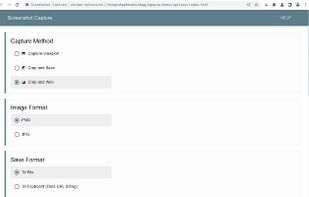
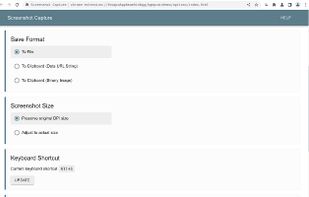


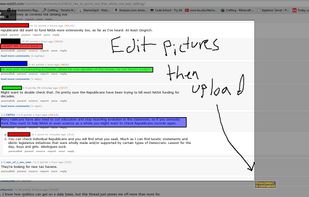


Bug Shooting is the perfect tool for software developers as well as testers. Bug Shooting provides you an easy way to create screen captures and attach them to items of your bug tracking or issue management system, e.g.


A lightweight yet powerful screen capture tool that allows you to easily capture anything on the screen including windows, objects, full screen, rectangular and freehand regions.
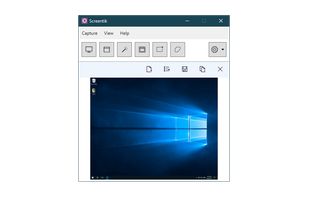


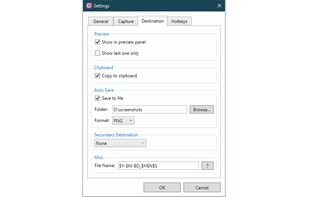


Gemoo Snap is an easy-to-use screenshot tool. Capture screenshots of ChatGPT conversations, add annotations, and instantly share them with anyone.
 China



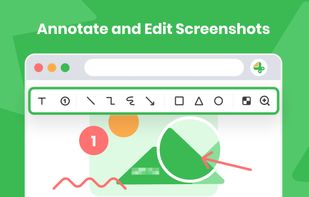


HyperSnap is the fastest and easiest way to take screen captures from Windows screen, and text capture (TextSnap™) from places where normal text copy is not possible. HyperSnap combines the power of a first-class screen capture application with an advanced image editing utility...
United States


 FranceEU
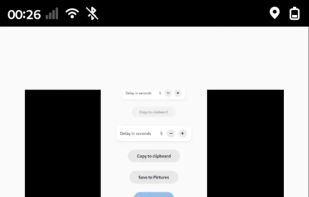


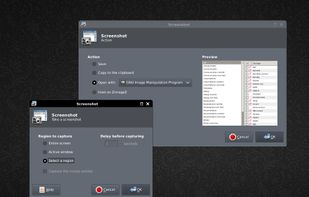
This application allows you to capture the entire screen, the active window or a selected region. You can set the delay that elapses before the screenshot is taken and the action that will be done with the screenshot: save it to a PNG file, copy it to the clipboard, open it...
 GermanyEU