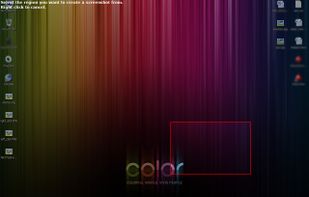
This is the handiest way to screen capture, edit selected areas on the screenshots, and sharing with others.
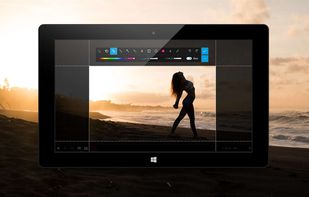

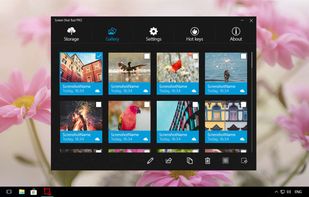


+5





The best Screenshot Capture alternative to Greenshot is ShareX, which is both free and Open Source. If that doesn't suit you, our users have ranked more than 100 alternatives to Greenshot and loads of them are Screenshot Capture Tools so hopefully you can find a suitable replacement. Other interesting Screenshot Capture Tool alternatives to Greenshot are Flameshot, Snipping Tool, PicPick and macshot.
This is the handiest way to screen capture, edit selected areas on the screenshots, and sharing with others.

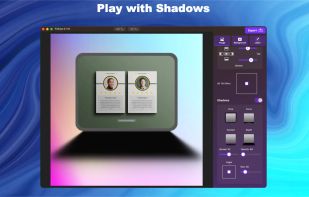
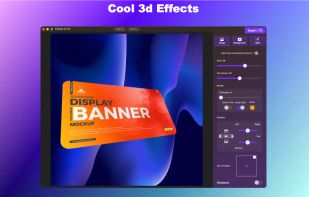
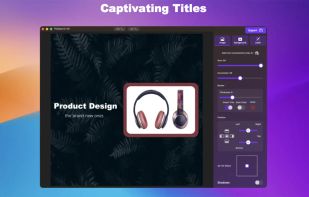
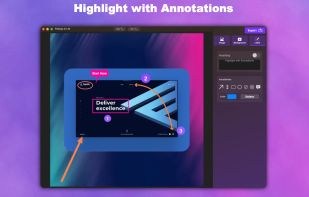
Capture, Customize, and Share Effortlessly with PixEase. We understand the value of your time, which is why we've designed our app to make the process of creating stunning visuals quick and seamless.


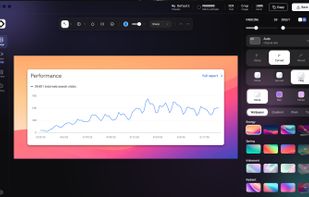
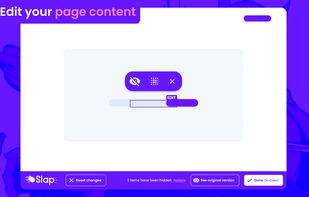
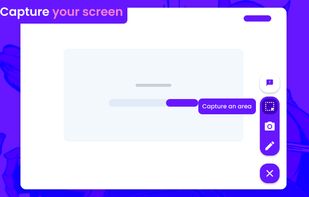
BaseShot is a screen capture and screen recording app for Windows and macOS. Capture an area, a window, the full screen, or a scrolling page, then annotate it with arrows, text, highlights, counters and redaction.
 Pakistan
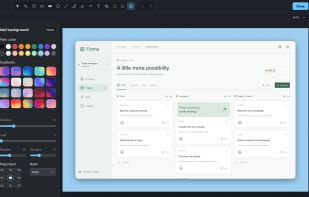
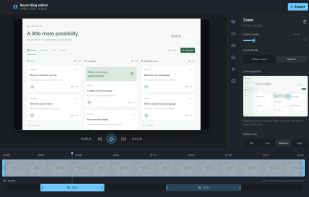
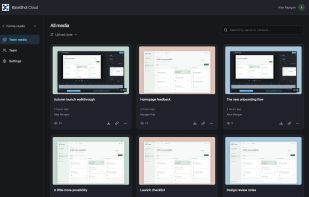


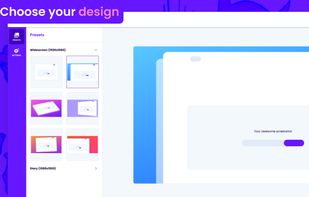
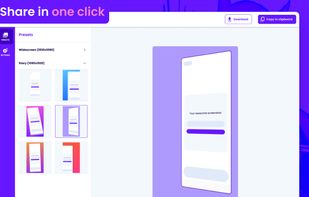
Beautiful screenshots with stunning backgrounds and powerful annotation tools. Create, edit, and share professional-quality screenshots with ease.
 Portugal
 EU


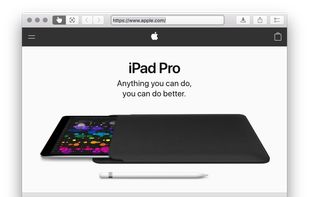
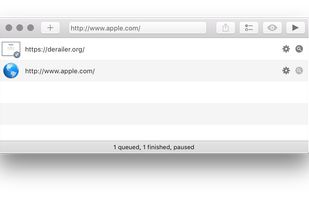
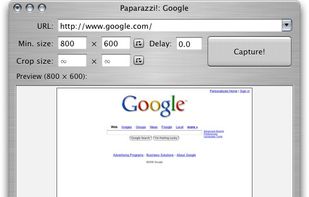
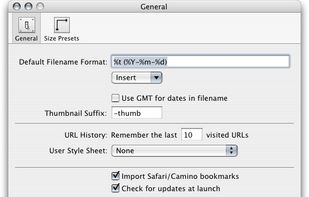
Paparazzi! is a small utility for Mac OS X that makes screenshots of webpages.
It’s written in Objective-C using the Cocoa API and the WebKit framework.
It was inspired by webkit2png which is a commandline tool written by Paul Hammond in pyObjC, so all intellectual credit for t.
 United States


A cross-platform desktop workbench that detects video, live streams, radio, and playlists in its built-in browser, then captures, converts, and edits them. It supports subtitles, batch jobs, hardware encoding, GIF export, ad and tracker blocking, and signed updates.
 CzechiaEU
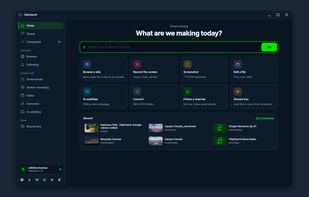
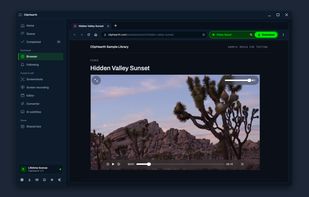
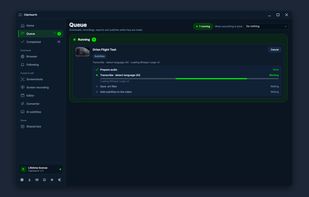
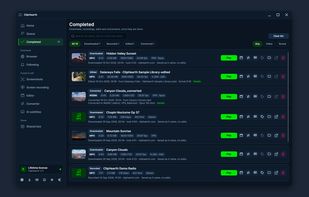


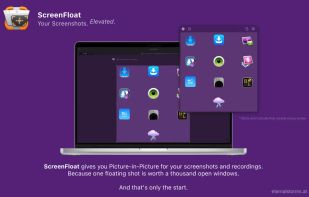
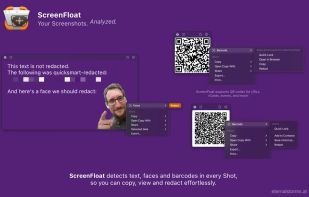
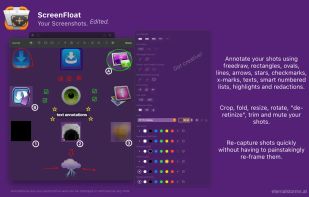
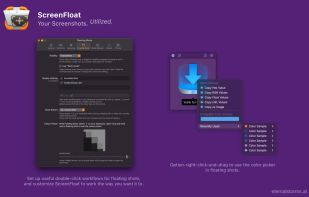
Maximize productivity on Mac with intuitive screen captures, Picture in Picture, and versatile annotation capabilities.
 AustriaEU


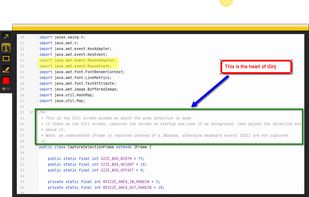
An open source multi-platform screen capture and recording tool for simple "capture / annotate / share" workflow. Ginj was inspired by Jing (now discontinued), but although there are similarities in the way both tools behave, Ginj is not Jing.




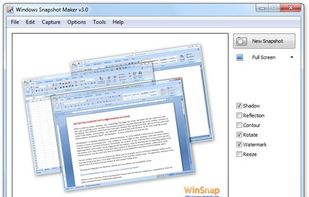
WinSnap is a small enhancement utility for taking and editing screenshots. Standard features include easy capture of non-rectangular windows with customized and transparent backgrounds, simple and automatic canvas transformations, coloring effects, and the addition of eye-candy...
 Russia

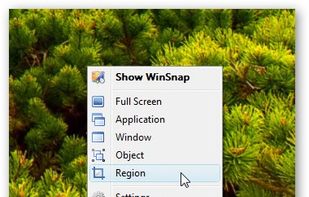


Freeware tool for taking fast and simple screenshots of the entire screen, windows and regions.
 Kazakhstan

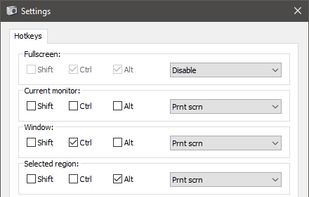


Taking screenshots with Shotty is so natural and easy, you just have to try it. Edit them in minimalistic editor and the upload them with one click. Focusing on simplicity and usability, this tool is probably the most intuitive screenshot utility out there.
 GermanyEU