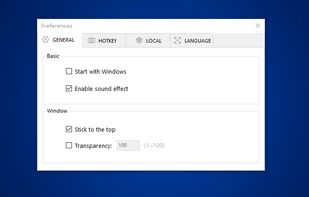
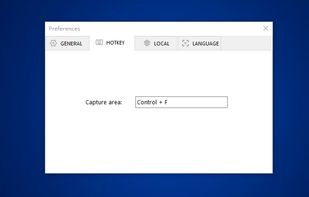
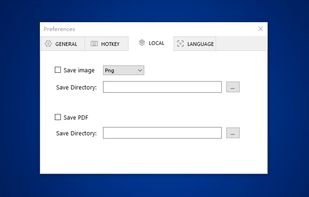
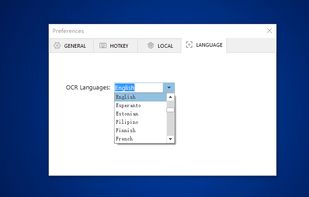
This is just a screen-capture toy, nothing more. If you don't know how to take screenshots with the system functions, use this tool :-).
Cost / License
- Free
- Proprietary
Application type
Platforms
- Windows
 Serbia


Greenshot is described as 'Efficient screenshot tool providing OCR, exports to Office apps, supports image editing and sharing, occupying minimal space with 32 languages' and is a leading screenshot capture tool in the photos & graphics category. There are more than 100 alternatives to Greenshot for a variety of platforms, including Windows, Mac, Web-based, Linux and Google Chrome apps. The best Greenshot alternative is ShareX, which is both free and Open Source. Other great apps like Greenshot are Flameshot, PicPick, Lightshot and Snagit.
This is just a screen-capture toy, nothing more. If you don't know how to take screenshots with the system functions, use this tool :-).
Serbia
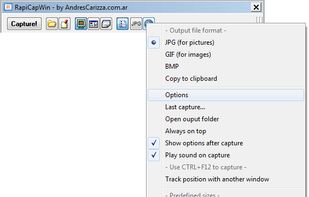
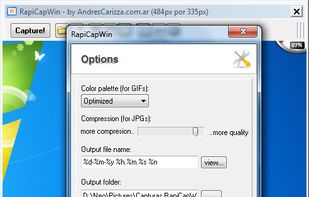
RapiCapWin is a very easy to use tool to take screenshots.
The program presents three classical modes of capture, full screen, the active windowand a rectangular area.
 Germany
 EU
EU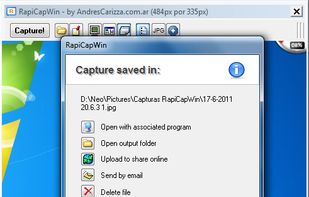


Ashampoo Droid Screenshot is a fully-fledged mobile application to capture, edit and share screenshots and images on your Android device. Capture screen contents, take photos with your built-in camera or simply load existing images and add stylable arrows, shapes, stamps and...
GermanyEU
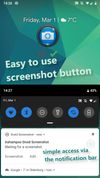



Fii is a completely free online sharing application which brings visualization to your online conversation. You can show your co-worker, friend, teacher, boss, parents or whomever you want a part of your screen with a single mouse click.
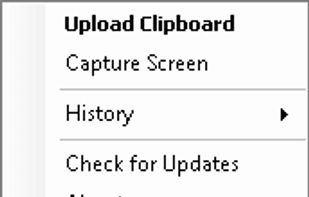


CutyCapt is a small cross-platform command-line utility to capture WebKit's rendering of a web page into a variety of vector and bitmap formats, including SVG, PDF, PS, PNG, JPEG, TIFF, GIF, and BMP.
GermanyEU



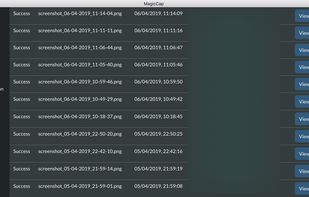
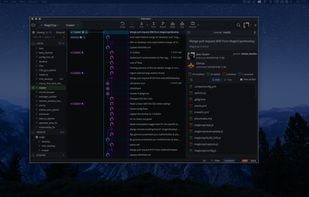
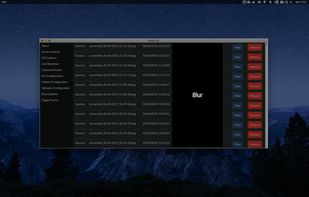
MagicCap is an image/GIF capture suite for Mac and Linux featuring screenshot manipulation options such as blurring.


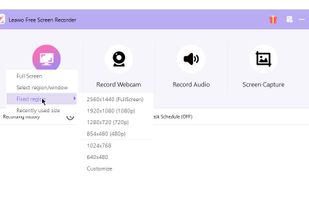
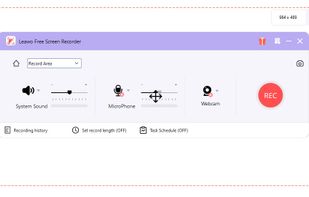
Leawo Free Screen Recorder is a 100% free screen recorder combo, allowing you to record videos with up to 4K quality from screen, webcam, system sound or/and Microphone.
 China
China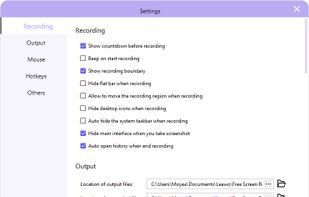


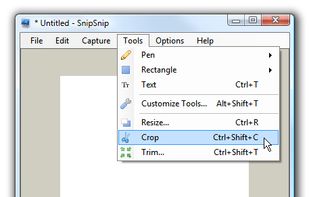
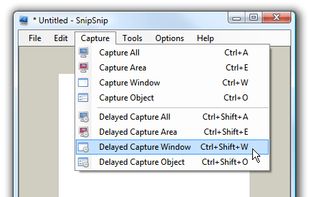
SnipSnip is a screen capture utility, designed for easy capture of some or all of your screen(s). It also allows you to do simple tasks like resizing, cropping and drawing on the capture.
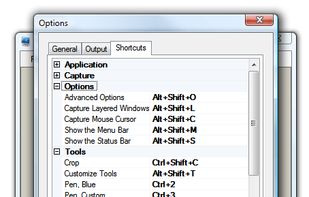


informUp screen capture is a free screen capture software for you to easily take screenshots.


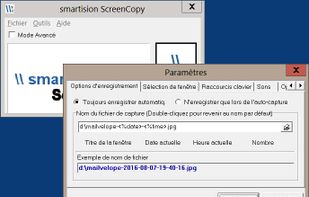
With Smartision ScreenCopy, you can do screenshots all or a part of the screen on Windows in PNG or JPEG formats with a keyboard shortcut.


You can use Easy Screen OCR to capture a snapshot and start OCR process. this program will detect the text from the image and start OCR process immediately. You can extract the text to copy and paste in seconds.
China