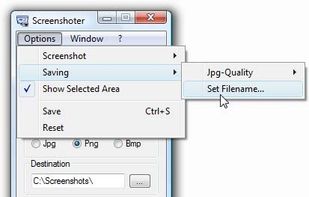
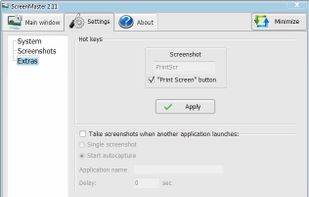
Every annoying feature is consistently excluded. Make a screenshot with a click on the button or by pushing the "Print Screen" key and it will be directly saved as an image - thats it!
 Germany
 EU








The best Screenshot Capture alternative to Greenshot is ShareX, which is both free and Open Source. If that doesn't suit you, our users have ranked more than 100 alternatives to Greenshot and loads of them are Screenshot Capture Tools so hopefully you can find a suitable replacement. Other interesting Screenshot Capture Tool alternatives to Greenshot are Flameshot, Snipping Tool, PicPick and macshot.
Every annoying feature is consistently excluded. Make a screenshot with a click on the button or by pushing the "Print Screen" key and it will be directly saved as an image - thats it!
GermanyEU
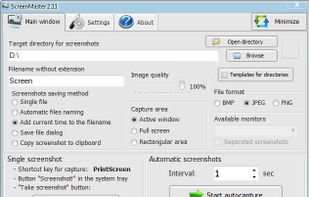
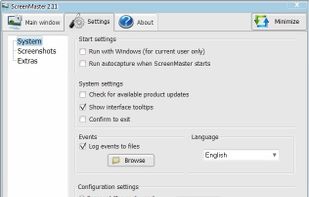
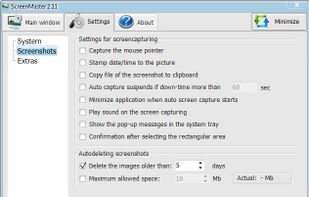
ScreenMaster is the program for automatic screenshots capture that allows to take the images with a pre-defined frequency. The program has the options for fast screenshot saving to a specified folder.


QuickScreenshot is a lightweight and very easy to use application that enables you to take screenshots of your desktop with a few mouse clicks. Just press the wanted screenshot key (or press it multiple times) and your screenshots are done!
GermanyEU


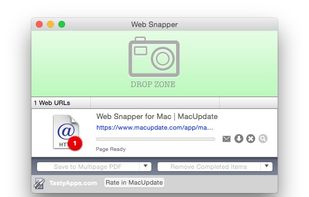
WebSnapperPro (formerly known as Red Snapper) lets you capture web pages - exactly as they appear in your browser. You can send them to a file, as images or vector-based, multi-page PDFs. It captures the whole web page - eliminating the need to cut, paste and crop multiple...
 United States


Generate web page full-length screenshot for free online.
United States


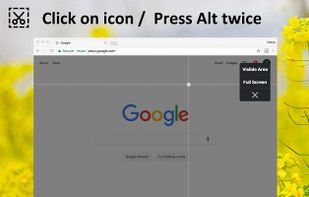
Capture the web page, either part of it or full page. Edit your screenshots in a very user-friendly interface.


The smallest free tool for taking screenshots of different size. Just open SnapaShot, resize it's window to fit the area you want to save, and press "save it" button.
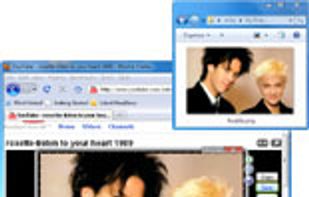
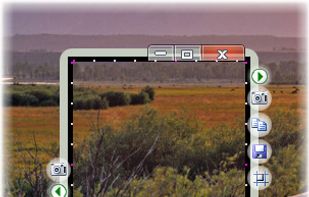


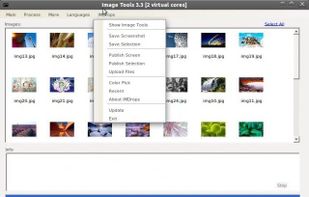
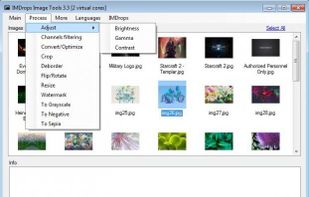
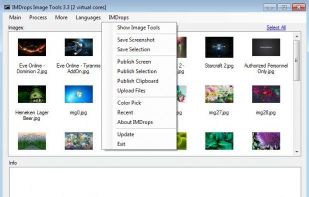
Image Tools is a screen capture, file sharing and image processing tool. It features multi-threaded batch image resizing, conversion, cropping, flipping/rotating, watermarks, decolorizing (grayscale, negative, sepia), and optimizing.


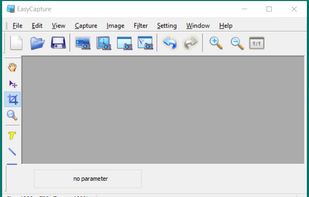
EasyCapture is a powerful and easy-to-use free screen capture software.
It allows you to capture whole windows, scrolling windows, selected-regions, fixed-size rectangles (regions) and window controls. It has a delayed capture mode, so that you can capture the target window dur.


Right click on any web page, frame or iframe, click "Save Page As Image..." and then resize the selection around the piece you want to save.