Google Drawings Alternatives for Mac

Google Drawings is not available for Mac but there are plenty of alternatives that runs on macOS with similar functionality. The best Mac alternative is draw.io, which is free. If that doesn't suit you, our users have ranked more than 50 alternatives to Google Drawings and many of them are available for Mac so hopefully you can find a suitable replacement. Other interesting Mac alternatives to Google Drawings are LibreOffice - Draw, yEd Graph Editor, Dia and PlantUML.

Copy a direct link to this comment to your clipboard
Google Drawings alternatives page was last updated

Alternatives list

  1. SmartDraw icon
     34 likes
    Copy a direct link to this comment to your clipboard

    Instead of starting with a blank screen, SmartDraw gives you the exact template you need. Then use simple commands to add your information and SmartDraw does the rest. There's no other drawing software like it.

    71 SmartDraw alternatives

    Cost / License

    • Pay once or Subscription
    • Proprietary

    Application type

    Platforms

    • Mac
    • Windows
    • Online
     
  2. Creately icon
     109 likes
    Copy a direct link to this comment to your clipboard

    Web-based diagram platform offers real-time teamwork, 50+ diagram and mind mapping types, technical wireframing, smart objects, templates, version control, secure cloud storage, PDF export, collaboration tools, commenting, and integration for business and education use.

    Cost / License

    • Freemium (Subscription)
    • Proprietary

    Platforms

    • Mac
    • Windows
    • Linux
    • Online
     
  3. QuikFlow icon
     3 likes
    Copy a direct link to this comment to your clipboard

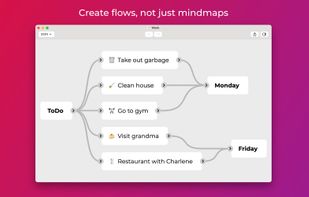
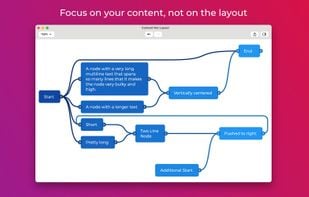
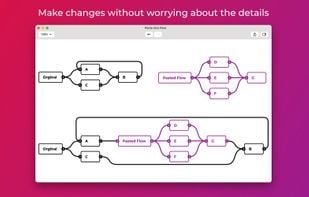
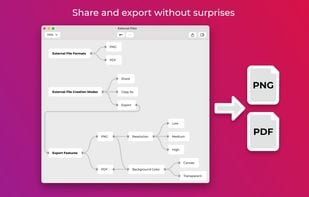
    Create flowcharts (and mind maps) without worrying about layout with QuikFlow. With our innovative interactive layout algorithms, you can work as if you were using a mind mapping application while creating flowcharts. Define your structure and the app handles the layout!

    Cost / License

    • Freemium (Pay once or Subscription)
    • Proprietary

    Platforms

    • Mac
    • Windows
     
  4. D2 icon
     3 likes
    Copy a direct link to this comment to your clipboard

    Create beautiful diagrams in minutes. Simple syntax. Endlessly customizable. D2 is the fastest and easiest way to get a mental model from your head onto the screen, then make edits with your team.

    25 D2 alternatives

    Cost / License

    • Free
    • Open Source

    Platforms

    • Mac
    • Windows
    • Linux
    • Self-Hosted
     
  5. PDDON icon
     5 likes
    Copy a direct link to this comment to your clipboard

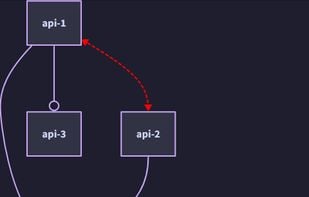
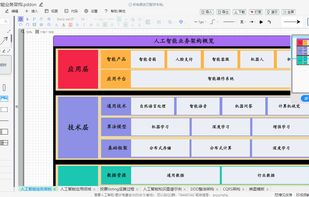
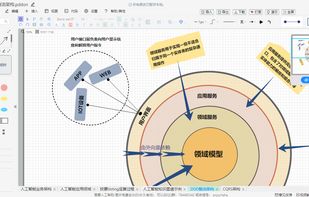
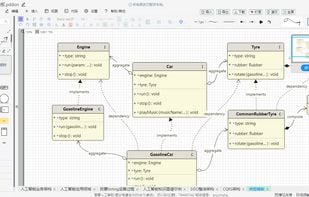
    A daily drawing tool that supports low code for learning or office use. It can be used for flowchart, mind map, UML diagram, ER diagram, network topology diagram, BPMN, Venn diagram, database model diagram, whiteboard drawing, infinite canvas, and more.

    Cost / License

    • Free Personal
    • Open Source

    Alerts

    • Warning

    Platforms

    • Windows
    • Mac
    • Linux
    • Online
     
  6. Penrose icon
     4 likes
    Copy a direct link to this comment to your clipboard

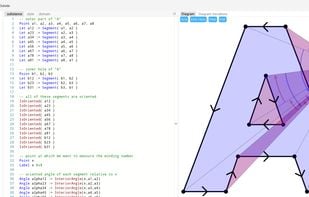
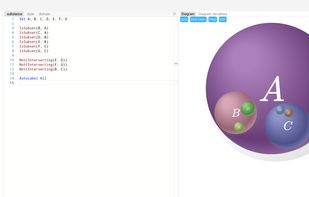
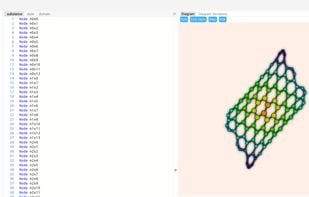
    Penrose is a platform that enables people to create beautiful diagrams just by typing mathematical notation in plain text. The goal is to make it easy for non-experts to create and explore high-quality diagrams and provide deeper insight into challenging technical concepts.

    Cost / License

    • Free
    • Open Source

    Application type

    Platforms

    • Online
    • BSD
    • Linux
    • Mac
    • Windows
     
  7. CmapTools icon
     48 likes
    Copy a direct link to this comment to your clipboard

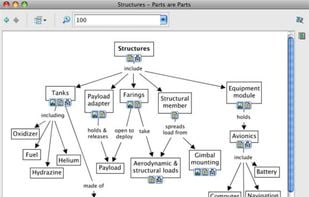
    concept maps on servers, edit their maps synchronously (at the same time) with other users on the Internet, and search the web for information relevant to a concept map.

    45 CmapTools alternatives

    Cost / License

    • Free
    • Proprietary

    Application type

    Platforms

    • Mac
    • Windows
    • Linux
    • iPad
     
  8. MyDraw icon
     25 likes
    Copy a direct link to this comment to your clipboard

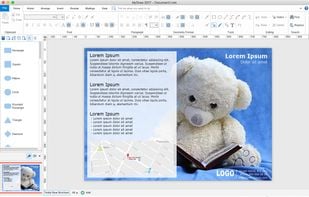
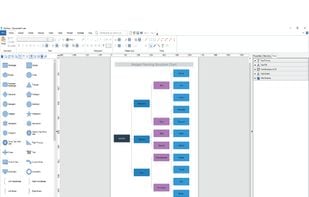
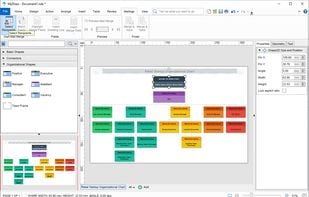
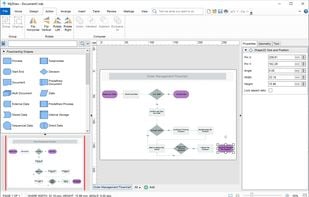
    MyDraw is an easy to use, yet powerful diagramming software that lets you create a large number of diagrams like flowcharts, organizational charts, mind maps, network diagrams, floor plans, family trees, business model diagrams, and many more.

    Cost / License

    • Pay once
    • Proprietary

    Platforms

    • Mac
    • Windows
     
  9. Copy a direct link to this comment to your clipboard

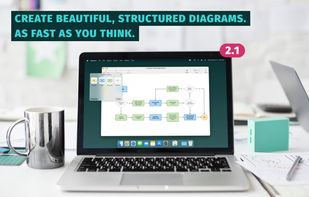
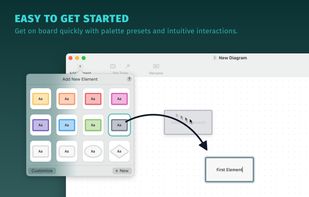
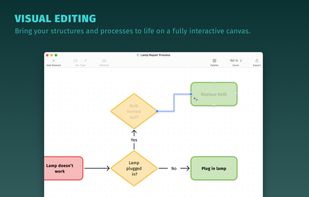
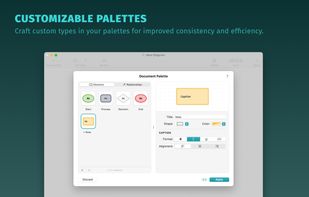
    Diagrams is a native diagram editor for macOS. With this productivity tool you can create beautiful, structured diagrams.

    Cost / License

    • Pay once
    • Proprietary

    Application type

    Platforms

    • Mac
     
  10. ClickCharts icon
     6 likes
    Copy a direct link to this comment to your clipboard

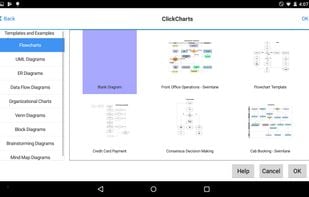
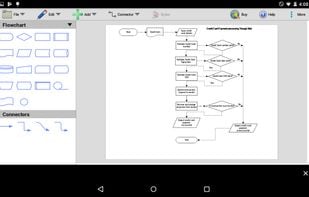
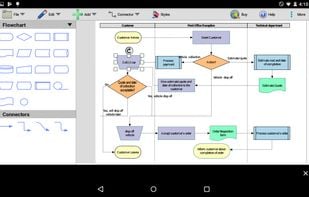
    Design flowcharts, UML, Venn, and mind map diagrams with customizable templates, varied symbols, shapes, connector styles, overlapping sheet support, and intuitive drag-and-drop editing. Export visuals as images, edit multiple diagrams, and organize complex data visibly.

    121 ClickCharts alternatives

    Cost / License

    • Free Personal
    • Proprietary

    Platforms

    • Mac
    • Windows
    • Android
    • Kindle Fire
     
  11. Ilograph icon
     Like
    Copy a direct link to this comment to your clipboard

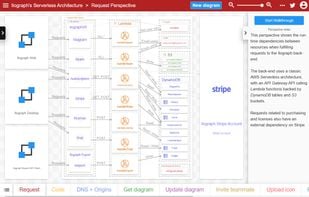
    With Ilograph diagrams, you define your resources once, then show how they're related from many different perspectives. Seamlessly change perspectives to demonstrate cross-functional dependencies and shared responsibilities.

    54 Ilograph alternatives

    Cost / License

    • Freemium (Subscription)
    • Proprietary

    Application type

    Platforms

    • Mac
    • Windows
    • Linux
    • Online
     
  12. Copy a direct link to this comment to your clipboard

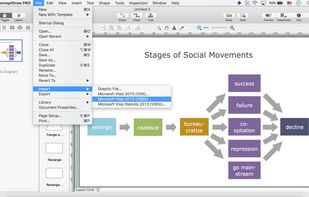
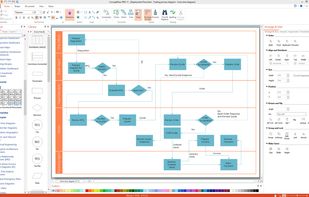
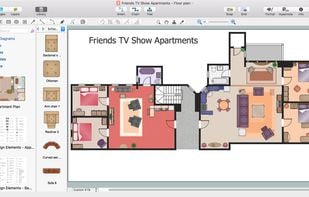
    ConceptDraw DIAGRAM v14 is the only product that supports Visio legacy, runs on macOS and Windows, and is a perpetual license. Import/Export VDX, VSDX, VSSX and Import VSD, VSS files.

    Cost / License

    • Pay once
    • Proprietary

    Platforms

    • Mac
    • Windows
     
You are at page 2 of Google Drawings alternatives