


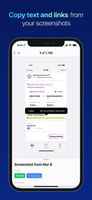
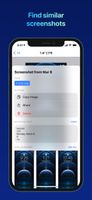
FlyScreen is a powerful screenshot manager for iOS. Search your screenshots, copy text and links, organize by tags, and more.
Cost / License
- Free
- Proprietary
Application type
Platforms
- iPhone
- iPad





Glui has been discontinued. Similar apps include Greenshot, which is open source with a free version. Other options are PicPick, FastStone Capture, Lightshot and Spectacle. You're spoiled for choice with Screenshot Capture Tools like Glui: we list more than 25 alternatives for Windows, Mac, the web, Linux and Android.
FlyScreen is a powerful screenshot manager for iOS. Search your screenshots, copy text and links, organize by tags, and more.

This extension is able to capture 100% of both the vertical and horizontal content appearing on any webpage on the Internet.
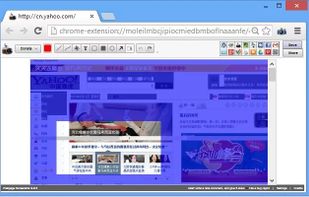


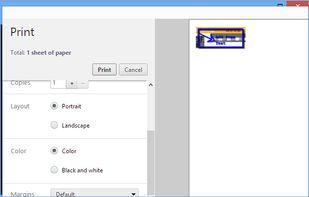


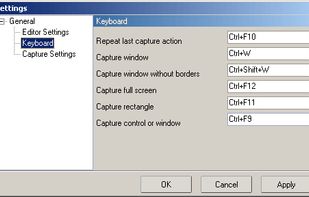
Easy Screen Capture and Annotation lets you capture and annotate any part of the screen. The main goal of the product is to speed up the capture and editing process saving you valuable time by automating repetitive tasks.
 United States


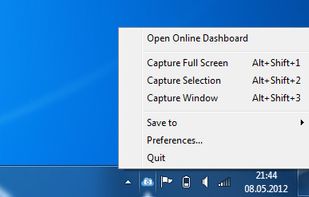
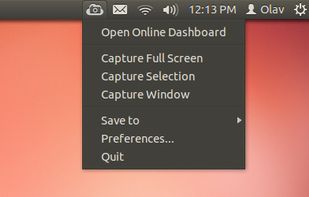
ScreenCloud is an easy to use screenshot sharing application. Take a screenshot using one of the 3 hotkeys or simply click the ScreenCloud tray icon. You can choose where you want to save your screenshot.


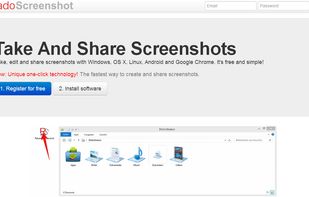
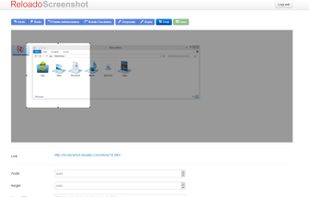
Take, edit and share screenshots with Windows, OS X, Linux, Android and Google Chrome. It's free and simple!


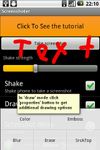
Wise Shark Screenshot allows you to create a screenshot of your Android screens.
 Russia


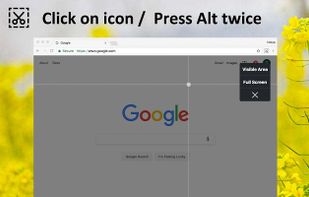
Capture the web page, either part of it or full page. Edit your screenshots in a very user-friendly interface.


In SnapDraw Free, all the complicated annotation graphics such as Callouts and Magnifier Lens or nice looking effect such as 3D perspective and Reflections - are built-in tools.
 Czechia
 EU
EU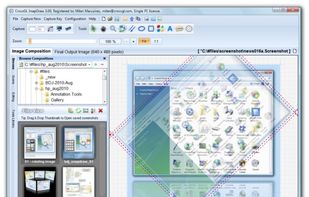


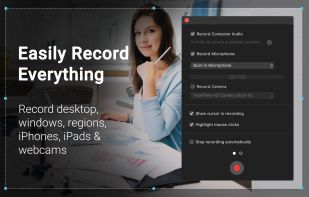
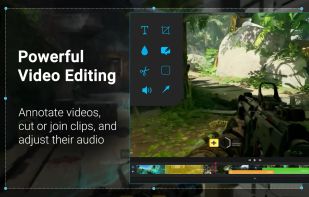
Capture HD video at 60 FPS, record iOS devices, and edit screen or image content with annotation, voiceover, and advanced file management. Includes fullscreen, selection, and web capture, quick sharing to cloud, FTP, YouTube, and fast search for Mac users.
 India
India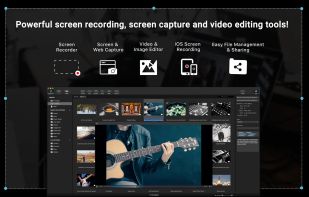



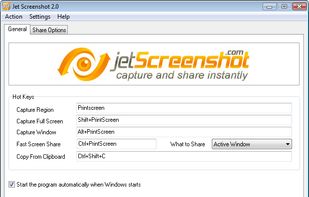
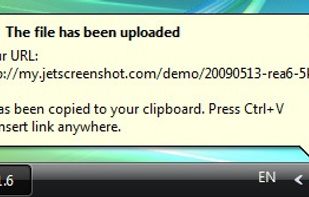
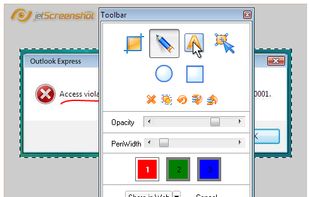
Jet Screenshot is a freeware utility enabling you to share screenshot via the internet in seconds. It allows you to take a screen snap, edit it and send it to the Web, so that you can immediately provide anyone with a link to the image.
 Ukraine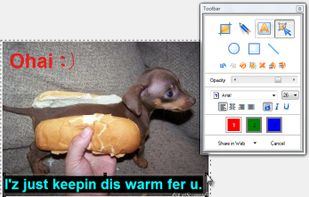


InstantShot! offers classical screenshot functionality for capturing the whole screen, a portion of it or a window and also the option to make timed screenshots or to make delayed captures over time. It offers a wide range of preferences and options to fit everyone's needs.


