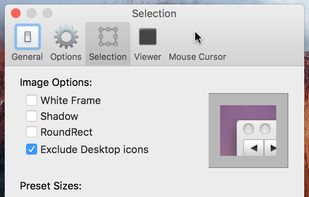
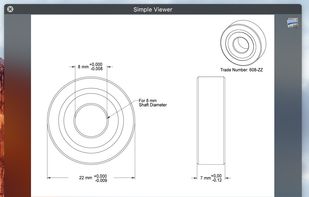
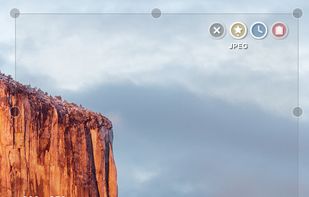
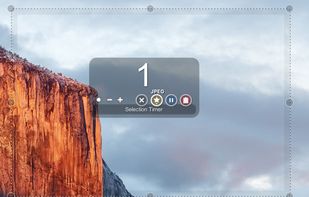
Small and free screenshot app for Mac that offers custom area and resolution presets, and much more.
Platforms
- Mac



+1


Glui has been discontinued. Similar apps include Greenshot, which is open source with a free version. Other options are PicPick, FastStone Capture, Lightshot and Spectacle. You're spoiled for choice with Screenshot Capture Tools like Glui: we list more than 25 alternatives for Windows, Mac, the web, Linux and Android.
Small and free screenshot app for Mac that offers custom area and resolution presets, and much more.

Right click on any web page, frame or iframe, click "Save Page As Image..." and then resize the selection around the piece you want to save.



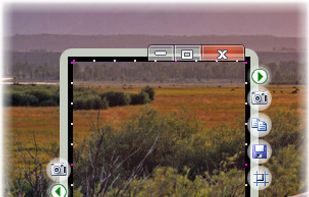
The smallest free tool for taking screenshots of different size. Just open SnapaShot, resize it's window to fit the area you want to save, and press "save it" button.


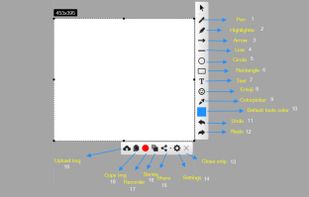
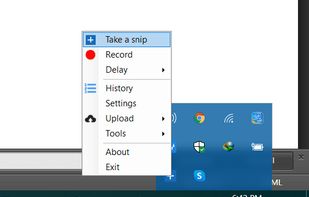
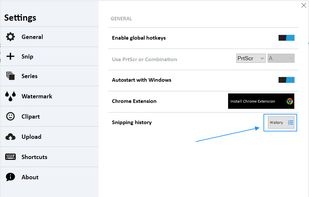
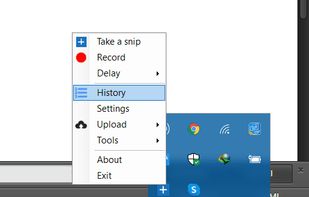
With Free Snipping Tool, not just you create snips, you can save your snips on major backup services like Imgur, Google Drive and Dropbox. Not just this you can also upload them via FTP or simple WebRequest.


Ybex Clipboard is an easy to use tool and a free web service to capture, annotate and share your screen, texts and images.
 Russia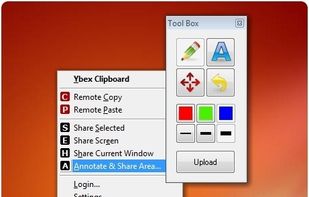


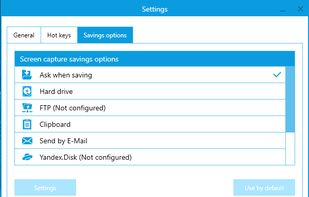
Simple, but powerful application for taking screenshots, editing them with included editor, and saving using multiple options, such as local storage, cloud, FTP-server, or direct copying to the clipboard or E-mail message.
Russia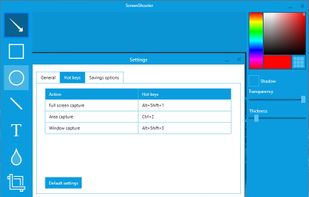


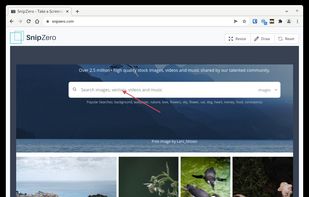
SnipZero is a convenient zero-install screenshot app that lets you take screenshots right from your web browser. No installation required. You can select any application window or browser tab as source.
 Germany
 EU
EU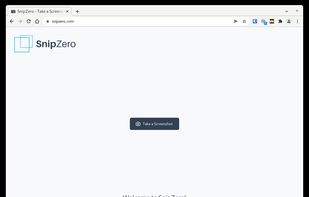


Capture screen and edit screenshot with Annotation Pilot.
This screen capture software allows you to add text and graphics to your screenshot, save your screenshot as a graphic file or send it by email.
With Annotation Pilot you can: Send a photo with annotations to your frie.
 United States



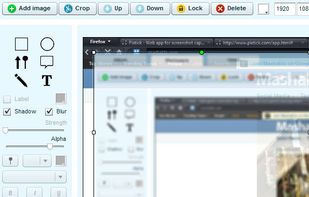
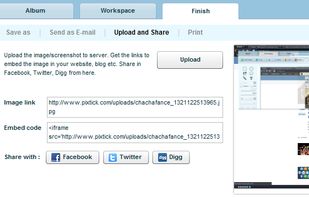
Pixtick, an online application, can capture screenshot from browser. No download or installation required. Its having robust annotation tools to annotate and edit screenshots and images from hard drive or from web.
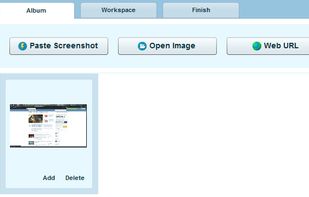



Capture is a quick-and-easy screen capture utility for Windows (and NT), which allows you to capture the entire screen, at any color depth and resolution, and save it into a Bitmap file for editing. If you are interested in only capturing one window, you can select to capture...


Lightning fast and ultra elegant screenshot and annotation tool that does all you need without the bloat. Made for Mac and Windows.
United States