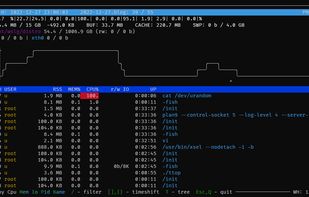
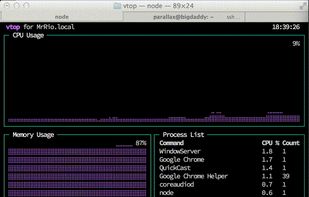
vtop is a graphical command-line tool that uses unicode braille to chart CPU and memory usage. It can be easily extended.
Platforms
- Mac
- Linux
- BSD
 United Kingdom


Apps similar to Glances include Process Explorer, which is free. Other options are htop, System Informer, btop++ and witr. You're spoiled for choice with Process Monitoring Tools like Glances: we list more than 50 alternatives for Linux, Windows, Mac, Android and iPhone.
vtop is a graphical command-line tool that uses unicode braille to chart CPU and memory usage. It can be easily extended.
United Kingdom
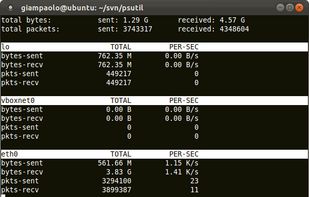
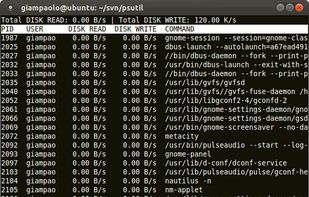
psutil is a module providing an interface for retrieving information on all running processes and system utilization (CPU, memory, disks, network, users) in a portable way by using Python, implementing many functionalities offered by command line tools such as: ps, top, df...
 Italy
Italy EU
EU


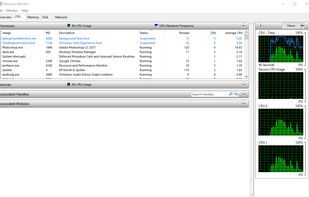
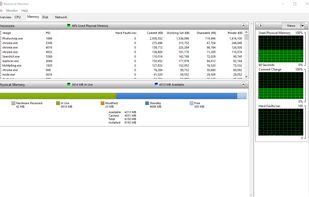
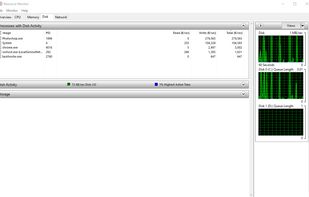
Resource Monitor is a system application in Microsoft Windows operating systems. It is used to view information about the use of hardware (CPU, memory, disk, and network) and software (file handles and modules) resources in real time.
 United States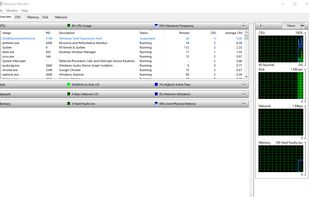


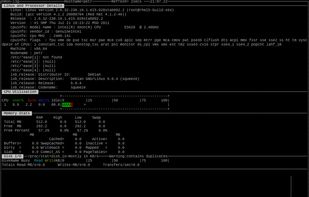
This systems administrator, tuner, benchmark tool gives you a huge amount of important performance information in one go. It can output the data in two ways


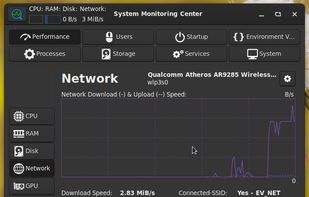
System Monitoring Center gets information about system performance and usage.
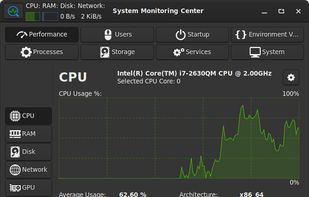
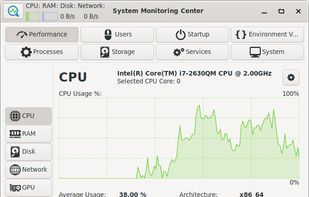
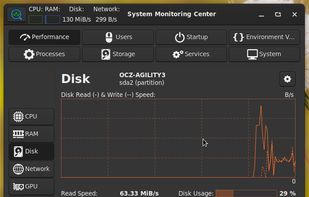


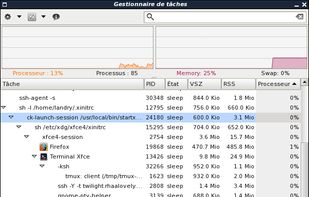


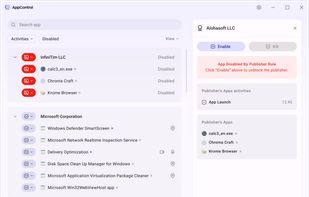
Historical resource monitoring, powerful controls for managing troublesome apps, and detailed visibility into hidden behavior that impacts your PC’s performance, privacy, and security.
United States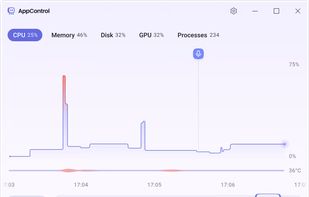




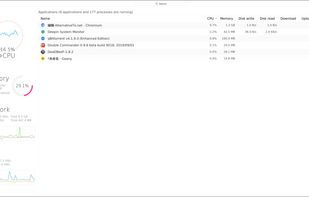
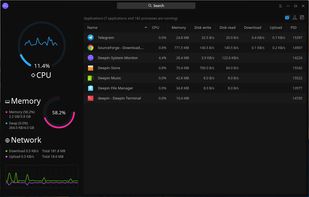
Deepin System Monitor is developed by Deepin Technology official Team, which aims to provide a simple and practical tool for monitoring usage of CPU, memory and network, as well as management of system and application process including viewing, searching and killing.



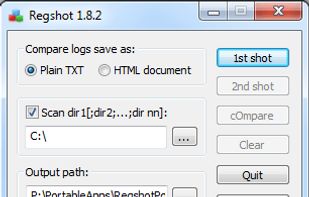
Quickly take a snapshot of your registry and then compare it with a second snapshot. You can also specify folders (with subfolders) to be scanned for changes as well.
 China
China


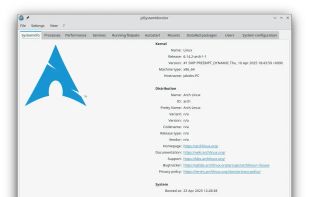
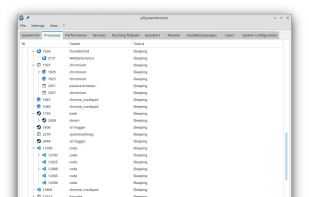
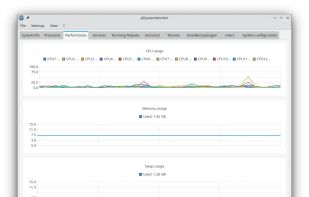
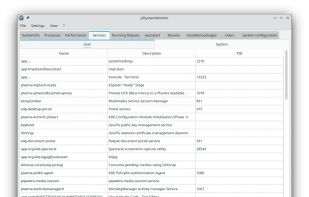
jdSystemMonitor is an advanced, desktop-independent system monitor for Linux. Its goal is to provide as much information about your system as possible, with a focus on process management.
 GermanyEU