


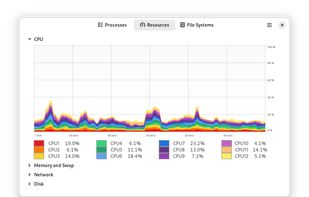
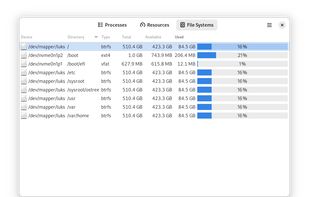
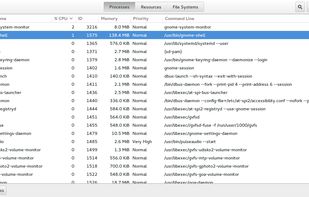
System Monitor is a tool to manage running processes and monitor system resources.
 United States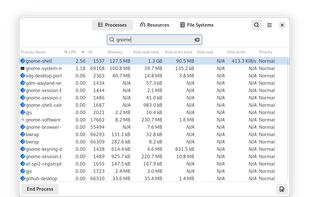



+3


Glances is described as 'Cross-platform monitoring tool which aims to present a large amount of monitoring information through a curses or Web based interface. The information dynamically adapts depending on the size of the user interface' and is a popular process monitoring tool in the os & utilities category. There are more than 50 alternatives to Glances for a variety of platforms, including Linux, Windows, Mac, BSD and Flathub apps. The best Glances alternative is Process Explorer, which is free. Other great apps like Glances are htop, System Informer, btop++ and witr.
System Monitor is a tool to manage running processes and monitor system resources.

Real-time monitoring of CPU, memory, disk, and thread metrics for running applications without workflow interruptions. Identify resource bottlenecks, memory leaks, and performance spikes. Freeware with no registration required, featuring dark/light modes, always-on-top option, and exportable logs for team analysis.
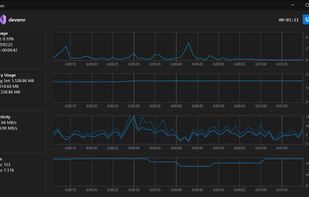
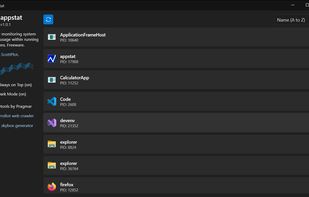


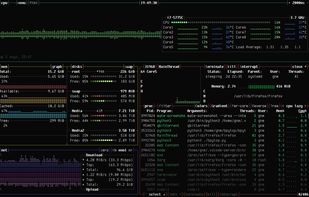
Resource monitor that shows usage and stats for processor, memory, disks, network and processes.
Python port of bashtop.
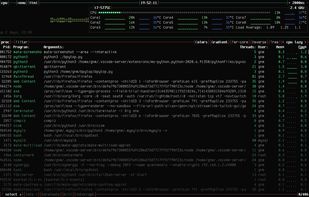
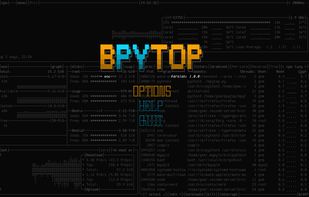
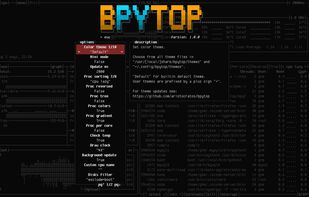


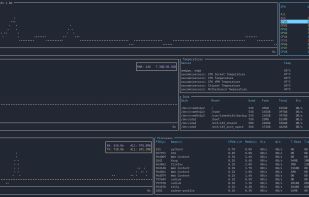
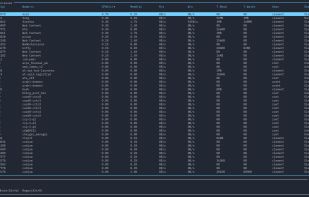


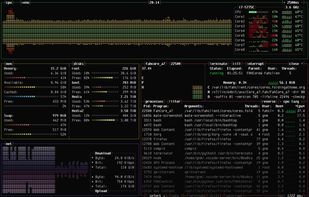
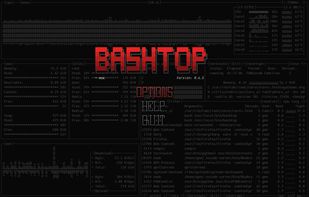
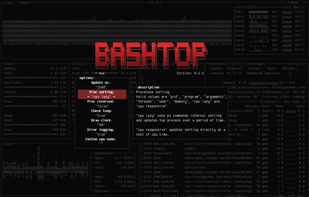


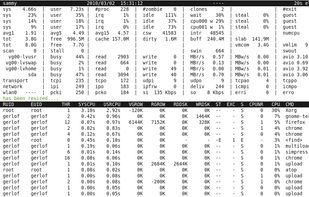
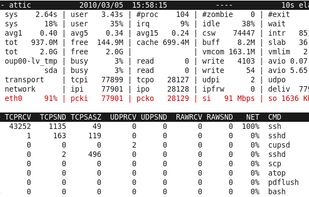
An advanced interactive monitor for Linux-systems to view the load on system-level and process-level.


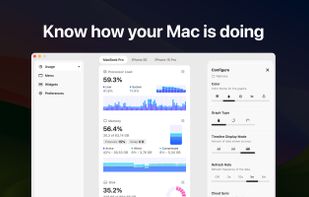
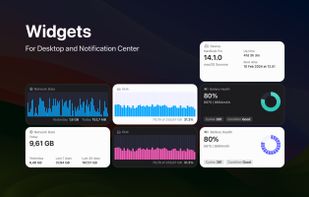
System Activity Monitor for Mac, iPhone, and iPad. Customizable, precise, and lightweight apps to keep an eye on the activity and performance of your devices.
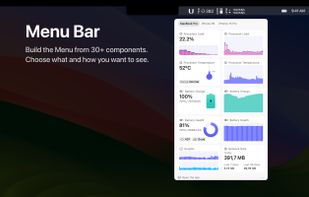
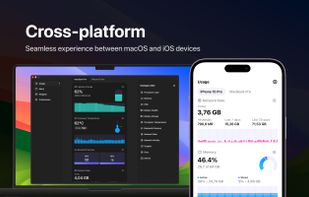


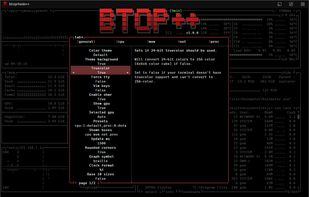
The Windows version of btop++, which is itself the re-implementation and continuation of bashtop and bpytop written in C++. A rich, featureful terminal-based resource monitor that shows usage and statistics for processor, memory, disks, network, processes and services.
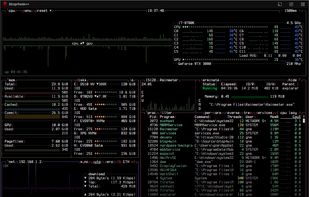
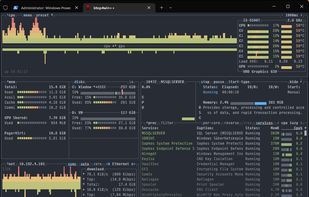



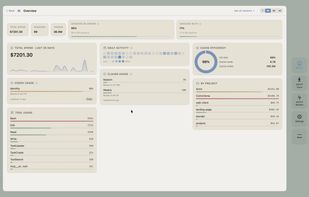
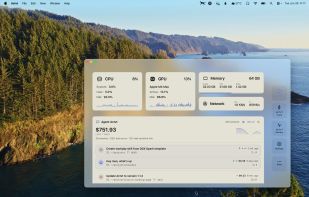
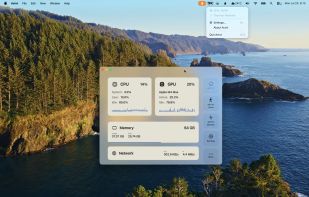
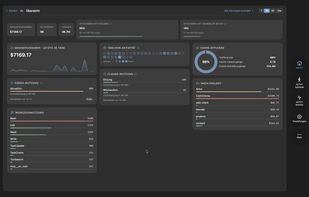
Native macOS app displays live CPU, GPU, memory, and network usage with history, manages and reclaims ports, tracks AI coding agent sessions in detail, enables local and remote monitoring, provides comprehensive notifications, and secures scanned data.


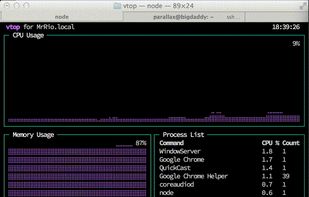
vtop is a graphical command-line tool that uses unicode braille to chart CPU and memory usage. It can be easily extended.


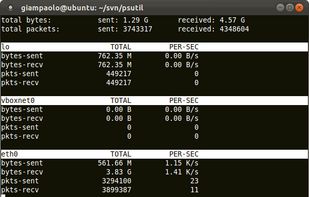
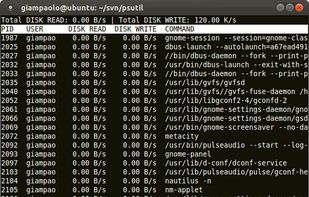
psutil is a module providing an interface for retrieving information on all running processes and system utilization (CPU, memory, disks, network, users) in a portable way by using Python, implementing many functionalities offered by command line tools such as: ps, top, df...



 New Zealand


 France
 EU
EU


 United Kingdom


 Italy
Italy


