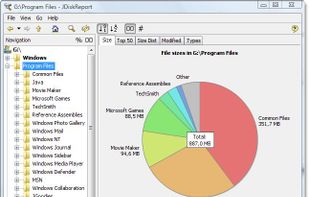
JDiskReport enables you to understand how much space the files and directories consume on your disk drives, and it helps you find obsolete files and folders.
Cost / License
- Free
- Proprietary
Application type
Platforms
- Mac
- Windows
- Linux
- BSD
 Germany
 EU
EU


GetFolderSize has been discontinued. Similar apps include WinDirStat, which is free and open source. Other options are WizTree, Baobab Disk Usage Analyzer, Filelight and TreeSize. Disk Usage Analyzers like GetFolderSize are a crowded field, with more than 50 alternatives for Windows, Mac, Linux, the web and Android.
JDiskReport enables you to understand how much space the files and directories consume on your disk drives, and it helps you find obsolete files and folders.
GermanyEU
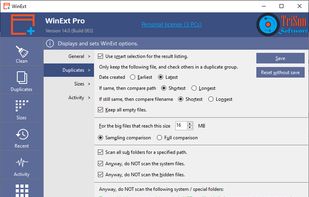
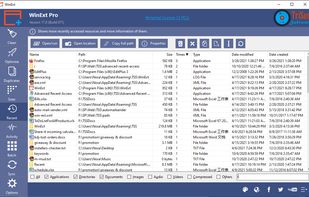
Powerful Win utilities: fix registry, clean junk, protect privacy, optimize system, quick launch, find duplicates, folder size, see more recent resources, activity monitor, batch operation, synchronization, disable context menus, skip UAC, trace file.
 United States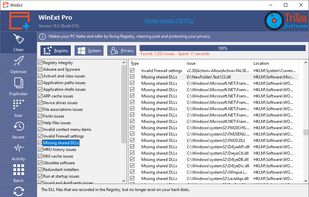


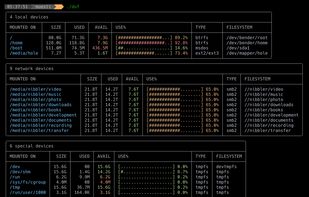
dua (-> Disk Usage Analyzer) is a tool to conveniently learn about the usage of disk space of a given directory. It's parallel by default and will max out your SSD, providing relevant information as fast as possible.
GermanyEU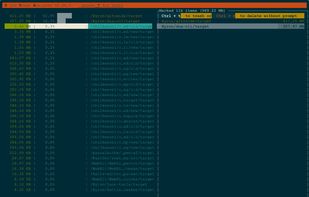

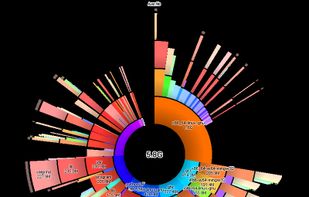
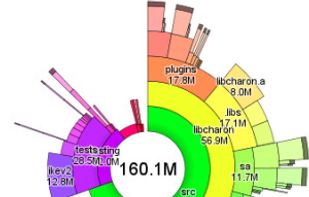
This tool uses a sunburst chart to display the usage of your hard disk or other media. The chart shows all major files and folders from all directory levels at once.
GermanyEU


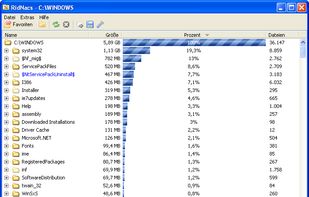
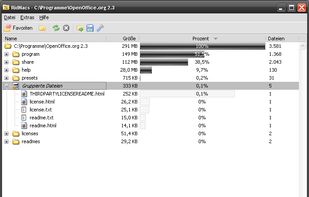
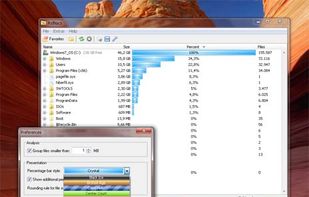
RidNacs is a very fast disk space usage analyzer for Microsoft Windows. It scans your local drives, network drives or single directories and produces a tree view with a percentage bar chart column. This gives the user a quick and easy way to identify the largest directories and...
GermanyEU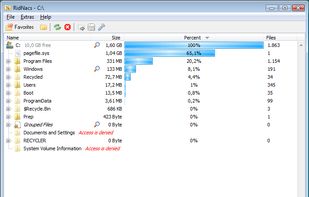


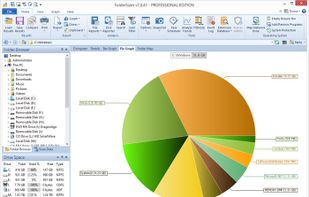
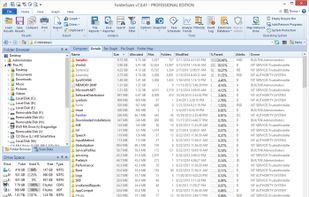
FolderSizes provides an engaging, interactive disk space analysis experience that you must try yourself to truly appreciate. More than just a series of diverse reports, FolderSizes allows you to visualize your disk space usage from multiple perspectives, like SequoiaView.
United States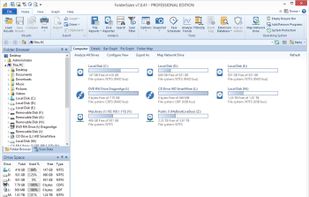



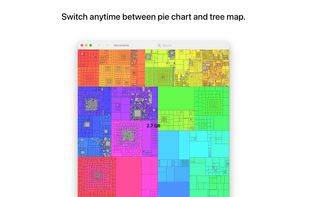
Inspect your disk and find the files that occupy the most space or that haven’t been modified in a long time.
GermanyEU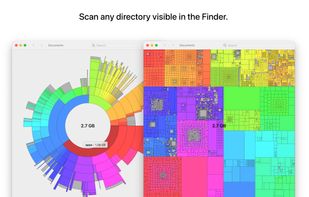
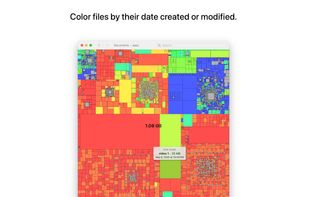
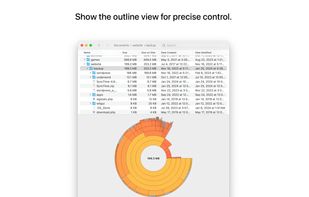


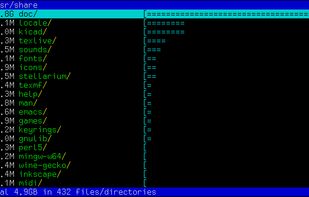
Duc is a collection of tools for inspecting and visualizing disk usage.
Duc scales quite well, it has been tested on systems with more than 500 million files and several petabytes of storage.


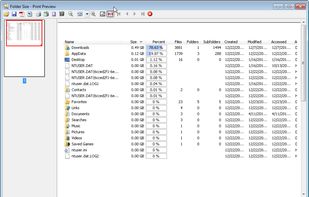
Folder Size analyzes your hard drives and displays file and folder sizes so that you can easily check the distribution of your disk space. The application will display the sizes of the folders and files and also the percentage of the total disk size that they occupy in a bar...
United States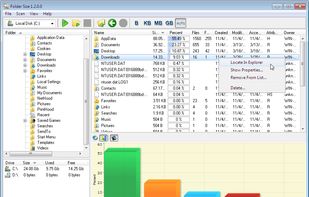



 GermanyEU