Cost / License
- Free
- Open Source (GPL-2.0)
Application type
Platforms
- Linux
- KDE


GetFolderSize has been discontinued. Similar apps include WinDirStat, which is free and open source. Other options are WizTree, Baobab Disk Usage Analyzer, Filelight and TreeSize. Disk Usage Analyzers like GetFolderSize are a crowded field, with more than 50 alternatives for Windows, Mac, Linux, the web and Android.

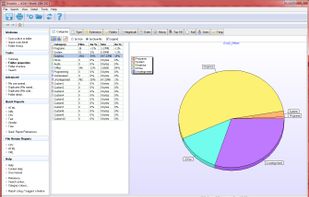
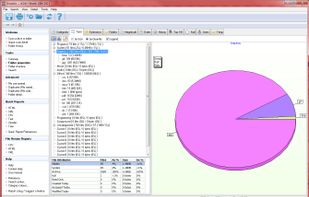
Xinorbis is a completely FREE, powerful Windows-based data storage analyser for single users or network administrators. Provides an instant visual display of the contents of a hard disk, single or multiple directories. Output reports to XML, CSV, HTML or plain ASCII.
 United Kingdom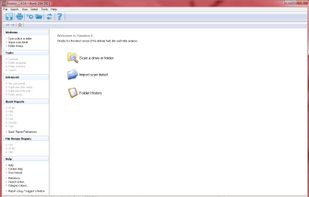



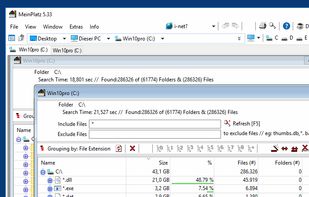
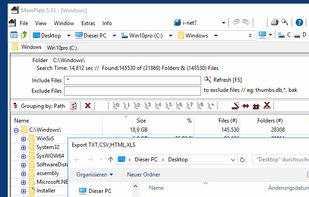
MeinPlatz "My-Place" offers an easy and fast way to scan the hard disk for lost disk space. With analysis on a percentage basis and grouping by folders, file types, size or date. It has also a nice print and export function.
 Germany
 EU
EU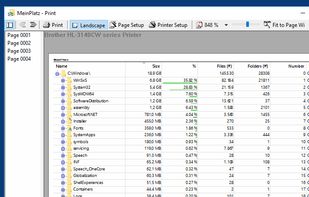
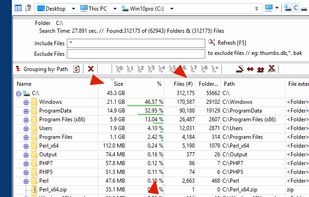


Create a visual representation of the amount of space each file is taking on your hard drive. It creates a "squarified treemap" that makes it easy to see where all your space is going.
 NetherlandsEU


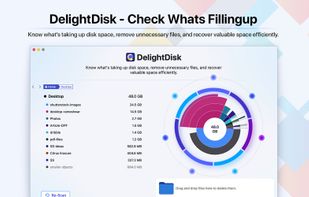

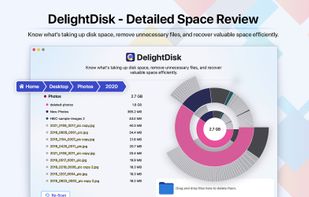
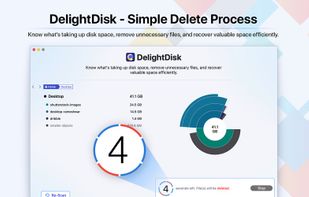


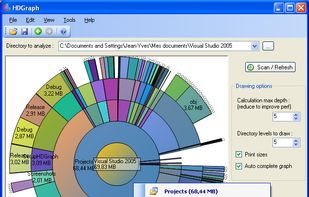
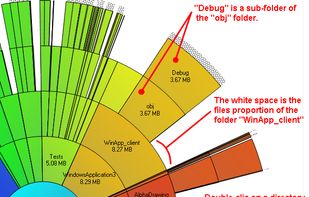
This free-for-personal-use software utility analyses storage disk usage, and then presents the gathered information in graphical format(s) viz. a directory tree, or a pie chart.
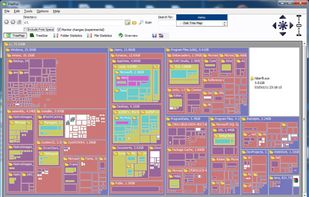


DiskWave is a free utility to help you determine where most of your hard drive space is consumed.
 FranceEU

 NetherlandsEU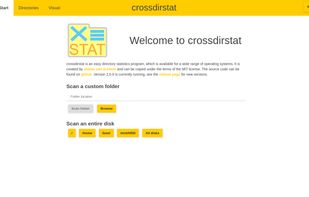


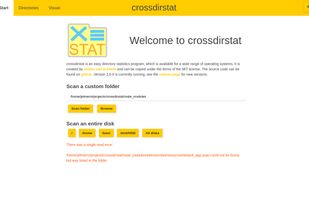


i.Disk scans directory trees and displays the total space used by each directory in an easy to use form.
 Australia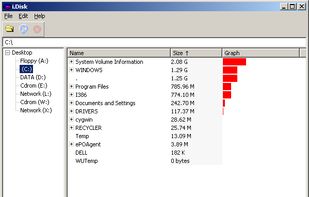


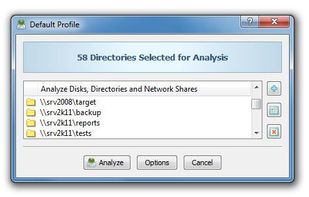
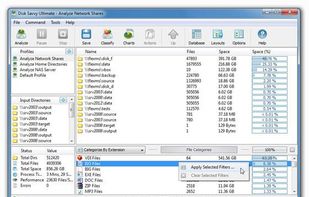
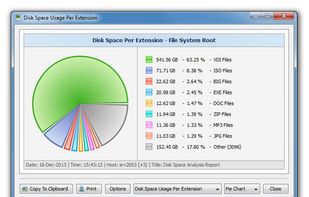
DiskSavvy is a free, fast and easy-to-use disk space analyzer utility allowing one to analyze disk usage in one or more disks, directories, network shares and/or NAS storage devices.
 CyprusEU


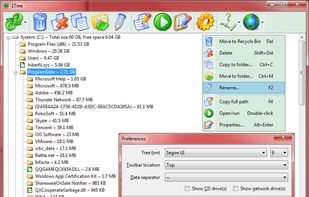
1Tree (100% FREE) lets you see all directories/files size in 1 tree, in order to let you to do the manual disk cleaning work easily. It loads drives, folders and files with their sizes (sorted by size), and provides you with the common commands.
 United States