


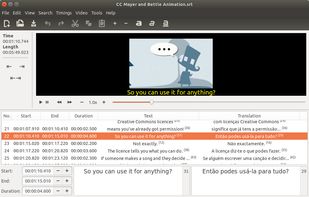
Gnome Subtitles is a subtitle editor for the GNOME desktop. It supports the most common
Cost / License
- Free
- Open Source (GPL-2.0)
Application type
Platforms
- Linux
- BSD
- GNOME
 Portugal
 EU
EU


Apps similar to Gaupol include Subtitle Edit, which is free and open source. Other options are Aegisub, SubTypo, ffsubsync and GeekLink. Subtitle Editors like Gaupol are a crowded field, with more than 25 alternatives for Windows, Linux, Mac, the web and iPad.
Gnome Subtitles is a subtitle editor for the GNOME desktop. It supports the most common
PortugalEU
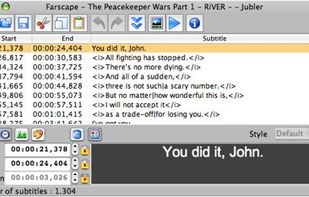
Jubler is a tool to edit text-based subtitles. It can be used as an authoring software for new subtitles or as a tool to convert, transform, correct and refine existing subtitles. The most popular subtitle formats can be used.
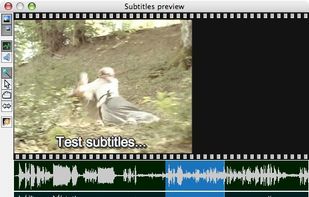


Subtitle editor for editing, repairing and translating subtitles for movies. Contains integrated movie and DVD player for easy synchronization of subtitles with the movie. Many simple and advanced editing functions.
 CzechiaEU


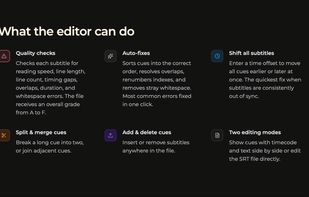
Most SRT editors let you change text and timecodes. This one also tells you whether the result is actually good.
 NetherlandsEU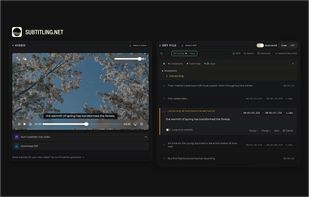
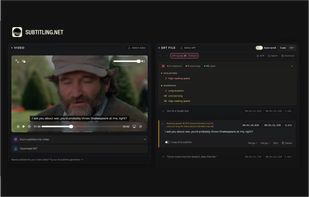


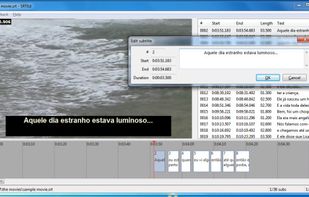
SRTEd is a graphical editor for SRT subtitles, the most simple and widespread subtitle file format for movies, and which can also be uploaded into YouTube videos as Closed Captions. The intuitive user interface makes it easy to work with small and large files, making sub editing...


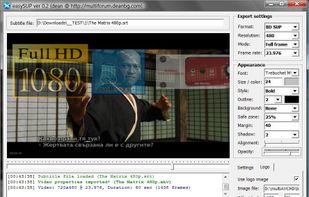
easySUP is a small tool made to help users create nice (BD) SUP, (DVD) SUB or BDN (XML+PNG) subtitles, which can later be used with applications which support SUP format (import in tsMuxeR, multiAVCHD , Scenarist or any other tool).


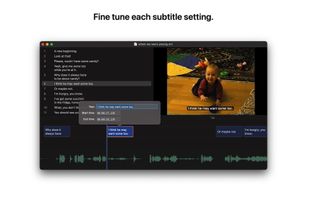
Underword is a visual editor for subtitles in the WebVTT (.vtt) and SubRip (.srt) file formats.
 GermanyEU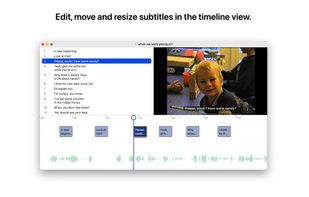


Subs Factory makes subtitling easier! It is a powerful utility designed to perform the creation, modification, and resynchronization of subtitles efficiently. Featuring advanced functions, it allows you to do whatever you want with your subtitles. It mainly works with .
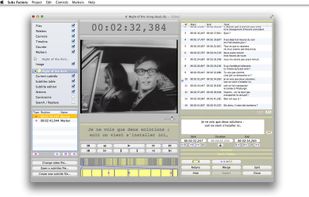
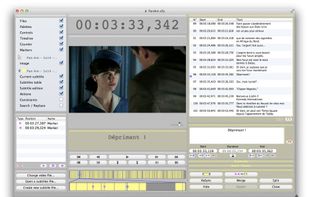


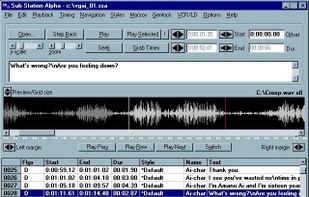

Media Access Generator (MAGpie) is the original free caption- and audio-description authoring tool for making multimedia accessible to persons with sensory disabilities.

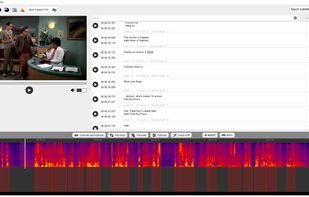
Subtitle editor with AI functions like automatic subtitle generation. It can recognize speech in different languages, automatically generate subtitles, automatically synchronize misaligned subtitles to audio, easily translate subtitles to different languages.


 United States


