


gammastep Alternatives
Alternatives list

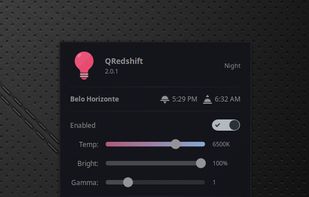
It makes the color of your computer's display adapt to the time of day, warm at night and like sunlight during the day.
Cost / License
- Free
- Open Source (Apache-2.0)
Application typeApplication types
Platforms
- Linux
- Cinnamon
 Brazil
 G
G
Platforms
- Windows
- Linux
- Global
 G
G 34 CF.lumen alternatives
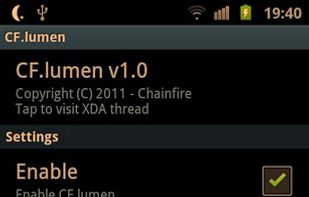
CF.lumen - don't let your phone blind you! CF.lumen changes the colors of your Android device's display based on the position of the sun. With the default settings, your display will get a warmer tint (lower color temperature) when the sun is down, to look more like indoo.
Cost / License
- Freemium
- Proprietary
Application type
Platforms
- Android
 Netherlands
 EU
EU
 G
G
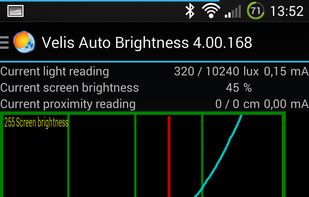
Velis Auto Brightness is a pretty powerfully adjustable auto-brightness app for your android device.
Cost / License
- Freemium
- Proprietary
Platforms
- Android
- Android Tablet
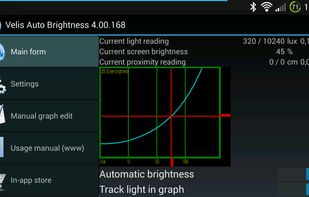
 +2
+2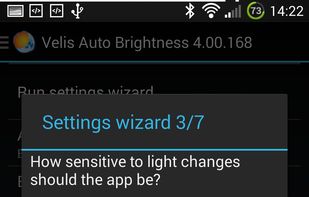
 G
G
Redshift Tray is a no-frills GUI for the screen temperature adjustment tool Redshift.
- Control Redshift based on location, custom night/day times, or manually
- Enable/disable by double-clicking the tray icon
- Has lots of other features via hotkeys
Cost / License
- Free
- Open Source (GPL-3.0)
Application typeApplication types
Platforms
- Windows
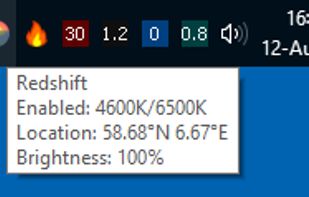
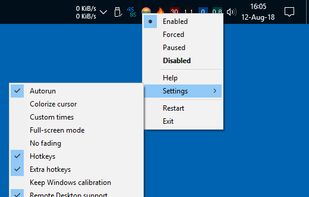
 G
G 155 Iris alternatives
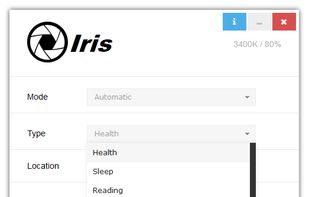
Reduces blue light and flicker for eye comfort, supports auto color temperature adjustment based on time, customizable modes, overlays, color and font options, docking station support, and accessible part-screen filtering for diverse needs.
Cost / License
- Freemium
- Proprietary
Application typeApplication types
Platforms
- Mac
- Windows
- Linux
 Bulgaria
- EU

 G
G 57 CareUEyes alternatives
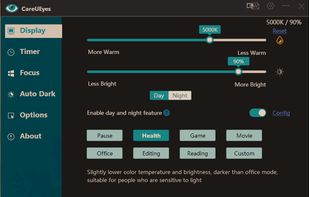
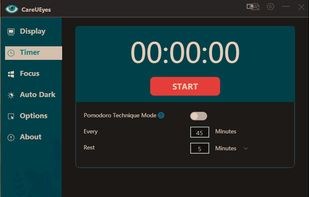
CareUEyes is a very simple but useful program when it is about your eye care. The program comes with a very simple and clean interface and needs to technical knowledge. Even a novice computer user can download and use it easily.
Cost / License
- Paid
- Proprietary
Application typeApplication types
Platforms
- Windows
 G
G
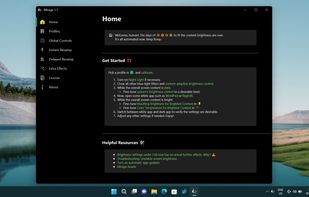
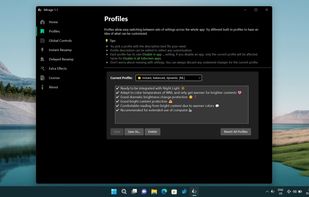
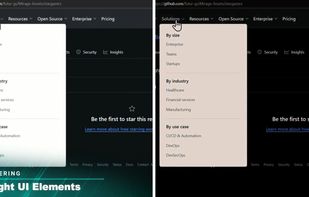
World's first instantaneous content-aware brightness control app that let your screen’s brightness and color temperature adapt instantly and automatically to provide the most optimal viewing experience for your eyes.
Cost / License
- Paid
- Proprietary
Application typeApplication types
Platforms
- Windows
 +3
+3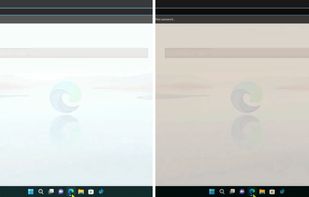
 G
G
Platforms
- Mac
- Windows
- Linux
- Global

 G
G


 Denmark


 United States


