


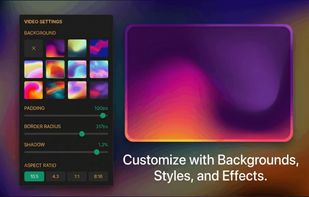
Add charming backgrounds to Images to share on social media and get x12 more engagement.
Become popular within your circle.
Cost / License
- Paid
- Proprietary
Application type
Platforms
- Online
- Software as a Service (SaaS)
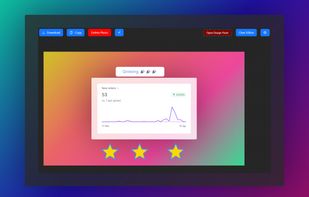


Apps similar to FocuSee include OBS Studio, which is free and open source. Other options are OpenScreen, Recordly, SimpleScreenRecorder and ScreenArc. You're spoiled for choice with Screen Recorders like FocuSee: we list more than 100 alternatives for Mac, Windows, the web, Linux and iPhone.
Add charming backgrounds to Images to share on social media and get x12 more engagement.
Become popular within your circle.

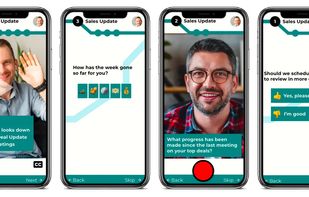
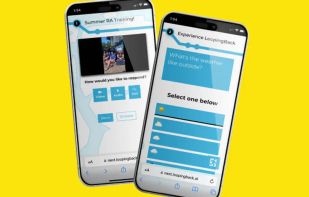
LoopingBack enables video as a message and response type for surveys, emails, stand ups, and other communications. It also uses AI to help users get from collection of information to results faster.
 United States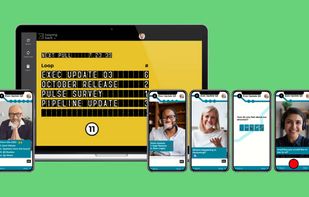




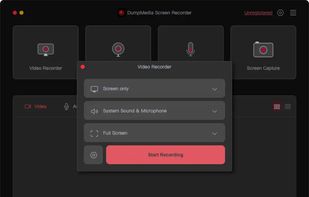
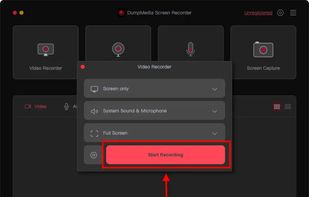
Record screen and webcam in HD videos with no watermark. Simultaneously or separately record from system sounds and microphone.
 Hong Kong SAR China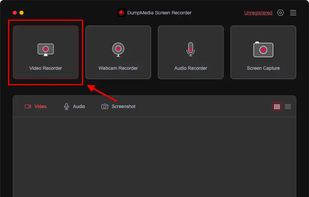


 France
 EU
EU
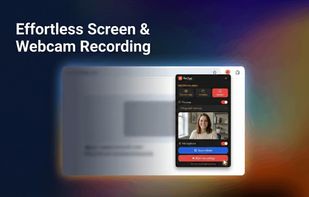


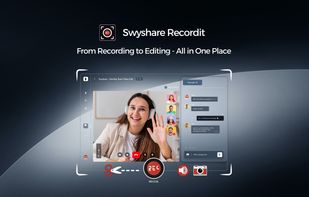
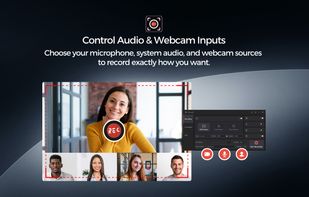
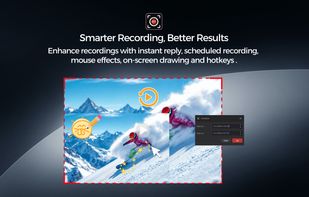
Swyshare Recordit is an all-in-one screen recording, screenshot, and video editing solution designed for simplicity, performance, and flexibility. It enables users to capture screen activity, webcam footage, and audio simultaneously or separately, making it ideal for tutorials...
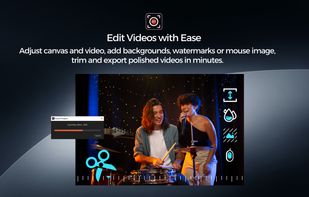


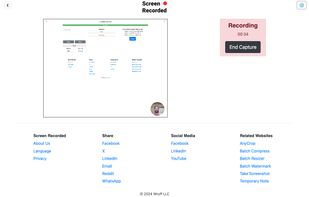
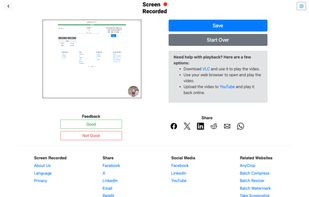


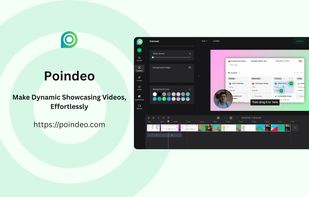
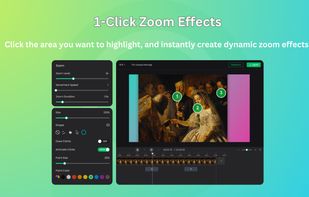
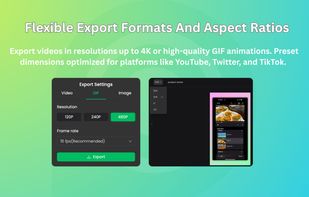
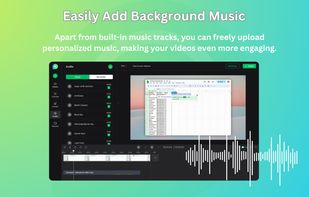
Poindeo is an online video editor specializing in creating dynamic zoom effects for your screen recordings, images, and PDFs. Ideal for creating professional product demos, tutorials, and presentation videos with minimal effort.


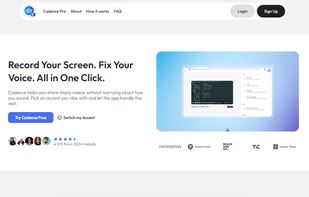
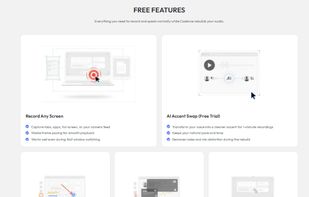
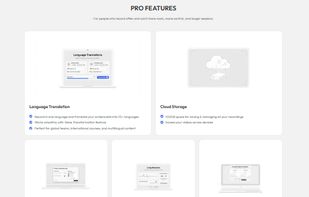
Cadence is a screen recording platform with AI voice and accent transformation for professionals who want polished videos without re-recording or expensive gear. Record normally, then the AI rebuilds your audio with a cleaner global sound, preserving your natural pace, emotion...

 United States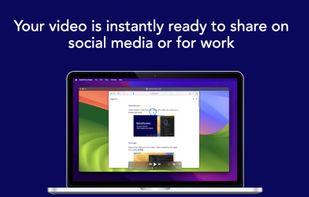
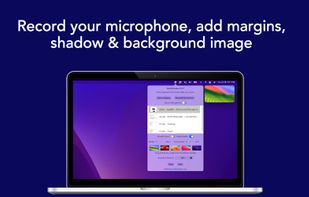
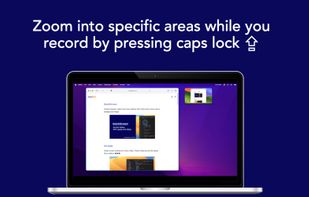
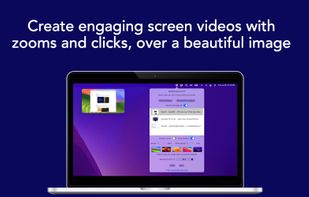


neetoRecord is a screen and webcam recording tool that helps you avoid unnecessary meetings. You can easily record your screen to create software demos, presentations, tutorials, feedback and more. This means you spend less time in meetings and more time getting work done...
 India
India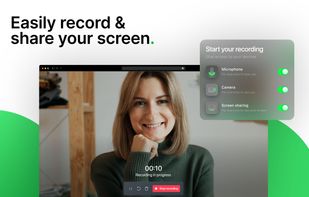
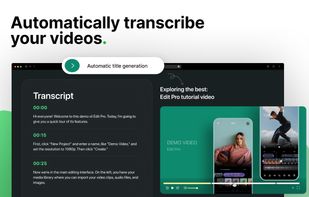
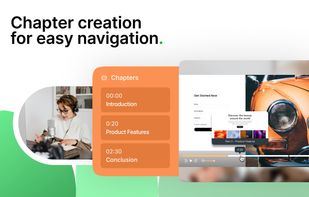



Screen recorder that auto-zooms to your clicks. Record your screen, and ClickZoom adds smooth zoom animations to each click point. Webcam PiP, mic audio, timeline editor included. Free trial, €8.50 one-time.
 SpainEU


