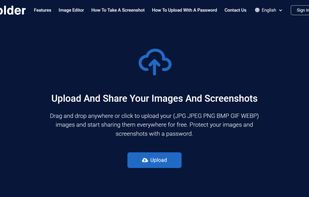
Uploading images and screenshots from home page or from your dashboard. Offers a 50 MB upload limit for guests and a 100 MB upload limit for registered users. Offers 11 GB of free storage space for registered users.
 United States


Apps similar to FireShot include ShareX, which is free and open source. Other options are Greenshot, Flameshot, Snipping Tool and PicPick. You're spoiled for choice with Screenshot Capture Tools like FireShot: we list more than 100 alternatives for Windows, Mac, the web, Linux and Android.
Uploading images and screenshots from home page or from your dashboard. Offers a 50 MB upload limit for guests and a 100 MB upload limit for registered users. Offers 11 GB of free storage space for registered users.
United States
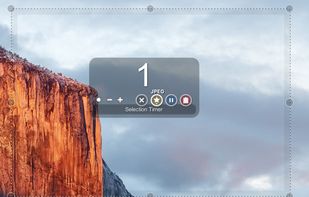
Small and free screenshot app for Mac that offers custom area and resolution presets, and much more.
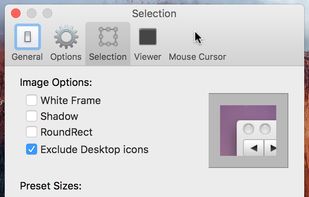
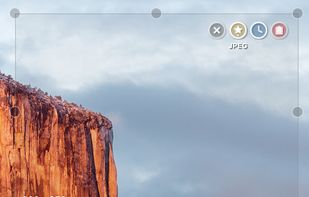


Automatic screenshot taker/automatic screen capture program. Have it take a screenshot every X seconds, and not only have the screenshots saved to disk, but also have them e-mailed, uploaded to a web server via FTP, and uploaded to an ImageShack account.
United States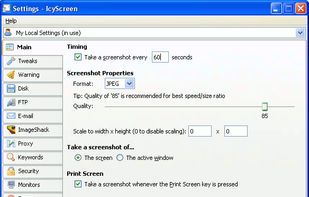


Capture full pages, visible areas, selections, and batches of URLs. Annotate, edit, and export as PNG, JPG, or PDF.
United States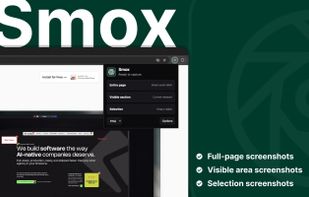


 Indonesia
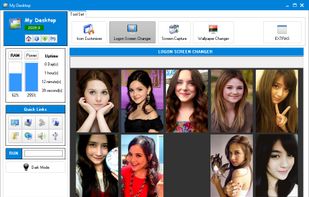

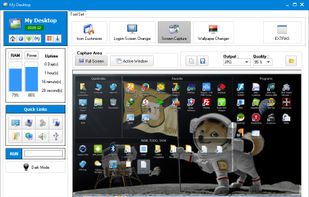
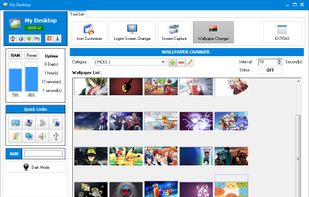


 Germany
 EU
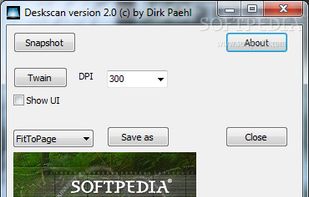
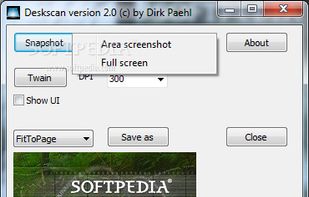
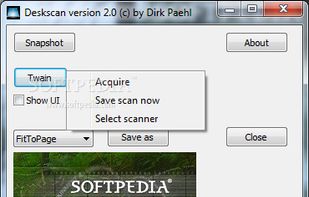
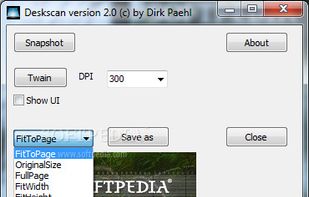


This is just a screen-capture toy, nothing more. If you don't know how to take screenshots with the system functions, use this tool :-).
 Serbia


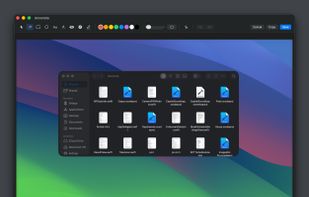
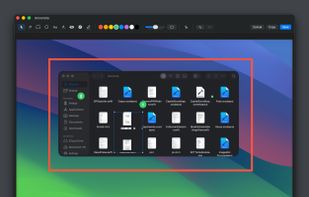
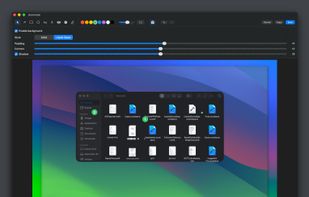
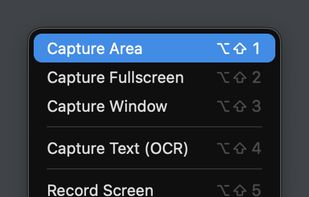
Capso is a free and open-source screenshot and screen recording app built natively for macOS in Swift. It offers annotation tools, scroll capture, GIF recording, OCR text recognition, and a smart OCR-powered highlighter. No Electron, no subscriptions, no watermarks.


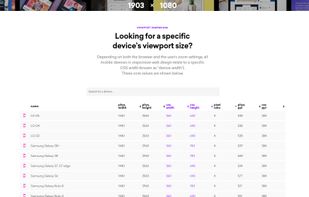
Viewport Sizer is a free tool for measuring viewport dimensions across any device. Simply visit the website to view your current viewport size. We've also compiled a list of all known modern devices, phones & tablets with all screen size specifications.
United States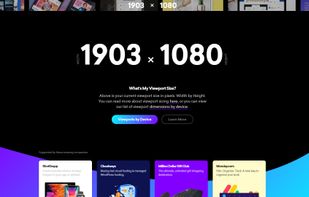


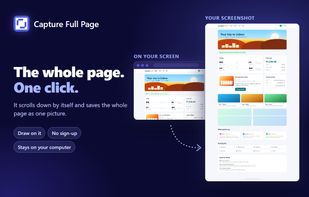
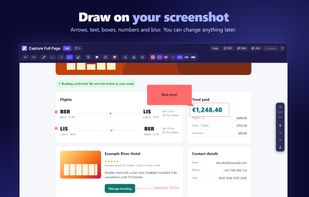
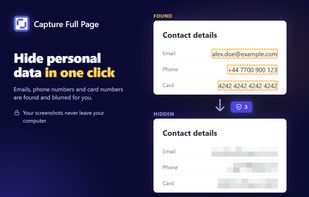
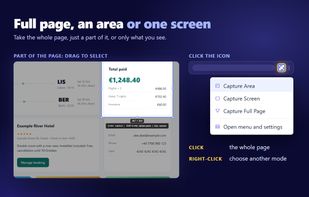
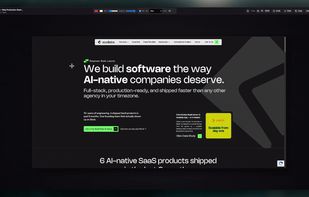
Capture Full Page is a Chrome screenshot extension that captures the entire scrolling page, the visible screen, or a selected area, then lets you annotate and export without leaving the tab. A click on the icon takes the whole page; a right-click on it offers Area and Screen.