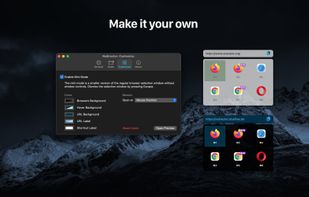
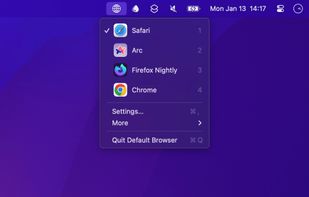
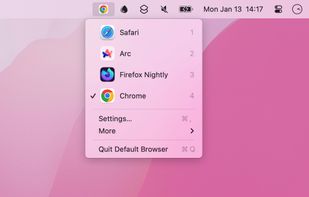
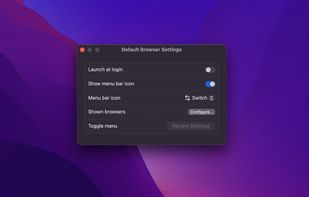
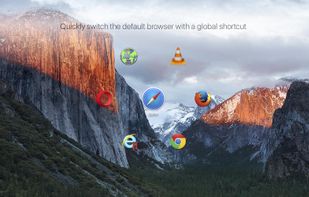
Seamlessly switch between browsers directly from your menu bar or using Shortcuts. Perfect for users who work with multiple browsers.
Cost / License
- Paid
- Proprietary
Application type
Platforms
- Mac
 Norway




Apps similar to Finicky include URLCheck, which is free and open source. Other options are Hurl - Choose a Browser, BrowBro, LinkSheet and Browser Tamer. Browser Selectors like Finicky are a crowded field, with more than 25 alternatives for Mac, Windows, Linux and Android.
Seamlessly switch between browsers directly from your menu bar or using Shortcuts. Perfect for users who work with multiple browsers.
Norway
Teeny tiny app to select which browser to use each time a link is launched. I want this app to have as small of a footprint as possible, I don't want it to run in the background and I want it to have little to no setup required.

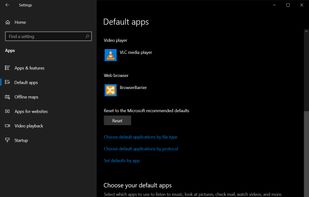


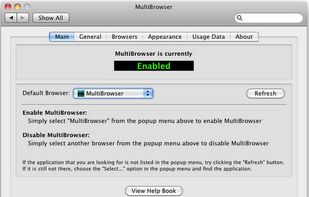
Take control of the many browsers that you may have installed on your Mac. Can launch links from just about any application. Uses no resources when idle. Works with just about any browser. Highly configurable appearance lets you choose colors, size, and more. Options for cha.
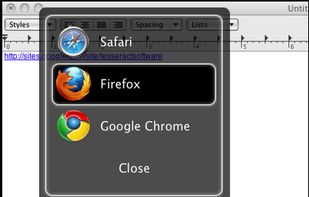
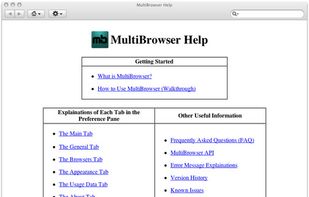
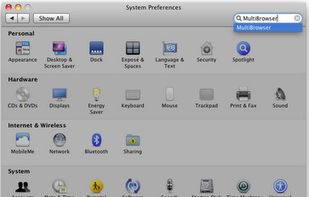


One tool to rule them all
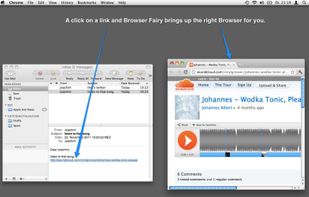
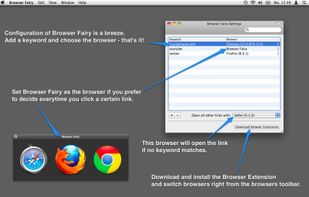
Get virtually as many default web browsers as you want.
With Browser Fairy you can you can even have individual default web browsers for every app and literally every web page.
You always wanted to automatically open different web sites in browsers of.





 Brazil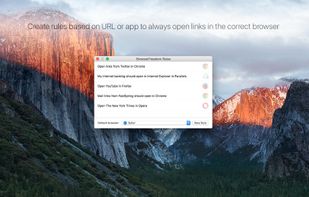


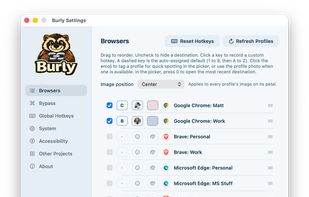
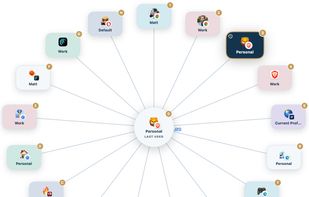
Burly is a tiny macOS menu bar app that becomes your link handler. When you click a link, it lets you pick the exact browser and profile that should open it, instantly, with the keyboard.
 United States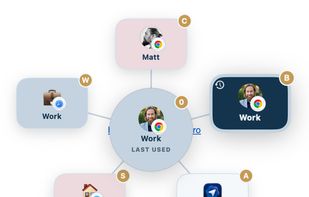


BrokenURL is a Windows URL router. When something tries to open an URL, it will ask you to select the browser you want to open it in (it can also remember previous selections). In addition, it allows you to open in private tab.
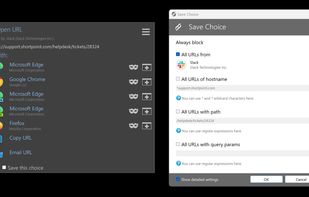
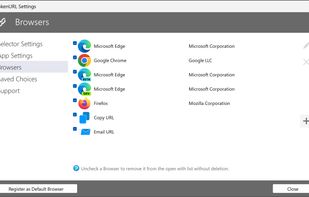


A small application to select a browser every time you click a link anywhere. This is especially useful if you have multiple browsers or profiles, and you want to be able to open certain links in certain browsers.
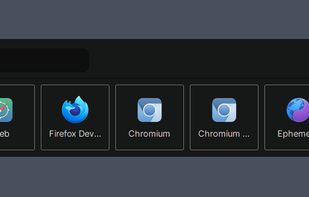


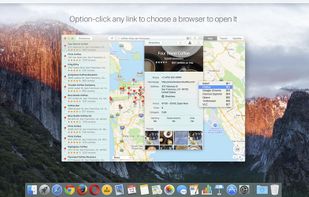
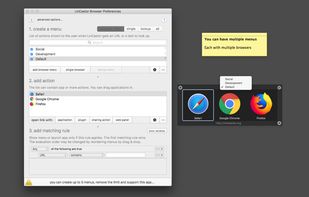
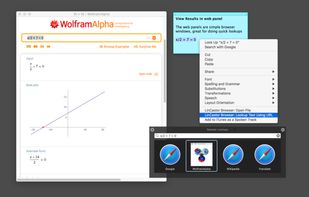
When you click on a link, LinCastor Browser asks you to choose a browser to load the link with from a menu. Menu can contain a browser, an application but also AppleScript, shell script, Automator Workflow or even OS X share service.
 Netherlands
 EU
EU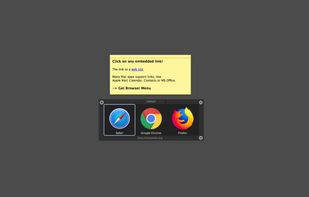
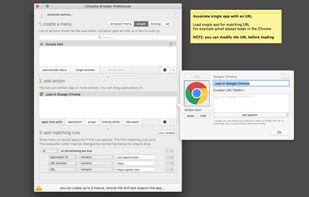


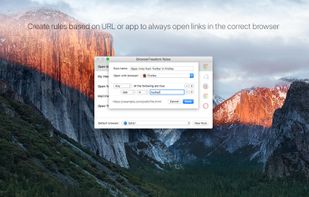
Simple rules-based automatic browser selection based on URLs. Provides fine-grained routing to desired browsers with full command-line string (for profile selection and other params if needed).


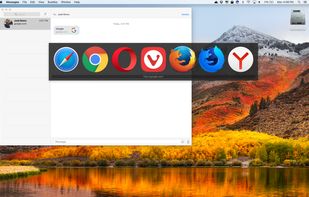
Set it as your default browser and when opening a link from anywhere you'll get a neat selection which browser to use or use rules to automate which browsers to use for which links.
 DenmarkEU