
 United States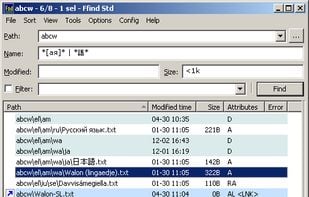
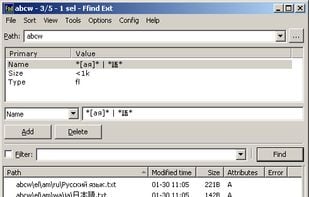
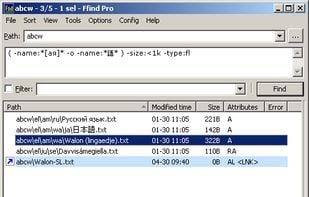


Find in Files (quick search text) is described as 'Find in Files is a free web tool that can quickly find a desired information in a dozen of files right in a browser. It can search a text in PDF files by phrases or regular expressions' and is a File Search utility in the file management category. There are more than 100 alternatives to Find in Files (quick search text), not only websites but also apps for a variety of platforms, including Windows, Mac, Linux and Mozilla Firefox apps. The best Find in Files (quick search text) alternative is SingleFile, which is both free and Open Source. Other great sites and apps similar to Find in Files (quick search text) are HTTrack, FSearch, Diigo and DocFetcher.

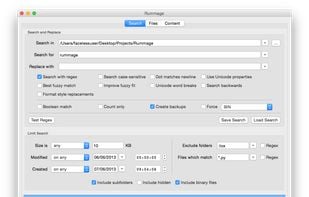
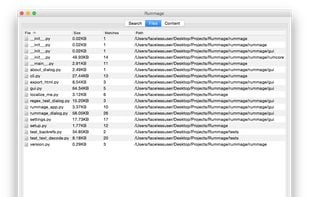
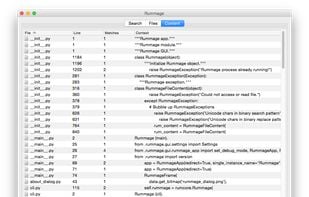
Rummage is a cross platform tool for crawling directories and searching and replacing in text files. It is written in Python and uses wxPython for the GUI. Rummage allows for literal or regex searches and has configurations for limiting the files etc.
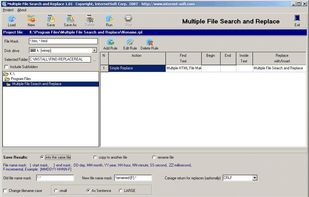
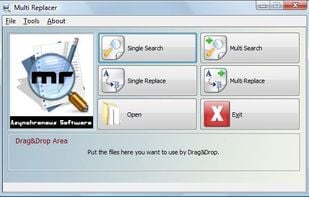
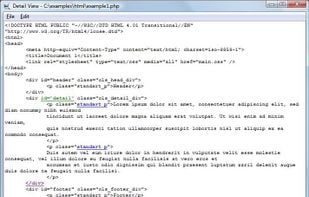
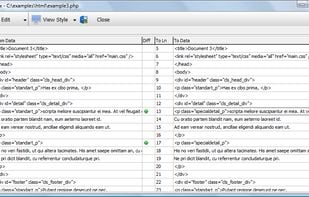
Make a change immediately in many files, add new text or new links in various webpages, change descriptions, key words and other metatags, repair inactive links, and redesign and optimize pages for search...

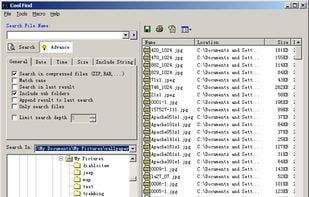
Cool Find is powerful file search & desktop search software for Windows XP, developed by Nihuo Software.

A very capable Windows Grep, search, replace and data extraction tool.

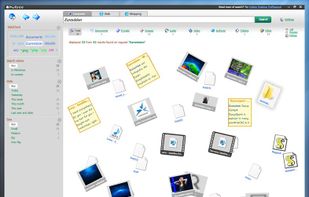
Hulbee Desktop is a professional search software. With its "Data Cloud", a cloud of search terms, it helps users to narrow down their own search. This way, they are able to find the needed data more quickly.




String Replacer for Mac allows to find and replace a list of strings inside files and folders directly or in batch mode. It allows to operate on multiple files using a multiple string couple replacement list. It works with just a single click or using drag and drop.
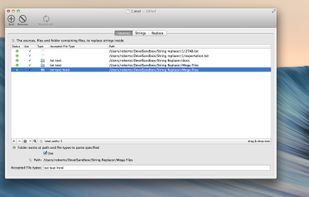
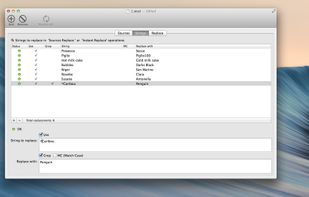
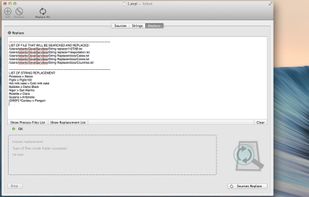
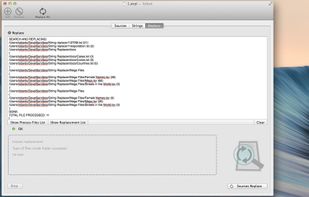

Don't worry about those many files where you have to change a few things! There's no need to open every single file and edit them manually, Search and Replace does it all for you!



A Stand alone Windows (x64) Search Tool that works together with Many Popular IDE's and Text Editors.
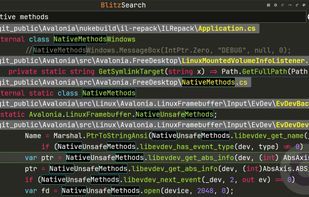


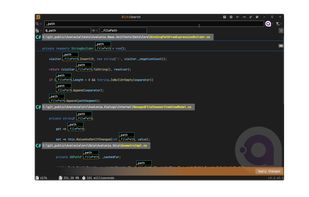
FilesSearchTool is a powerful file search app that includes advanced functionality for power users! Search through files using simple queries or regular expressions.
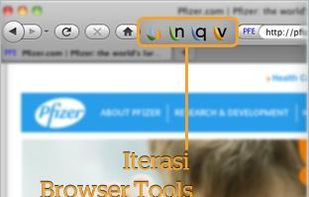
The Iterasi Page Notary tool provides a powerful way for you to save any webpage you can view. Even webpages requiring a username and password (e.g., Facebook) pose no problems to the Page Notary tool.

KFileReplace is a KDE utility that replace some strings with others in a lot of files in an only operation. Then it's very easy to update some URLs, filenames, ... which are written in all files of a project.




 Switzerland
 Italy
Italy EU
EU
 Germany