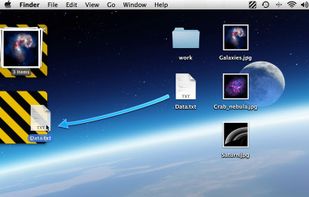
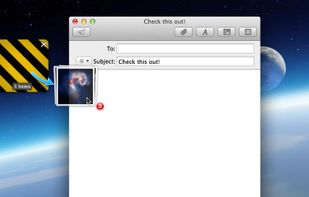
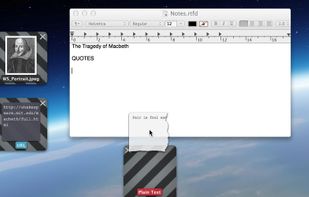
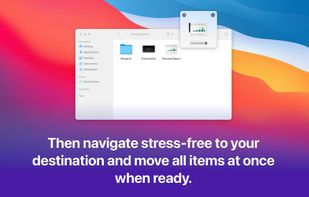
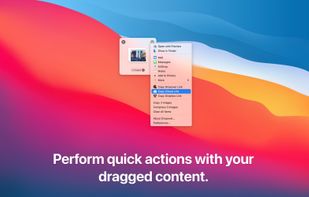
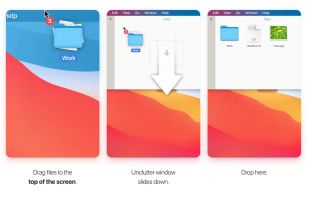
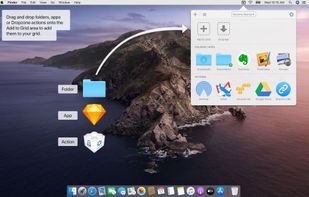
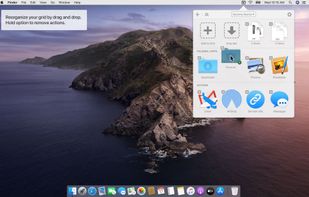
Dropover is a macOS utility that makes Drag and Drop easier. Use it to stash, gather or move any draggable content without having to open side-by-side windows.
Cost / License
- Paid
- Proprietary
Application type
Platforms
- Mac
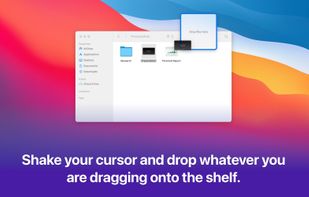



+2


Apps similar to FileFillet include Dropover. It's paid, but DropPoint and nFiles are free. Other options are Dropshelf (Windows), Dockside, Yoink and Folder Hub. You can choose from more than 10 Clipboard Managers like FileFillet for Mac, Windows, iPhone, iPad and Linux.
Dropover is a macOS utility that makes Drag and Drop easier. Use it to stash, gather or move any draggable content without having to open side-by-side windows.

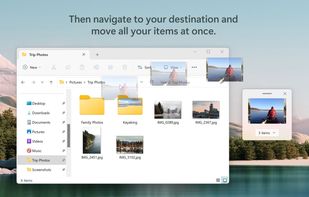
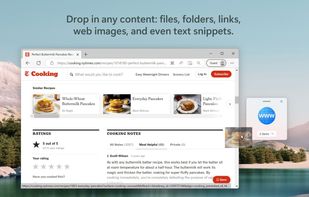
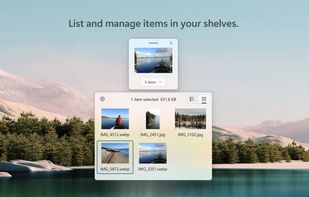
Stash and hold draggable content until you need it. Dropshelf makes moving and copying files easier and faster.


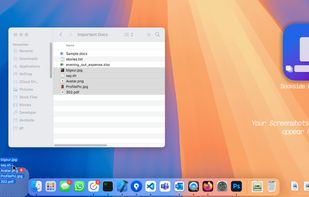
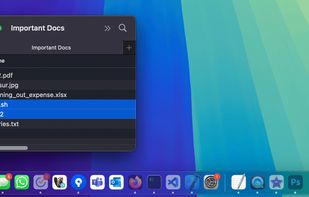
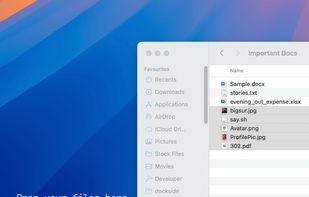
Dockside is your friendly file shelf next to the macOS Dock, where you can drag and drop files, folders, apps, images, videos, and text for quick access or later use.
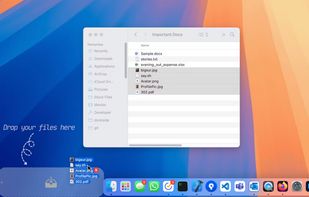


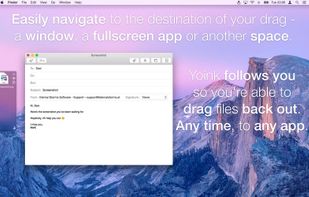
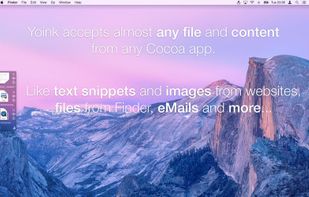
Yoink simplifies drag and drop between windows, apps, spaces and fullscreen apps.
 Austria
 EU
EU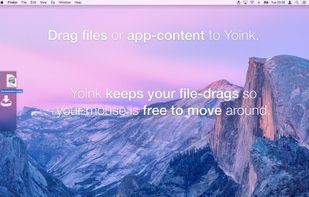


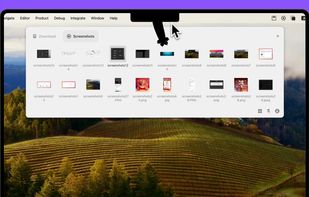
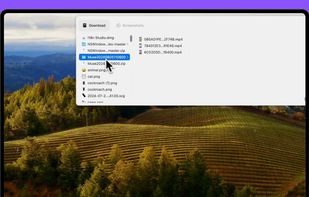
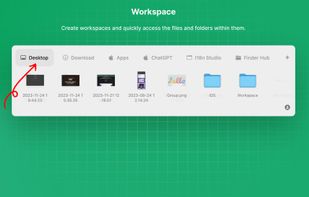
Offers instant access on Mac to files and folders via the notch, with customizable workspaces, drag-and-drop, window pinning, previews, AirDrop, sorting, multi-monitor support, and seamless switching between directories without losing your place.
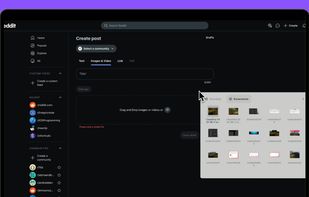


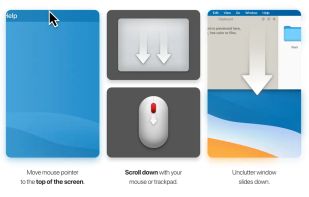
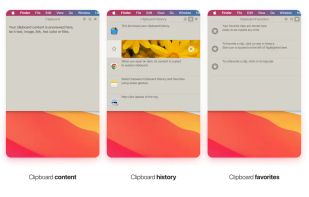
Efficient desktop app for organizing notes, files, and clipboard clips. Access by pointing and scrolling down. Instantly configurable, supports Dropbox sync, multi-display setups, and Retina displays. Includes draggable cards and clipboard history tracking.
 Ukraine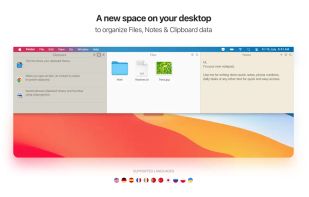


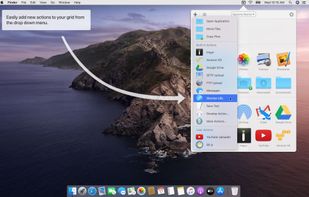
Dropzone is a productivity app for the Mac that makes it faster and easier to move and copy files, launch applications, upload to many different services, and more.
 New Zealand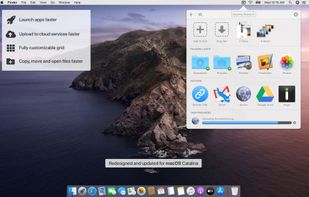


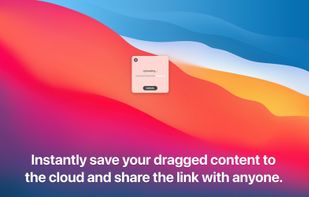
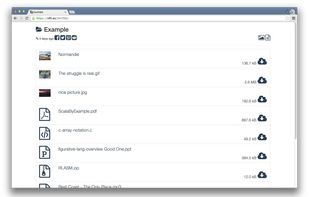
Upload, get URLs to share.
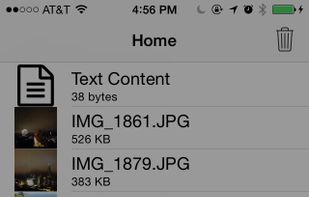
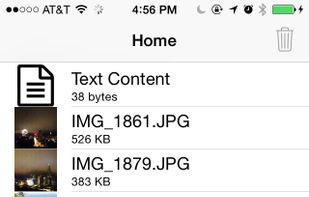
Need direct download links of files? Use nFiles iOS app or mail to i@nfil.es, get short URL to share. No signup, unlimited & no expiration.



DragThing is the original dock designed to tidy up your Macintosh desktop.
It puts all your documents, folders, and applications just a single click away. Highly flexible, it allows multiple docks, each customised to suit your exact needs.
It stores frequently-used clippings su.
 United Kingdom


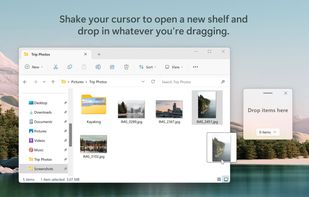
Worry less about juggling multiple windows or deciding where you want to store things. With Shelfit you can quickly open up a shelf, drag files in, and then when you're ready just drag them back out.
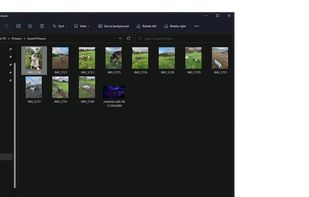
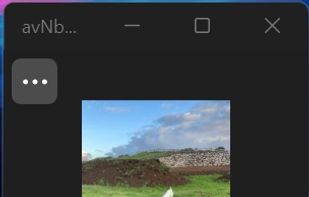
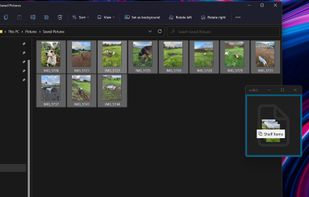
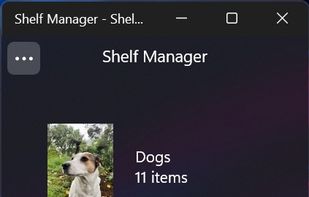


Dropshelf is a place to put things. Drag anything to the edge of the screen, and a shelf slides out. Drop files, text clippings and links — whatever you want to keep handy.