


FCorp My Quick Launch Alternatives
FCorp My Quick Launch has been discontinued. Similar apps include PortableApps.com, which is free and open source. Other options are Raycast, Alfred, Listary and AppGrid for KDE. Application Launchers like FCorp My Quick Launch are a crowded field, with more than 100 alternatives for Windows, Mac, Linux, iPhone and the web.
Alternatives list

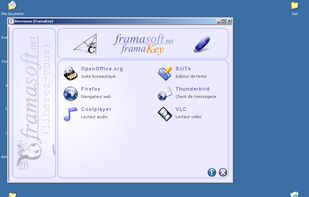
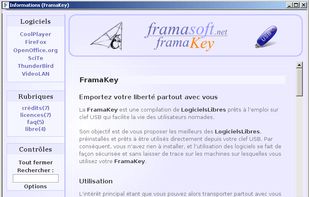
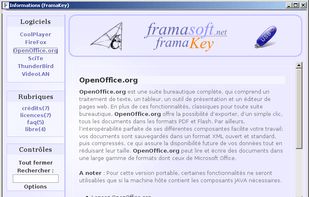
FramaKey is a package of portable and ready-to-use Free Software that can be carried on a USB key designed to make the user’s life much easier.
Platforms
- Windows
- Linux
 France
 EU
EU


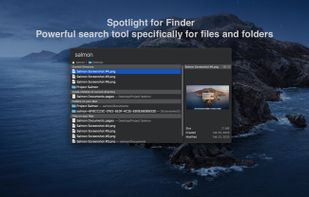
Salmon - Spotlight for Finder. Powerful search tool for files and folders with support for multiple selection. Powerful @modifiers to filter and sort.
Cost / License
- Paid
- Proprietary
Application type
Platforms
- Mac
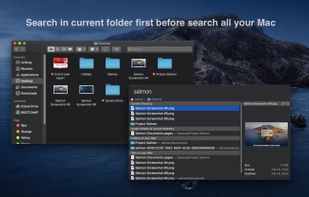
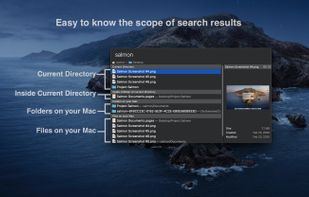 +6
+6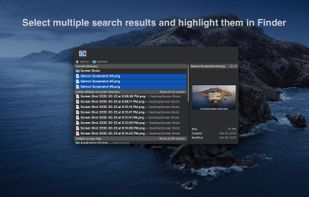


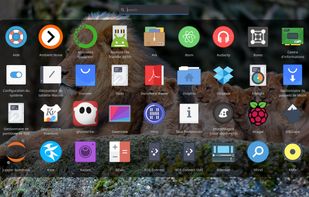
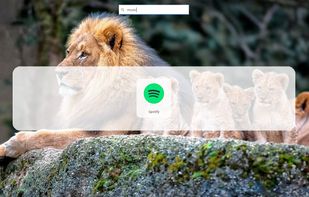
Rocket is an application launcher for KDE Plasma. It sorts all of your applications in a horizontal grid alphabetically, so you will always find what you are looking for at first glance. No more menu navigation, only scrolling.
Cost / License
- Free
- Open Source (GPL-3.0)
Application type
Platforms
- Linux
- KDE
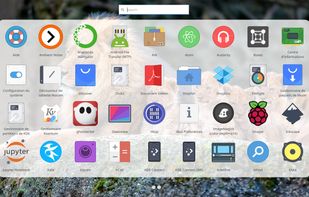
 +1
+1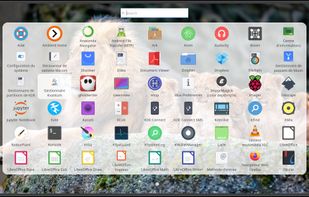


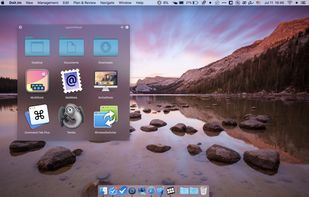
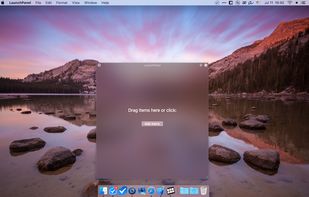
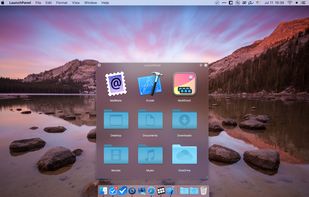
LaunchPanel is a completely FREE application that allows you to quickly launch applications, open files and folders.
Cost / License
- Free
- Proprietary
Application type
Platforms
- Mac
 Ukraine

 63 Luncher alternatives
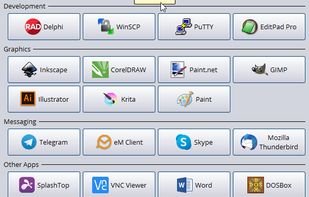
Luncher is a simple Windows application and file launcher. It allows you to setup buttons that act as shortcuts to open any application, file or folder. Luncher appears as a small panel on the top of the screen that is always easily accessible.
Cost / License
- Free
- Proprietary
Application type
Platforms
- Windows
 Australia

 76 Dragthing alternatives
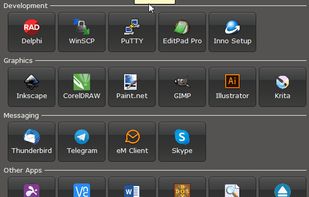
DragThing is the original dock designed to tidy up your Macintosh desktop.
It puts all your documents, folders, and applications just a single click away. Highly flexible, it allows multiple docks, each customised to suit your exact needs.
It stores frequently-used clippings su.
Platforms
- Mac
 United Kingdom


LaunchBar is a small Windows freeware program that mimics the behavior of the dockable QuickLaunch toolbar that was available in all Windows versions before Windows 7.
Cost / License
- Free
- Open Source (GPL-3.0)
Application type
Platforms
- Windows
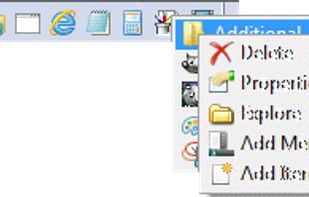


Folder Menu - a tiny, portable folder switching tool and file launcher. You can quickly jump to your favorite folders in explorer, open/save dialog or command prompt...and more. You can also launch your favorite folders, files or urls.
Cost / License
- Free
- Proprietary
Alerts
- Discontinued
Platforms
- Windows
- Windows Explorer
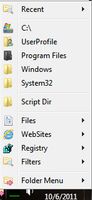

LaunchBar Commander is what is commonly referred to as an "Application Launcher"; it is typically docked to the side of your screen and lets you configure buttons and menus which will launch your favorites programs.
Cost / License
- Free
- Proprietary
Application type
Platforms
- Windows
 United States
 L
L
Platforms
- Windows
- Windows Explorer

 +1
+1


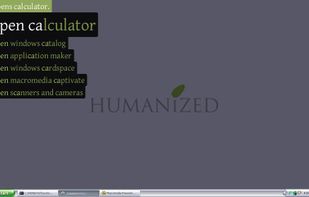
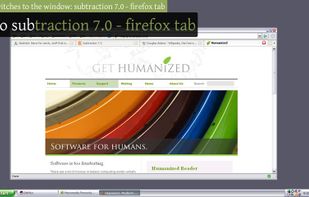
Enso is dead simple to use. You just hold down the Caps Lock key and type an Enso command, which is displayed in a translucent overlay. Once the command is typed, you simply release the Caps Lock key to activate it, and the overlay disappears.
Platforms
- Windows
- United States

 Poland


