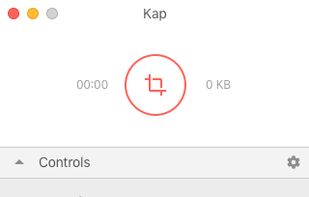
Kap is an open-source screen recorder built with Electron and designed to be easy to use but extensible.
Cost / License
- Free
- Open Source (MIT)
Application typeApplication types
Platforms
- Mac
- Electron / Atom Shell
 Sweden
 EU
EU


Apps similar to FakeCam - Virtual Webcam include OBS Studio, which is free and open source. Other options are OpenScreen, Recordly, GPU Screen Recorder and SimpleScreenRecorder. There's no shortage of Screen Recorders like FakeCam - Virtual Webcam, with more than 50 alternatives for Windows, Mac, Linux, iPhone and the web.
Kap is an open-source screen recorder built with Electron and designed to be easy to use but extensible.
SwedenEU
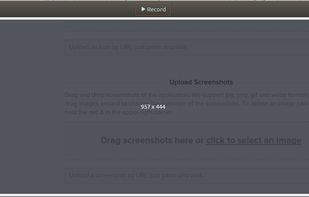
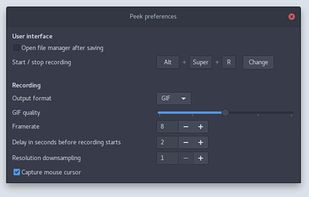
Peek makes it easy to create short screencasts of a screen area. It was built for the specific use case of recording screen areas, e.g. for easily showing UI features of your own apps or for showing a bug in bug reports.
 GermanyEU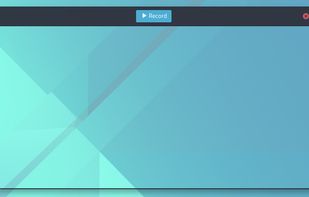



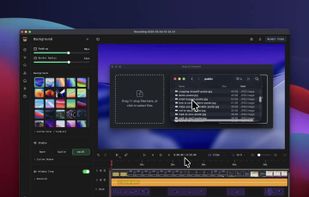
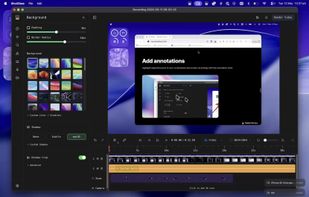
macOS tool for detailed screen recording, timeline-based video editing, customizable cursor animations, camera and audio capture, background editing, and easy sharing. Suitable for tutorials, presentations, or social media creation with a user-friendly workflow.
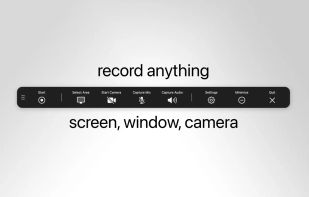
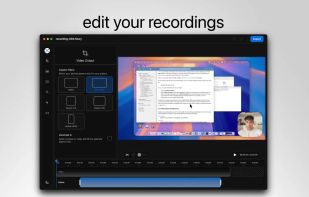
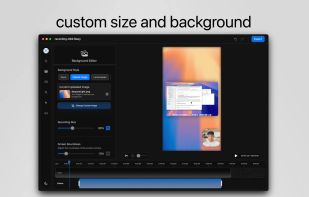
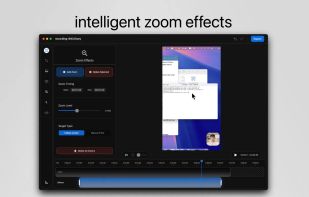


Screen recording app providing native Windows and macOS support, adds AI-driven auto-zoom following actions, motion blur, 3D effects, animated backgrounds, captions, keystroke and click highlights, webcam overlays, and fast 4K or GIF exporting without watermark.
 Bangladesh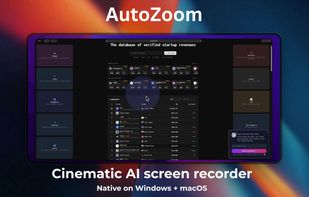


Capture the contents of your entire desktop at the same time as your video camera, microphone and computer's audio. Sophisticated editing tools allow you to create incredible screencasts in no time.
 United States


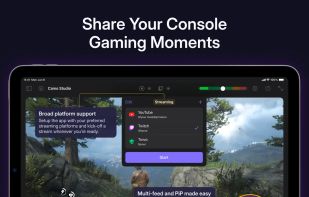
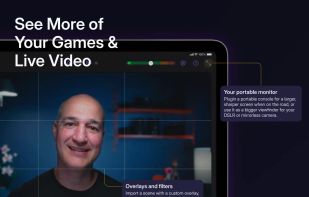
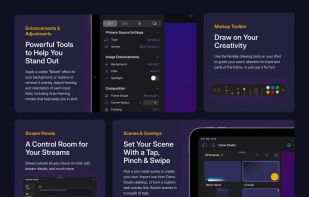
Start a stream or record your next video in a few taps – hone your scenes, connect a camera, and start creating with ease.
 United Kingdom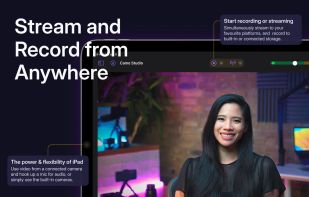


SplitCam: Easy Multi-Streaming
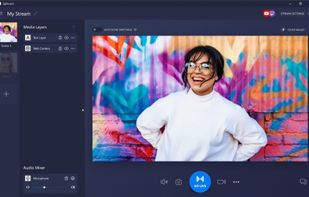
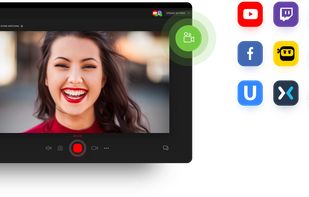
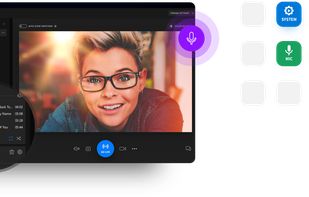
Stream live to Twitch, YouTube, Facebook, and more at once. Use webcams, screens, or phones as sources, mix audio, and add effects like background removal. SplitCam’s virtual camera works with Zoom and Skype for smooth video calls.
 Russia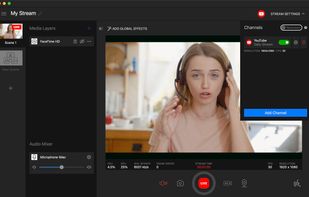


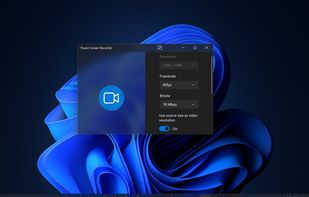


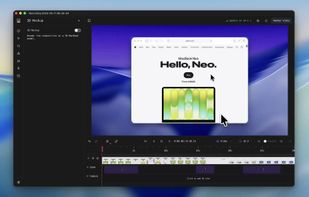
Screenshot and screen recorder app for macOS. One app instead of four. Capture multiple windows, annotate, zoom, add transitions, and drop your recording onto a 3D MacBook with a simulated lens. Everything stays local.
 Australia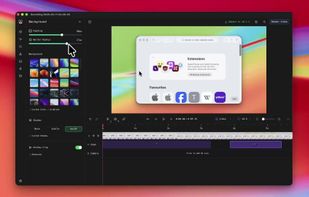


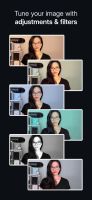
Look amazing on video calls. Use your smartphone or tablet as a pro webcam and get powerful effects and adjustments for Zoom, Meet, and more.
United Kingdom



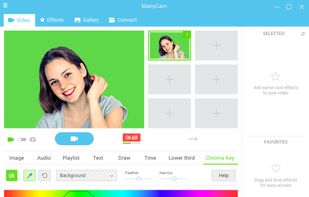
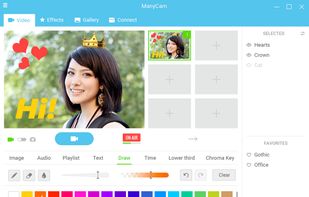
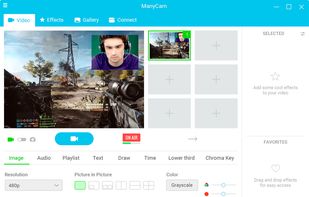
Mobile and desktop tool for live streaming that handles multiple video sources, picture-in-picture, virtual webcam, green screen, media source switching, and supports streaming to Facebook and YouTube Live. Includes 3D masks, effects, 4K support, direct camera control, and a mobile app.
 Canada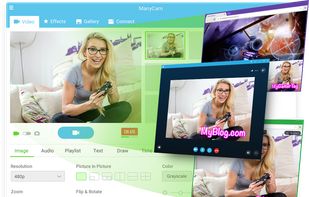


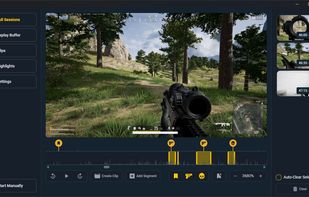
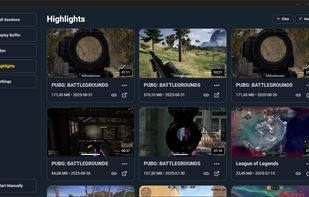
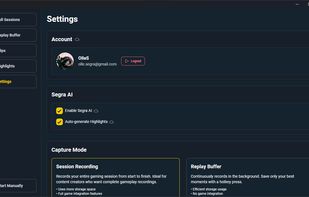
Capture your gaming moments with professional-grade quality. Built for gamers and content creators, featuring smart automation and advanced AI to ensure you never miss a highlight.