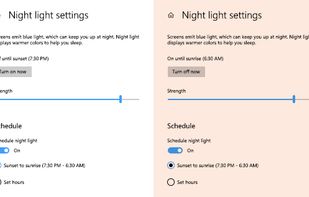
To schedule Night Light so it turns on automatically, select Start > Settings > System > Display > Night light > Night light settings.


There are many alternatives to f.lux for Windows if you are looking for a replacement. The best Windows alternative is Redshift, which is both free and Open Source. If that doesn't suit you, our users have ranked more than 50 alternatives to f.lux and many of them are available for Windows so hopefully you can find a suitable replacement. Other interesting Windows alternatives to f.lux are LightBulb, RedshiftGUI, Iris and Iris mini.
To schedule Night Light so it turns on automatically, select Start > Settings > System > Display > Night light > Night light settings.

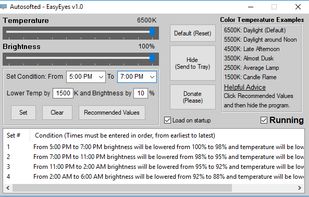
EasyEyes by Autosofted is an app that can do what f.lux does and more. F.lux only allows the user to adjust temperature, while EasyEyes allows both temperature AND brightness adjustment. EasyEyes allows the user to create multiple transition times.
 United States




Worlds first Myopic Defocus effect. Applies a Myopic Defocus effect on any website. This makes the screen look on the retina naturally as if it was at a greater distance. People report it being more convenient to look at.
United States

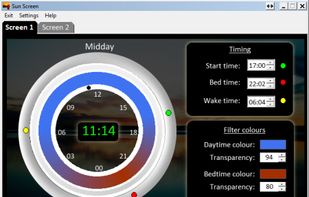
This advanced Windows app allows you to alter the screen shading according to the time of day, which is great if you work outside the normal hours, or if you need a lift in the afternoon. You can set the colour tints and your awake and sleep times.
 India

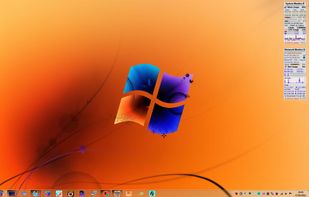


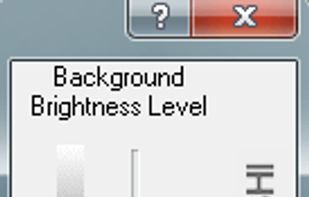
Form 1 Hour Software by skrommel, it can dim the screen by applying a transparent gray layer on top of your opened applications
United States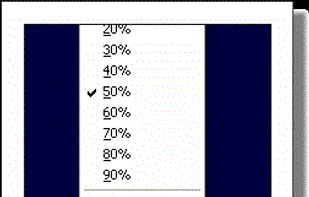


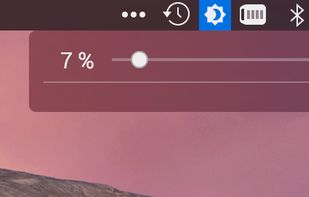
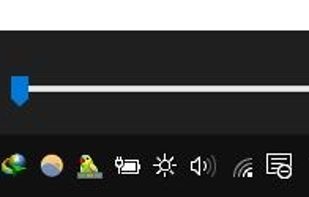
this app puts a Monitor Brightness icon to on Taskbar Tray. So you can access it with 1 click.



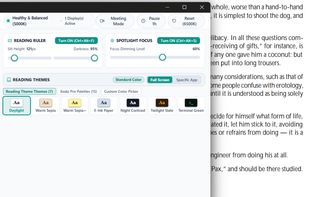
The First Full-Desktop E-Reader & Focus Suite for Windows. Authentic paper & e-ink themes, digital reading rulers, spotlight focus, and fail-safe zero-surprise architecture.
 Algeria
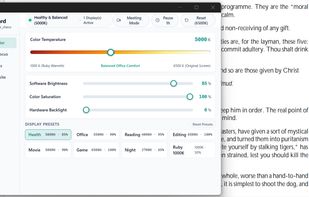
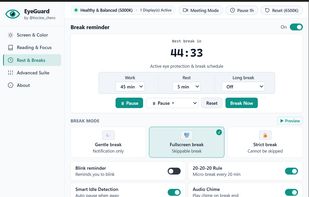

Small, dependency-free screen brightness and color temperature control for Windows (tray app).
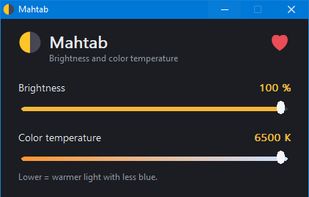


Brightness Controller easily allows windows users to set the brightness level of your LCD screen (It is very useful when your screen doesn't allow settings to be remembered without having to push many buttons on your screen!).