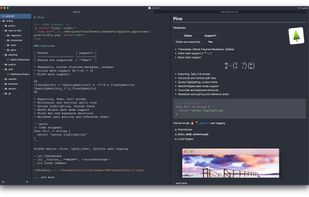
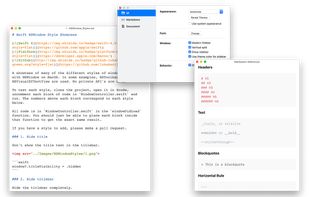
Preview GitHub Markdown files like Readme locally before committing them.
Cost / License
- Free
- Open Source (MIT)
Platforms
- Windows
- Linux
- Self-Hosted
G


Apps similar to Markdown Shell Extensions and Editor include Obsidian, which has a free version. Other options are Joplin, Zettlr, Typora and SiYuan. There's no shortage of Text Editors like Markdown Shell Extensions and Editor, with more than 50 alternatives for Mac, Windows, Linux, iPhone and iPad.
Preview GitHub Markdown files like Readme locally before committing them.

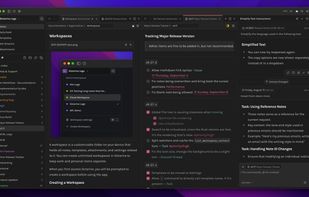
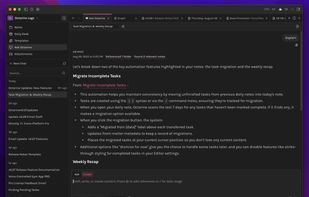
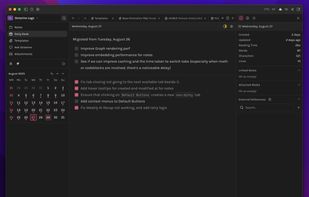
Octarine is a fast, lightweight tool for writing, planning, and organizing — in Markdown that stays yours.



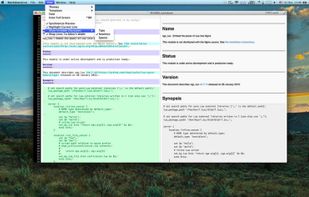
An elegant and easy to use editor with simplicity for the Markdown markup language. Markdown Life is able to use full power of your new Mac and brings you unprecedented performance.



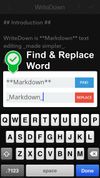
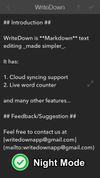
Try WriteDown, an app that made text editing simpler. You can write your note whether you are at home, at work, or on the go. Your notes are synchronized to the cloud, so you can easily read it wherever you want.
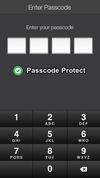


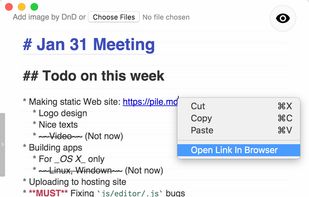
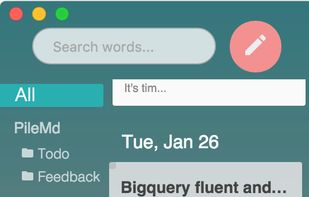
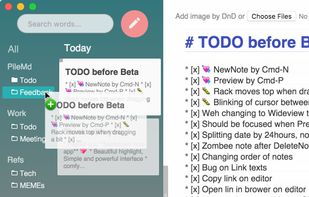
PileMd has a really beautiful Markdown Editor, looks like Preview. It's like a RichText Editor but it's actually Markdown, and it works like a word processor, complete with Undo/Redo histories, list completion and clickable urls.
 Japan
Japan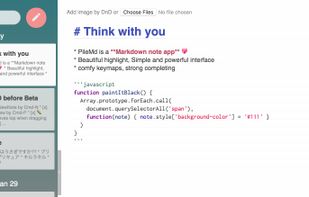


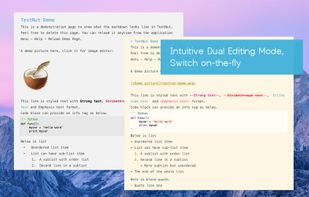
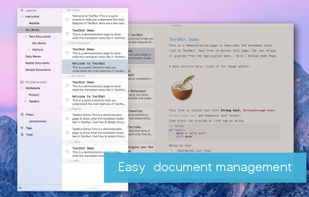
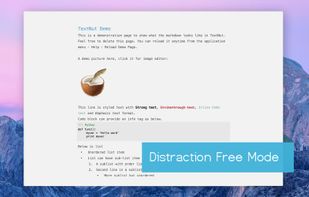
TextNut will convert your edits into markdown on-the-fly. If you are familiar with Markdown, it is add-on, with a powerful markdown editing mode.
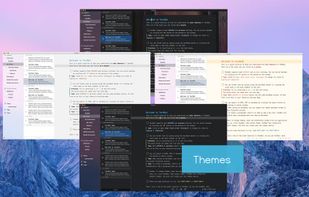


Epsilon Notes is a text editor for writing texts with Markdown-compatible CommonMark tags. Epsilon Notes can generate pdf and HTML code from your documents. CommonMark is an easy text formatting tool taking only a few minutes to learn, Runs on Android and Windows.


 Germany
 EU
EU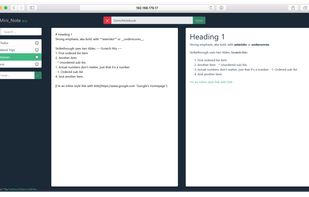


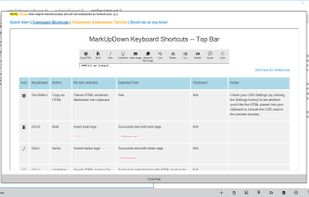
MarkUpDown is an editor specialized to make creating Markdown code easy for beginners and experts. With helpful toolbars for beginners, GitHub Flavored/Multimarkdown table support, and keystroke shortcuts & Easy Actions for the expert, MarkUpDown is ready to help anyone...


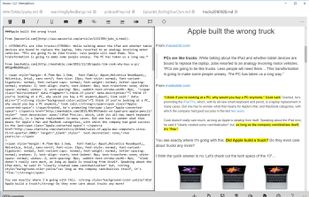


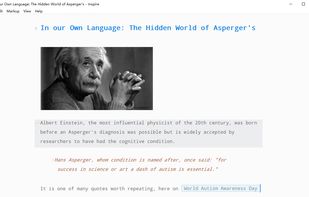
Inspire is a clone of Ulysses for Windows, with many of the core features but not all.
 China
China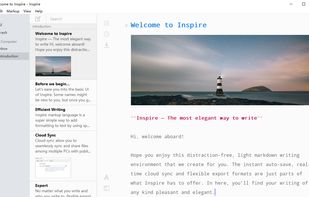
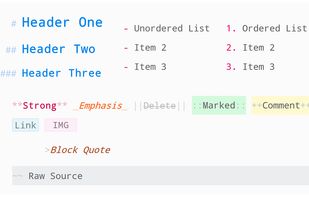


A modern macOS markdown editor - themeable, tabs, sidebar, GitHub flavored markdown, exporting, latex and more.
 Australia