


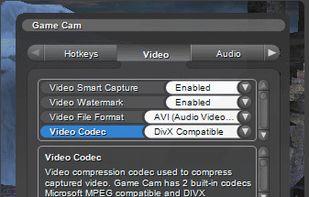
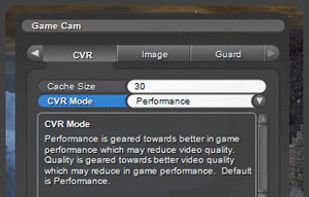
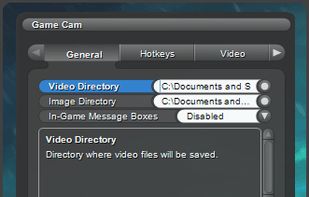
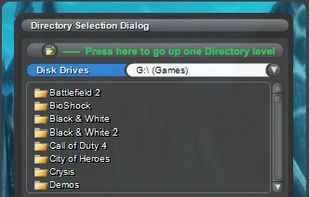
GameCam is an in-game recording software that captures video while you play and can capture screenshots with multiple screenshot image formats.
Platforms
- Windows
 United States



+3


Apps similar to Elgato Game Capture include OBS Studio, which is free and open source. Other options are GPU Screen Recorder, SimpleScreenRecorder, Bandicam and Camtasia. You're spoiled for choice with Screen Recorders like Elgato Game Capture: we list more than 100 alternatives for Windows, Mac, Linux, the web and Android.
GameCam is an in-game recording software that captures video while you play and can capture screenshots with multiple screenshot image formats.
United States
AZ screen recorder lets you record your screen to HD and FullHD videos, no time limit and no watermarks. It can record audio from the mic and users can even pause while recording. The recorder is totally free with an option to upgrade to get extended features like a video...
 Vietnam
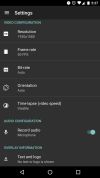
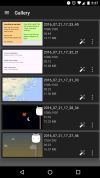


Screeny gives you the freedom to capture your videos or images at any size. You can click & drag to resize the capture area or input the exact pixel dimensions to set to the size of the capture area.
United States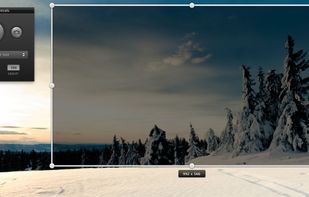
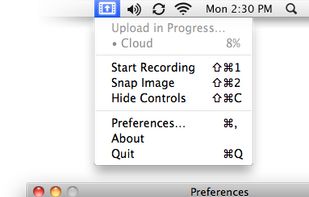
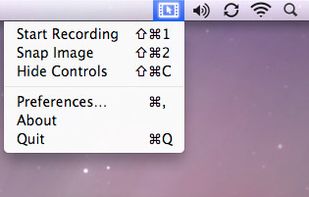


Hippo Video is an online video platform to create explainer videos, educational videos, how-tos, training videos, customer testimonials, video assignments, video tutorials, host videos and a video marketing platform.


All-in-one streaming software with an amazing community, 24 hour support team, and 50% less CPU than OBS. Stop streaming like it's 1998, download it now!
United States


Vov Screen Recorder is handy tool to record the computer screen, i.e., record the ongoing activities on the screen. Using Vov Screen Recorder, you can record your screen to create a how-to video to demonstrate working of a program, compile a products demo video for some client...
 Türkiye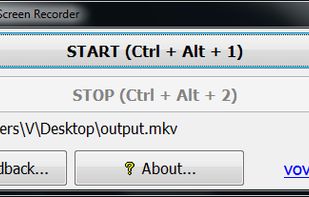


321Soft Screen Video Recorder is designed to record your computer screen (full screen or a fixed area) into AVI video file for further purposes like editing, burning DVD, making slide show movie, etc.


Captures high-quality video from your PC with smooth recording up to 50 frames per second, unique Background Mode for uninterrupted capture when videos are hidden, customizable settings, and compatibility with streaming sources and scheduled sessions.
United States


Demo Builder is a powerful Flash-based screencasting tool that allows you to create eye-catching and professionally-looking interactive presentations that do not require any programming skills.
 Japan
Japan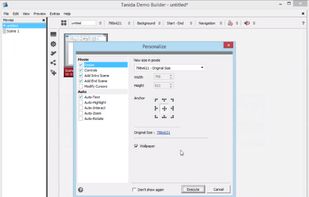


Shot Management - Copernicus doesnt just take screenshots, its a virtual photo gallery too. Take as many pictures as you like, then save them one at a time or all at once. Copernicus is perfect for taking many screenshots.
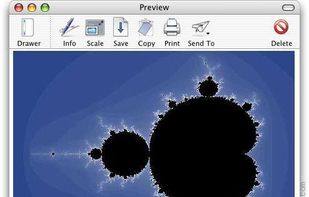


This is just a screen-capture toy, nothing more. If you don't know how to take screenshots with the system functions, use this tool :-).
 Serbia


 China
China


