Quickly extract text from almost any source: youtube, screencasts, PDFs, webpages, photos, etc. Grab the image and get the text.
Cost / License
- Free
- Open Source (MIT)
Platforms
- Linux
- Flathub
- Flatpak
- elementary OS
 Estonia
 EU
EU
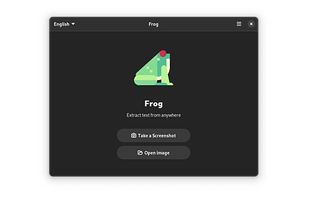

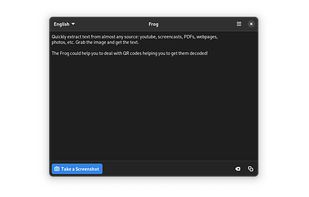

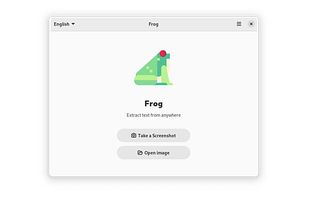


Quickly extract text from almost any source: youtube, screencasts, PDFs, webpages, photos, etc. Grab the image and get the text.
EstoniaEU
Photo Scan lets you extract text from Images or Photos very easily and efficiently!
 India
India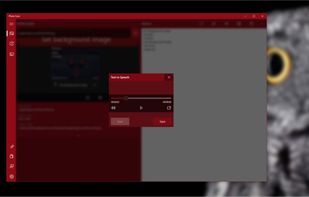

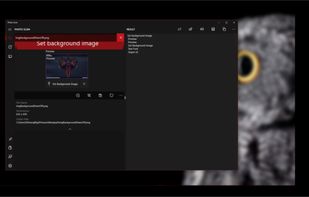
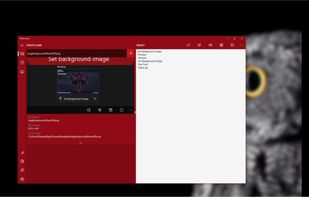


OCR software and web service to extract text from image files and PDF. The application is available as online OCR web app, OCR API, or simple to install Windows store application.
 GermanyEU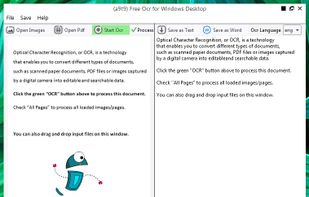


Main point of this app is to scan or select existing PDF documents simply using intent or chooser. Other apps require payment to access their api/sdk or simply don't have a possible way to do it. So they rely on switching between an app ,file chooser and a scanner.


 PortugalEU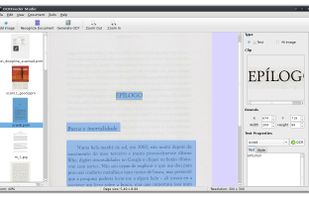

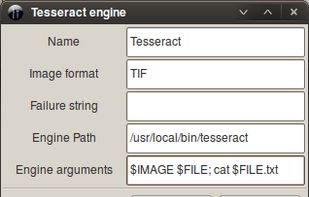
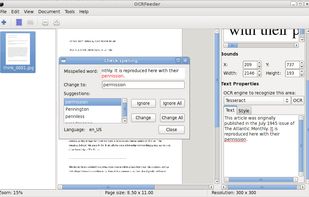


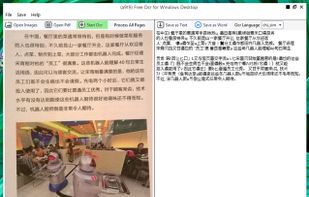
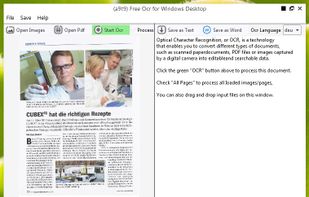
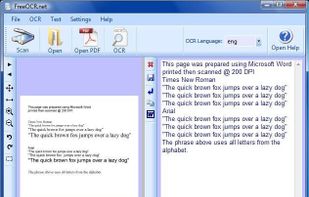
FreeOCR is a scan & OCR program including the Tesseract free ocr engine, also known as a Tesseract GUI. It includes a Windows installer, and it is very simple to use.
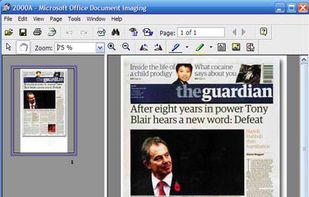


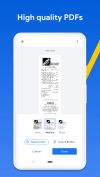
Get rid of paper clutter with Stack. Stack is a PDF scanner, document organizer, and detail finder. All in one.
 United States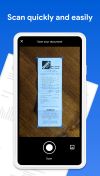




 EstoniaEU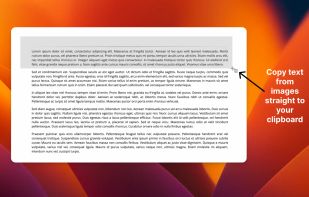


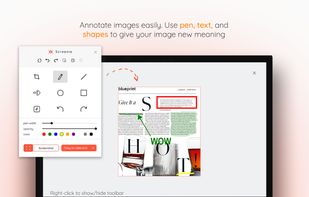
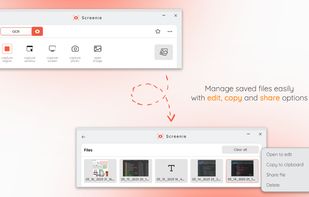
💥 Capture and share your ideas quickly and easily with Screenie - the ultimate screenshot tool for designers, developers, and anyone who needs to share information efficiently. Simply take a snap, annotate it, and copy it to the clipboard in seconds.
 Canada
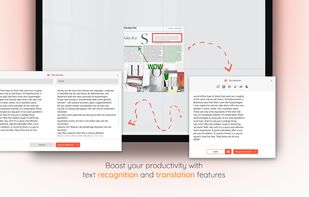


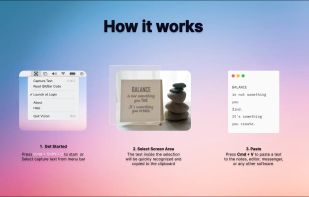
Never get annoyed by unselectable text on websites, PDFs, images or system user interfaces again. Just select the region of your screen in the same manner as you would take a screenshot and find all recognized text in your clipboard ready to get pasted anywhere.