


Coloring your Windows folders can help you organize and increase your productivity. Your folders are instantly recognizable by color vs having to pause to read their text label.
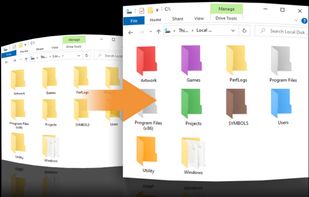




Dr. Folder has been discontinued. Similar apps include Folcolor™, which is free and open source. Other options are Crystal Folders, Folder Colorizer, Folder Marker and Folder Painter. You can choose from more than 10 Desktop Customization Tools like Dr. Folder for Windows, Mac and Linux.
Coloring your Windows folders can help you organize and increase your productivity. Your folders are instantly recognizable by color vs having to pause to read their text label.

Crystal Folders is an application to customize your folder icons in seconds, for Windows.
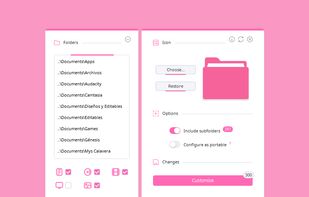
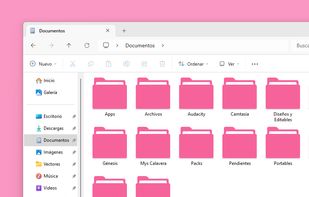
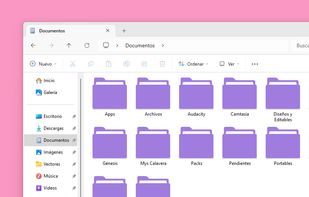
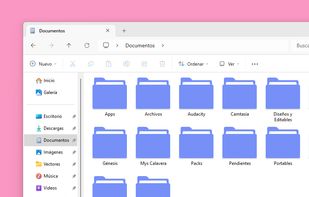


Windows Explorer is too boring? Color it up! Assign any color to any folder – just right-click a folder and choose “Colorize”! Supports your own colors, labels and works seamlessly with any version of Windows.
 United States
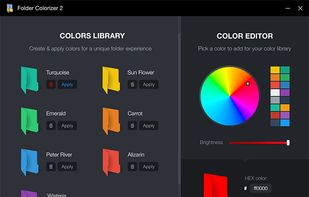


Label folders with color-coded or image-coded icons to indicate status, priority, project completion, or content type, using two-click assignment for efficient visual organization, bulk folder support, Windows integration, and improved work or personal file access.
 Ukraine
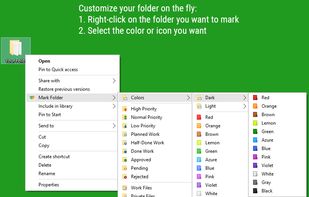
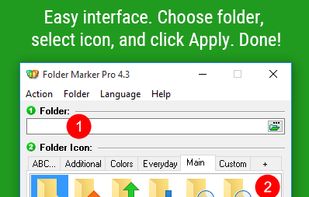
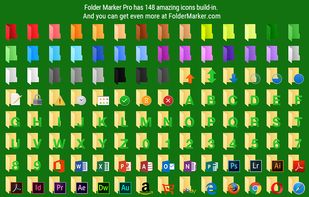
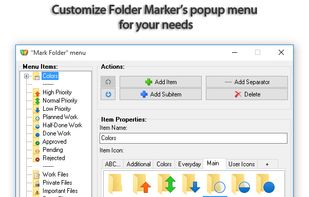


Folder Painter is an easy to use Portable Freeware program, which allows you to change the color of the icon representing a chosen folder to any color you like.
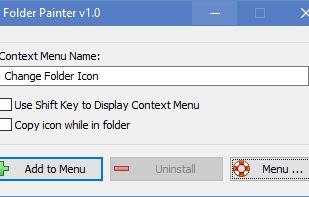
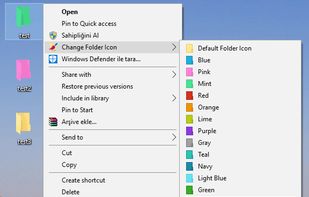
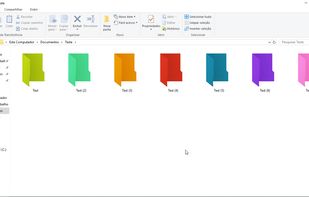


Change folder icon and add emblems.
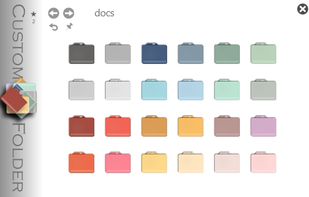
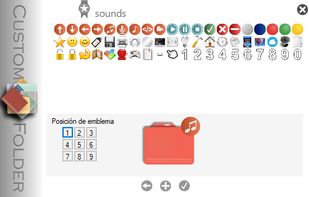
Include 2 collections of 24 icons each and 60 emblems.
8 personal icon collections and 80 emblems can be added. Each icon can have up to 9 emblems.


FoliCon is a free, open-source Windows application designed to automatically create and apply custom, high-resolution folder icons for movie, TV show, anime, game, and music collections.

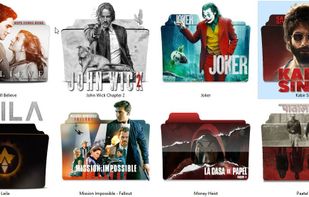

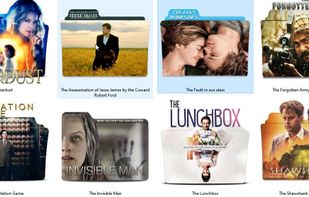


Quickly change the folder icons and restore them back to the original state in one click. Folderico support ICL-files and themes from iColorFolder. It also allows you to change Windows 7 libraries icons
 Cyprus
 EU
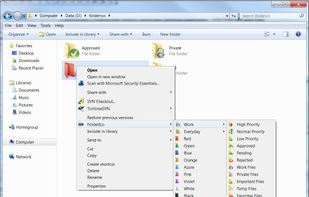
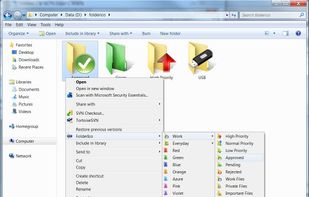
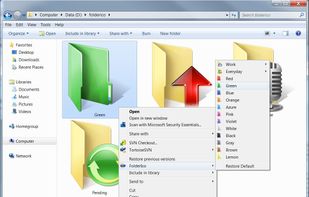
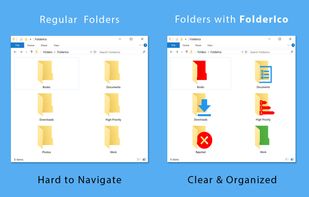


Folder Icon tool that gives you everything you need to create folder icons and assign them to any folder in the easiest way.
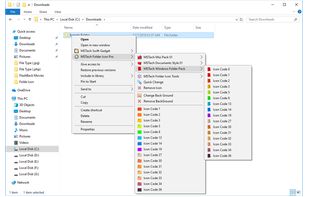
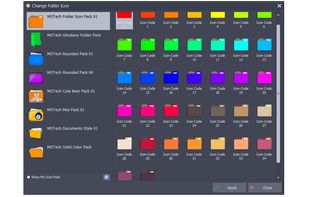
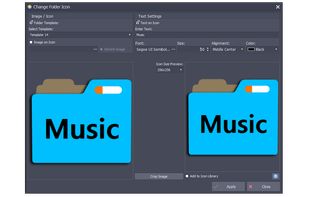
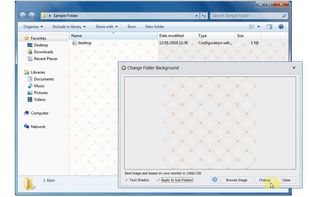


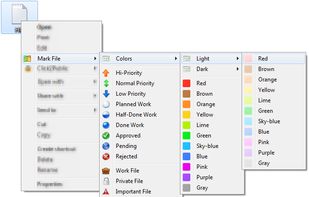
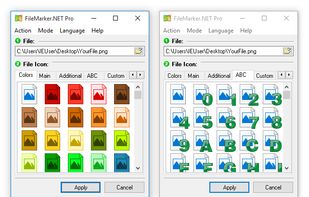
A handy tool that allows o color-code or image-code files of the same type in Windows like in Mac and considerably simplify file management with the help of additional icons to display status, priority, completeness and type of data in a file


WinSetView provides an easy way to set, change and manage the File Explorer default folder views or templates.


It lets you customize almost any part of Windows according to your taste. Like if you want the start button to look different, you can use CustomizerGod to change it from the Windows logo to something fun like a candy or a minion's face.


