Double Commander AlternativesOnly apps categorised as File Search Utilities

The best File Search alternative to Double Commander is Total Commander, which is free. If that doesn't suit you, our users have ranked more than 100 alternatives to Double Commander and many of them are File Search Utilities so hopefully you can find a suitable replacement. Other interesting File Search Utility alternatives to Double Commander are Files, FreeCommander, OneCommander and Directory Opus.

filter to find the best alternatives

Double Commander alternatives are mainly File Managers, but if you're looking for File Search Utilities or File Renamers you can filter on that. Other popular filters include Linux, Open Source, Mac, Windows and Windows + Open Source. These are just examples - use the filter bar below to find more specific alternatives to Double Commander.
Copy a direct link to this comment to your clipboard
Double Commander alternatives page was last updated

Alternatives list

  1. Total Commander icon
     910 likes

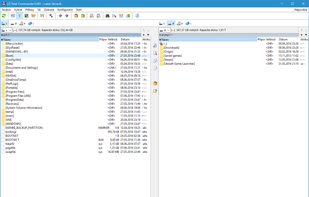
    A versatile file manager offering side-by-side dual-pane for intuitive navigation, powerful built-in FTP client, extensive archive format support, robust file comparison tool with editor, advanced multi-rename using regular expressions, and scalable customization options.

    182 Total Commander alternatives

    Cost / License

    • Freemium
    • Proprietary

    Application types

    Platforms

    • Windows
    • Android
    • Android Tablet
     
    |
    1
    Total Commander vs Double Commander Comments
    Guest
    Positive
    -2

    Its the father of the complete "Commander" bunch. It is very reliable and starts much faster than the double commander. The rest is very much alike. I think double commander ist a clone of the original Total commander.

    Review by a new / low-activity user.
    • Total Commander is Freemium and ProprietaryDouble Commander is Free and Open Source
    • Total Commander is CustomizableDouble Commander is not according to our users
  2. Files icon
     166 likes

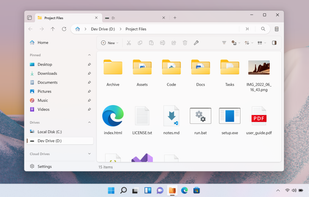
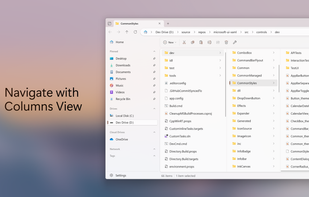
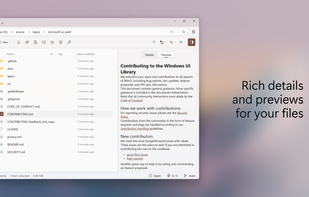
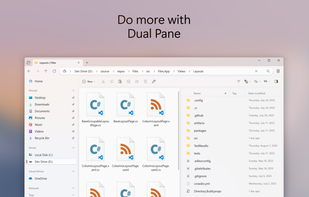
    Advanced Windows file manager offers tabbed browsing, dual-pane drag-and-drop, column navigation, built-in archive creation and extraction, file tagging, QuickLook previews, context menu integration, quick search, and customizable appearance for streamlined organization.

    119 Files alternatives

    Cost / License

    • Free
    • Open Source (MIT)

    Application types

    Platforms

    • Windows
     
    |
    1
    Files vs Double Commander Comments
    Jan Klass
    0

    Double-pane is not Files primary mode, but it does support it. Files has a lot less functionality and no focus on keyboard use-/accessibility.

    • Files is Free and Open SourceDouble Commander is also Free and Open Source
    • Files is CustomizableDouble Commander is not according to our users
  3. FreeCommander icon
     397 likes

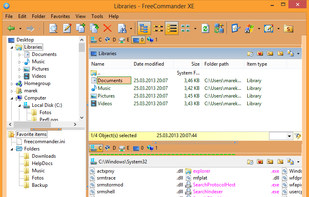
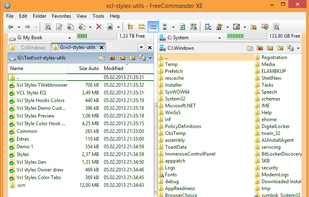
    Dual-panel file manager with tabbed navigation, built-in viewer for multiple formats, ZIP/RAR/7z archive support, folder sync and comparison, batch renaming, search within archives, customizable keyboard shortcuts, DOS command integration, and full portability.

    117 FreeCommander alternatives

    Cost / License

    • Freemium
    • Proprietary

    Application types

    Platforms

    • Windows
    • PortableApps.com
     
    |
    1
    FreeCommander vs Double Commander Comments
    Guest
    Positive
    0

    Easy to use. Can move files easily. Free version and slightly more complex paid version. Both very good. - Jim

    Review by a new / low-activity user.
    • FreeCommander is Freemium and ProprietaryDouble Commander is Free and Open Source
  4. OneCommander icon
     173 likes

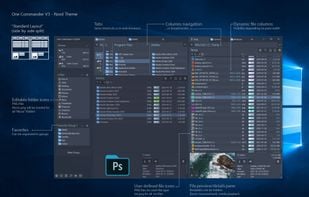
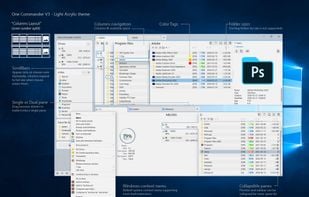
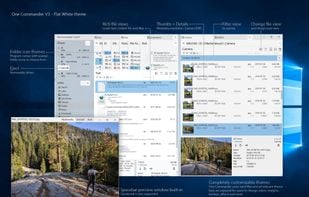
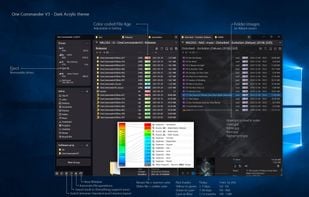
    Dual-pane Windows file manager with tab support, Miller Columns layout, customizable themes, image converter, regex-based renaming, long Unicode path support, batch operations, metadata display, ToDo notes in folders, file previews, smart clipboard, and robust archive handling.

    94 OneCommander alternatives

    Cost / License

    • Freemium
    • Proprietary

    Application types

    Platforms

    • Windows
     
  5. Directory Opus icon
     227 likes

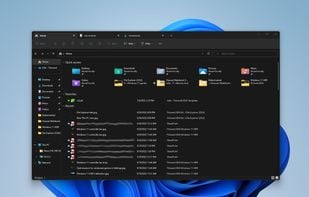
    Complete Explorer alternative with dual-pane navigation, folder tabs, batch renaming, built-in image and document viewer, portable device access, scriptable interface, archive and metadata support, robust search, color coding, sync tools, and high DPI compatibility.

    86 Directory Opus alternatives

    Cost / License

    • Paid
    • Proprietary

    Application types

    Platforms

    • Windows
     
  6. XYplorer icon
     210 likes

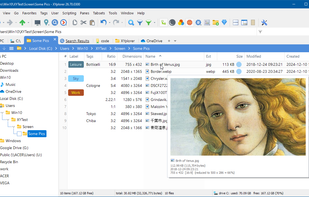
    Tabbed browsing, dual pane file management, advanced search with filters, scripting and automation, customizable interface, bulk renaming, integrated file preview for various formats, portable operation without installation, user-defined commands, and multi-language support.

    94 XYplorer alternatives

    Cost / License

    • Freemium
    • Proprietary

    Application types

    Platforms

    • Windows
     
  7. Thunar icon
     148 likes

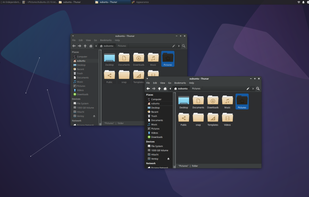
    Thunar is a modern file manager for the Xfce Desktop Environment. Thunar has been designed from the ground up to be fast and easy-to-use. Its user interface is clean, intuitive, and customizable. Thunar is fast and responsive with a good start up time and directory load time.

    88 Thunar alternatives

    Cost / License

    Application type

    Platforms

    • Mac
    • Linux
    • BSD
    • Xfce
    • MacPorts
    • XQuartz
     
  8. File Explorer icon
     232 likes

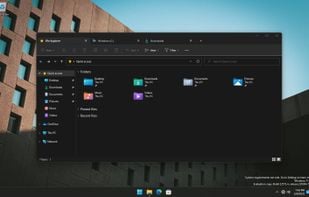
    Manage your files using a graphical interface with offline capabilities, no registration, zip support, and a lightweight design. Enjoy features like dark mode and ad-free usage on Windows. Known as Explorer, it helps present the taskbar and desktop elements since Windows 95.

    129 File Explorer alternatives

    Cost / License

    • Free
    • Proprietary

    Application types

    Platforms

    • Windows
     
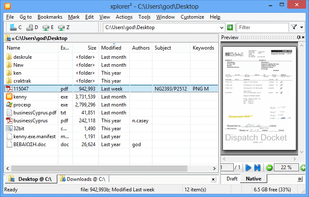
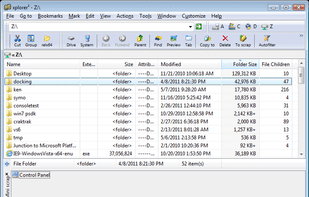
  9. xplorer² icon
     104 likes

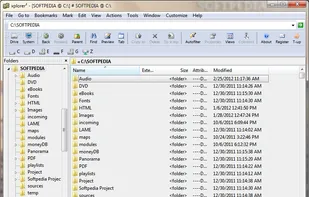
    xplorer² is a desktop file manager combining the simplicity of Windows explorer with the speed and efficiency of traditional dual pane file managers.

    93 xplorer² alternatives

    Cost / License

    • Paid
    • Proprietary

    Application types

    Platforms

    • Windows
     
  10. oMega Commander icon
     51 likes

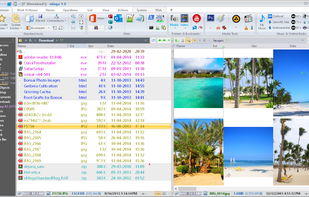
    Innovative, convenient, fast, feature-packed File Manager, with a unique, powerful and, at the same time, familiar and easy to use interface, designed for all users.

    Cost / License

    • Paid
    • Proprietary

    Application types

    Platforms

    • Windows
     
    |
    2
    oMega Commander vs Double Commander Comments
    Guest
    Positive
    1

    oMega Commander is fast, highly configurable and loaded with shortcuts. Frequently used folders can be bookmarked and accessed via shortcuts. Take some time to explore the many options and you will be rewarded by the best file manager that I've used on Windows so far.

    Review by a new / low-activity user.
    Guest
    Positive
    0

    Great functionality. Modern design. Available in your language. Extremely easy to use. Just try once and see for yourself.

    Review by a new / low-activity user.
    • oMega Commander is Paid and ProprietaryDouble Commander is Free and Open Source
    • oMega Commander is CustomizableDouble Commander is not according to our users
12 of 24 Double Commander alternatives