






Apps similar to Don't Go to Sleep Please include goguma app, which is free and open source. Other options are Amphetamine, Caffeine for Mac, caffeinate & disablesleep and Stimulator. Prevent Sleep Mode Apps like Don't Go to Sleep Please are a crowded field, with more than 25 alternatives for Mac, Linux and the web.

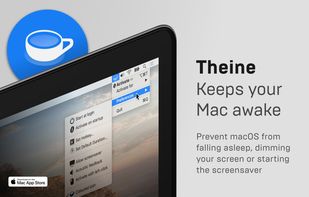
Prevent your Mac from falling asleep, dimming your screen or starting the screensaver. Theine keeps macOS awake just like caffeine does with you.
 Germany
 EU
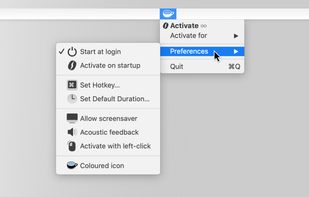
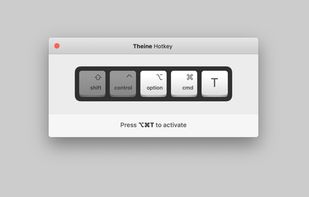
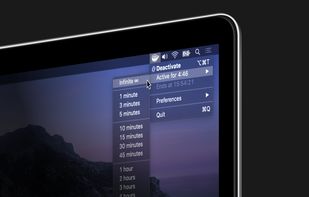


This app will keep your system awake for a defined period of time. It will pause the energy settings and prevent the screensaver from starting.
GermanyEU
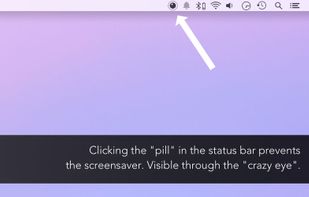


Anti-Sleep App for your Mac.
Caffeinated prevents your Mac from going to sleep, dimming your screen or starting the screensaver.
GermanyEU
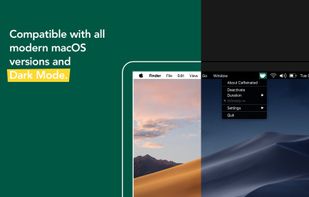
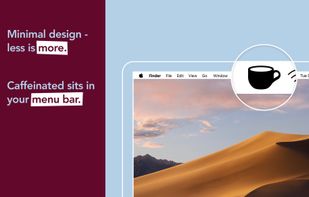


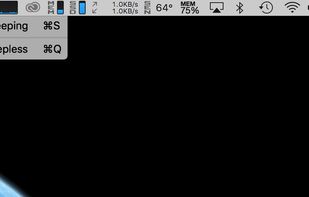
Open-source status bar app to keep your Mac from sleeping.


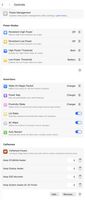
Tethered is a macOS menu bar app for managing battery charging, power behavior, and automation in one place. Set a charge limit, use Sailing and Top-up, monitor battery health and temperature, and configure power modes, Caffeinate, sleep and wake behavior, and display brightness.
 United States
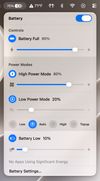
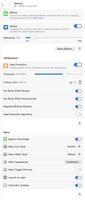


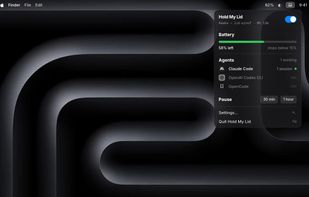
Close the lid. Keep coding. Hold My Lid keeps your Mac awake while Claude Code, Codex, and your other agents finish the job — lid shut, in your bag.
 India


macOS CLI that keeps your Mac awake with the lid closed on battery, so a local Codex, Claude Code, or Cursor session keeps running.
GermanyEU


ScreenWakeUp is a free, browser-based tool that keeps your screen from sleeping or locking. It uses the modern Screen Wake Lock API — nothing to install, no admin rights, no account. Open it in any browser on Windows, macOS, Linux, ChromeOS, Android or iPhone and click one...



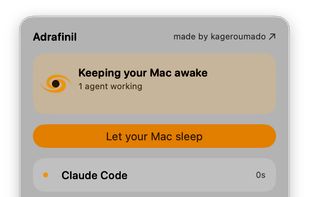
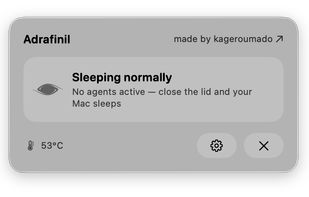
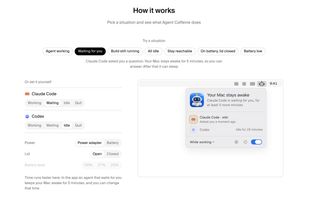
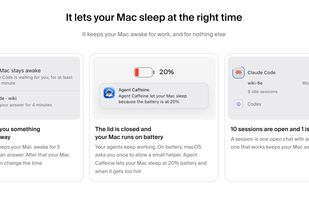
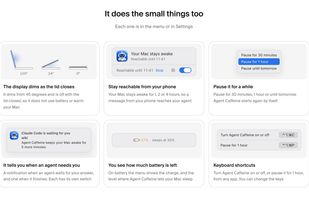
Menu bar app for macOS that detects AI coding agents and keeps the Mac awake during active work, including with the lid closed or on battery. It restores normal sleep when tasks finish, waits five minutes for replies, sends notifications, supports pause and timed reachability, and offers no telemetry or account.
 Türkiye



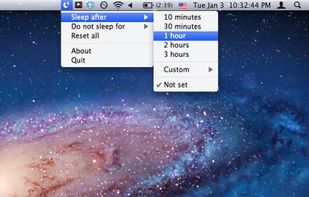
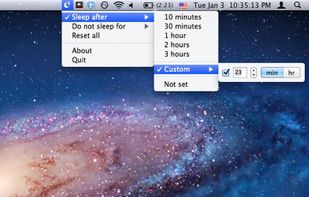
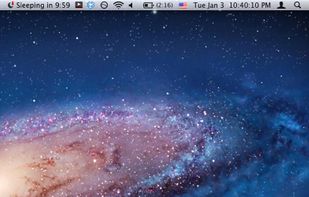
SleepTime is a light-weight app that lives on your menu bar, letting you easily set a timer to put your Mac on sleep automatically after a specified time period you choose.


 Canada


