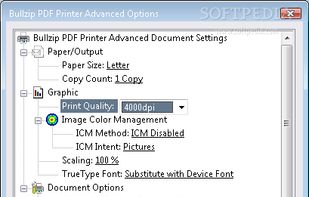
A virtual Microsoft Windows printer and allows you to print as PDF, BMP, JPEG, PCX, PNG, and TIFF files from virtually any Microsoft Windows application.
Cost / License
- Freemium
- Proprietary
Application type
Platforms
- Windows
 Denmark
 EU
EU




Sites and apps similar to Docs.Zone include PDF-XChange Editor, which has a free version. Other options are PDF24 Creator, Adobe Acrobat DC, Master PDF Editor and PDF24 Tools. There's no shortage of PDF Editors like Docs.Zone, with more than 100 alternatives for Windows, Mac, iPhone, iPad and Android.
A virtual Microsoft Windows printer and allows you to print as PDF, BMP, JPEG, PCX, PNG, and TIFF files from virtually any Microsoft Windows application.
DenmarkEU
Comprehensive suite offering eSign, OCR, multi-platform editing, cloud integration, and robust security. Ideal for professional or personal use, facilitating collaboration while protecting content.
 United States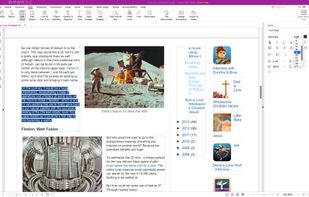
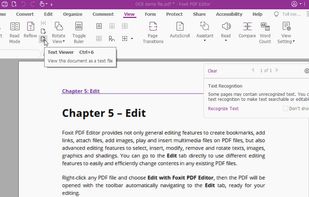


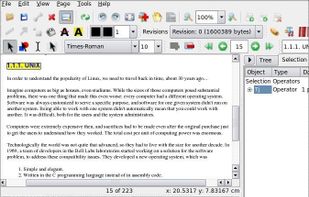
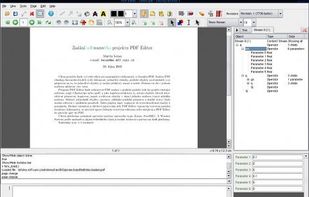
Free (and open source) editor for manipulating PDF documents. GUI version + commandline interface. Scripting is used to a great extent in editor and almost anything can be scripted, it is possible to create own scripts or plugins.


 United Kingdom



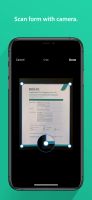
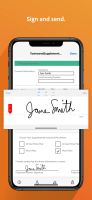
Adobe software for filling and signing forms digitally covers it all. Snap paper forms with a phone's camera, add details, sign with a stylus or finger, and then send via email. It’s all about speed, ease, and going green with paperless workflows.
United States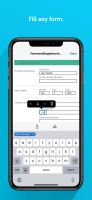


CutePDF Writer (formerly CutePDF Printer) is the free version of commercial PDF creation software. CutePDF Writer installs itself as a "printer subsystem". This enables virtually any Windows applications (must be able to print) to create professional quality PDF...
United States


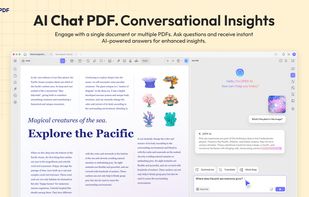
Edit, annotate, and convert PDFs with OCR capabilities, AI-assisted tools for summaries and translations. It supports file protection and offers 2GB of cloud storage for secure management.
 China
China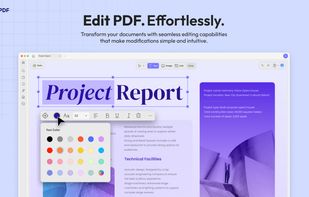
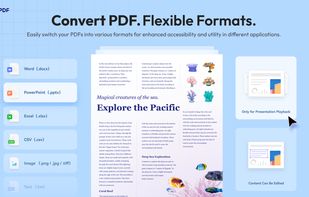
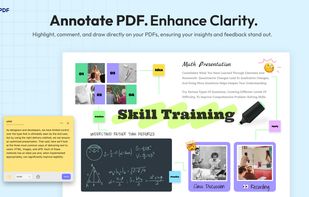


Versatile PDF solution for Windows with editing, markup, batch creation from Office and CAD files, 3D PDF, OCR, forms, advanced organization, custom measurement, real-time collaboration, scripting, security, file comparison, tablet support, and integration features.
United States


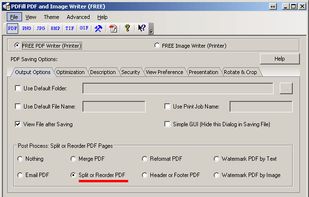
With PDFill you can create, fill, delete and submit PDF form fields; insert new formatted text, check, image, hyperlink, whiteout, highlight, drawing, comment and annotation anywhere in the document; save, print or email the filled and password-protected PDF; save and resume...
United States



PDF Candy is an online PDF toolset of 47 services for successful processing of PDF files. The service is free for single-file operations and does not require an account. A desktop application is also offered,
 CyprusEU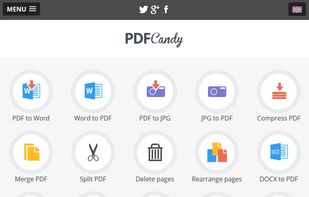
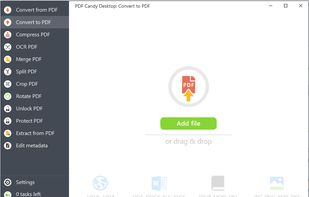


Cloud PDF toolkit provides over 20 tools for editing, conversion, OCR, merge, split, annotation, batch processing, and signatures, with free online access, cross-platform usability, no watermarks, no size limits, and options for mobile and desktop integration.
 Hong Kong SAR China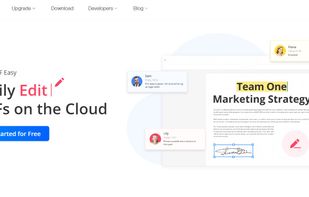
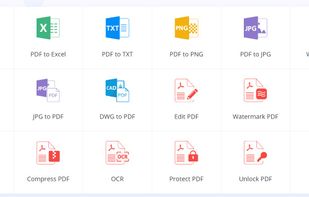
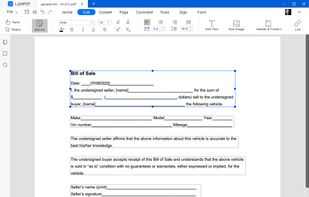


Comprehensive cross-platform PDF suite enabling accurate conversion from native or scanned files to Word, Excel, PowerPoint, and AutoCAD, with OCR support, document editing, annotation, redaction, interactive forms, table customization, batch creation, secure signing, and multilingual UI.
United States