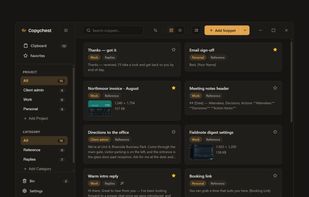
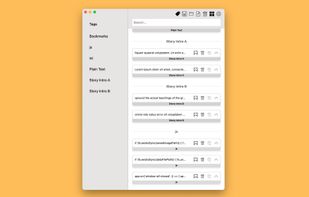
Clip Cat is a powerful clipboard manager for Windows, it reinvents the way you copy, extend the clipboard by making it your go-to tool for storing and organizing.
Cost / License
- Free
- Proprietary
Application type
Platforms
- Windows


Apps similar to Ditto include CopyQ, which is free and open source. Other options are UniClipboard, Rememory, PasteBar and Planck. There's no shortage of Clipboard Managers like Ditto, with more than 100 alternatives for Windows, Mac, Linux, Android and iPhone.
Clip Cat is a powerful clipboard manager for Windows, it reinvents the way you copy, extend the clipboard by making it your go-to tool for storing and organizing.
A free, end-to-end encrypted online clipboard that syncs text between your devices with a short key — no account, no install, and it works across different networks.

A keyboard-first native macOS clipboard manager with searchable screenshots and auto-collections — all local and encrypted.
 Australia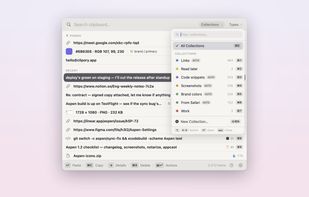
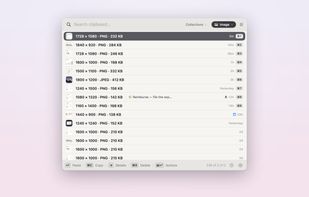
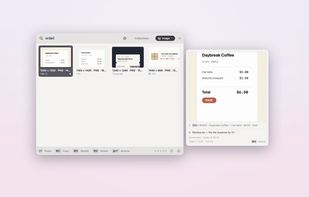
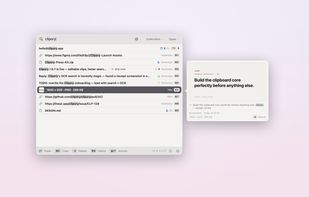


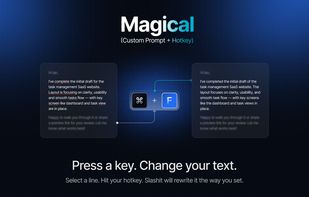
Slashit App is a productivity tool that helps you reply faster using dynamic placeholder templates, text snippets, AI to rewrite sentences, and a clipboard history manager.
 Bangladesh

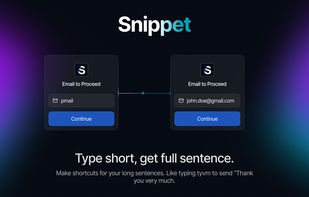


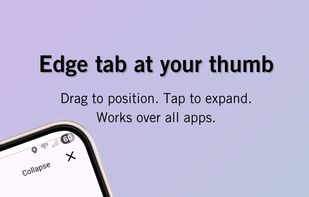
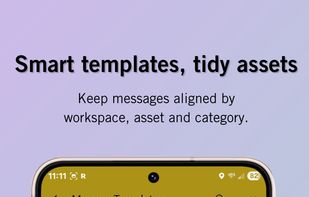
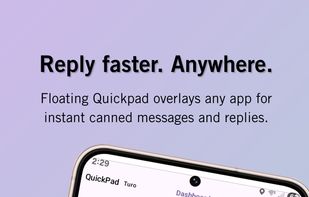
QuickPad is a small floating panel you open from a side tab to copy/paste your saved Airbnb/Turo/eBay/Marketplace replies and canned messages. No app-switching.
 United States


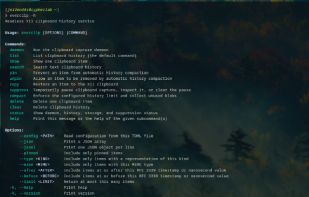
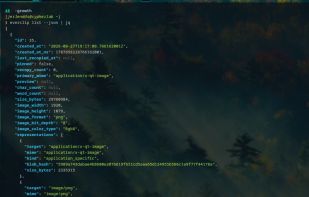
everclip is a headless, event-driven X11 CLIPBOARD history daemon and pipe-first CLI. It stores stable history records in a Turso database (sqlite3) while keeping each original X11 target payload in a deduplicated blob store.


Ditto is a native macOS clipboard manager. Every copy — text, rich text, images, files — is kept, searchable and one keystroke away. It's the unofficial macOS sibling of the Windows classic Ditto.
 Belgium
 EU
EU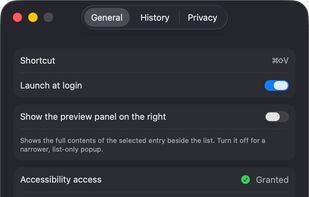
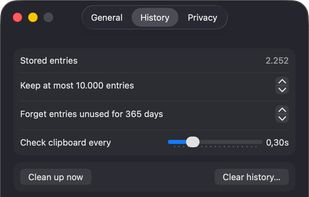
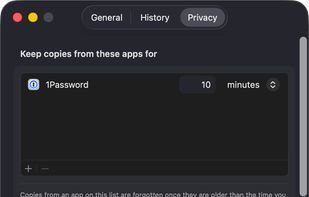
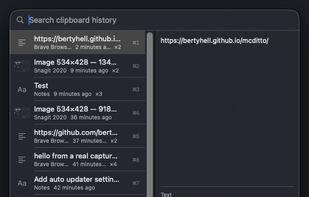


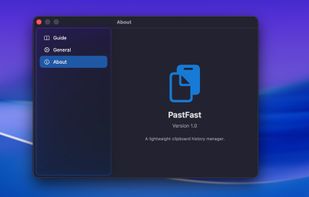
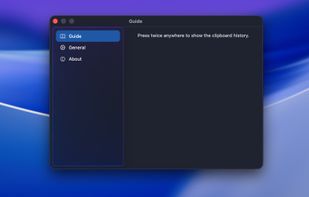
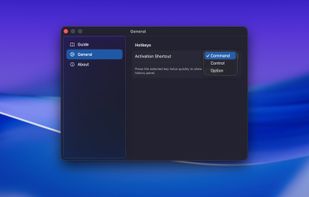
PasteFast is a lightweight, fast clipboard history manager for macOS. Double-press your hotkey to instantly access your clipboard history featuring both text and images. Customizable shortcuts, automatic panel hiding, source app identification, and minimal resource usage.
 China
China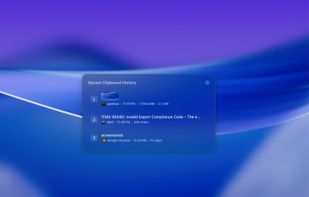


See, search, pin, and paste your clipboard history in one tidy window. Works with Windows' built-in Win+V
United States



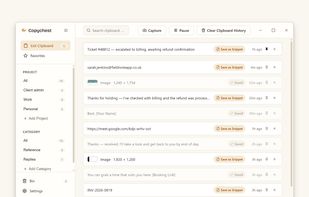
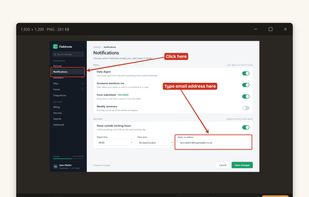
Clipboard manager for Windows with searchable history, reusable saved text, and region screen capture with annotation. Stored locally, no account.
 United Kingdom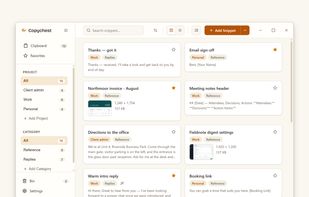


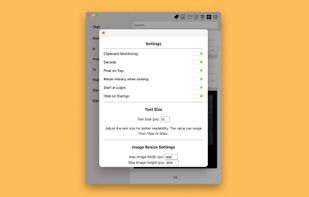
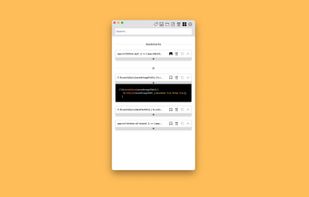
Say goodbye to losing important snippets of text and images! Clip Log is the ultimate clipboard manager, combining intelligent organization, real-time saving, and privacy-first design. Designed to simplify your workflow, Clip Log ensures that everything you copy is instantly...
United States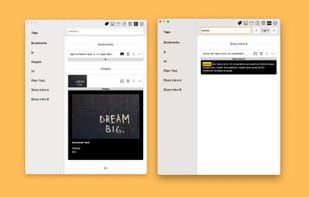


 Poland