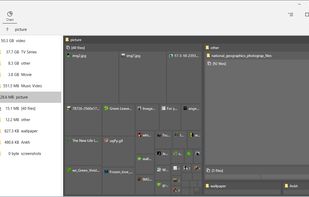
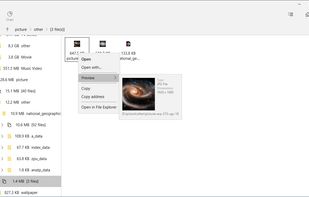
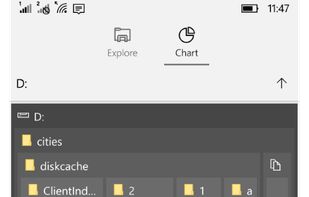
Landiskape is a storage visualizer which tells you how your storage is being used by using an easy to understand 2D chart.



+2


Apps similar to DiskSight include WinDirStat, which is free and open source. Other options are WizTree, Baobab Disk Usage Analyzer, Filelight and TreeSize. There's no shortage of Disk Usage Analyzers like DiskSight, with more than 50 alternatives for Mac, Windows, Linux and Android.
Landiskape is a storage visualizer which tells you how your storage is being used by using an easy to understand 2D chart.

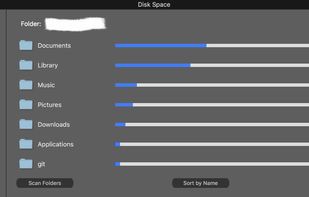

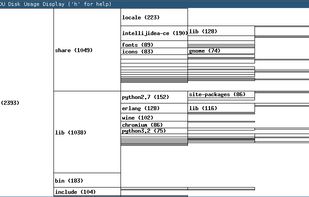
Disk usage or other tree data display program. Typical usage: du -xm / | xdu -n

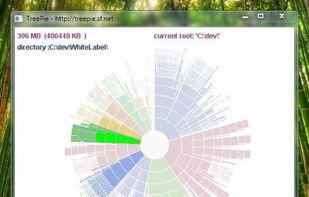
TreePie : a simple way to display disk usage. It shows the distribution of size in a tree of directories by using an interactive multilevel pie (sunburst diagram). Really small and simple.


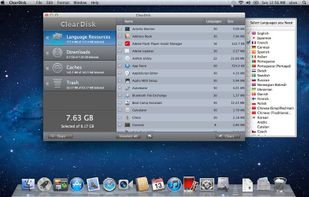
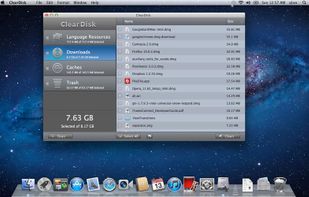
ClearDisk is a Mac OS X utility designed to clean the hard disk of unnecessary files which clog up the disk space. The goal of ClearDisk is just to find unused files on your computer and remove them. ClearDisk saves your time by cleaning your disk in a fast and intuitive manner.
 Ukraine



TreemapScan helps you find out why your Mac’s disk is filling up by showing you which files and folders take the most space. It scans a drive or folder you choose and draws the result as a treemap, where every file and folder is a rectangle sized in proportion to the space it...
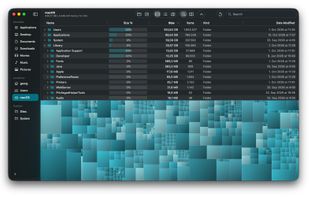
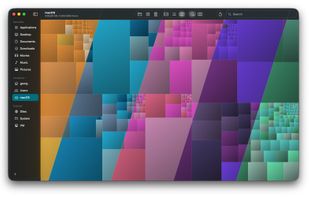
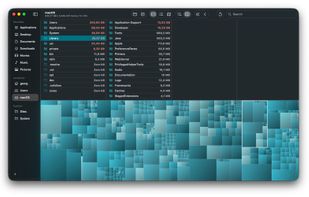
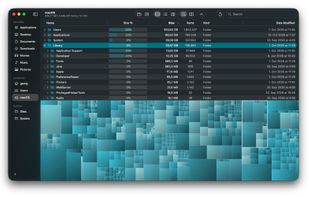


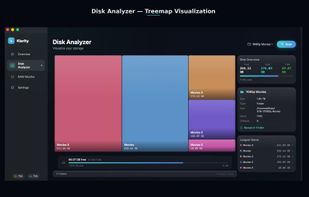
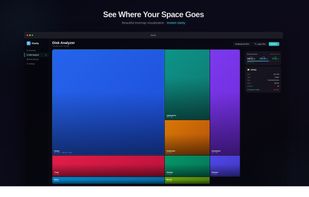
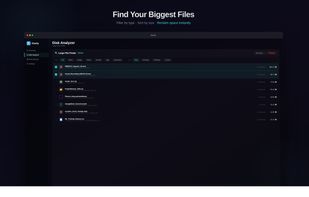
Klarity is a disk space analyzer for macOS that shows where your storage went as a treemap: every file and folder is a rectangle sized to scale, so the biggest items are visible at a glance instead of being found one folder at a time.
 India


 Canada
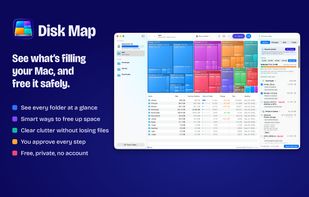

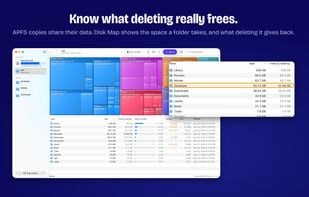


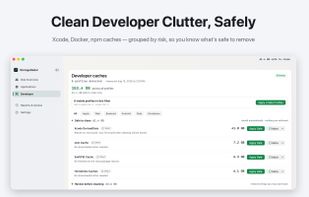
Disk space analyzer for Mac: see what fills your disk, from Xcode caches to app leftovers, and remove only what you approve.
 Thailand

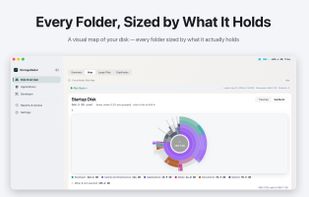



Help you to view at a glance all the folders, files inside them and the space occupied by them on your system
 China


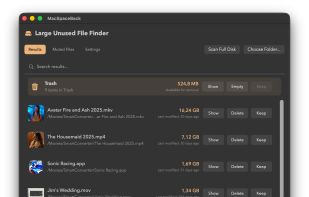
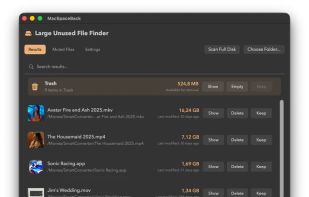
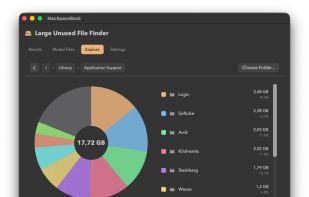
A menu-bar macOS storage cleaner that prioritizes files by size and time since last use, with low-space alerts and a hierarchical disk browser. Review suggestions in Finder, mute files temporarily or permanently, and move chosen items to the Trash before emptying it.
 Lithuania
 EU