



+1
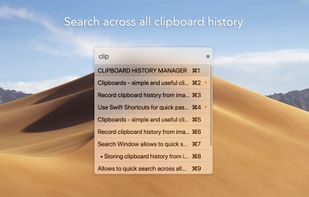


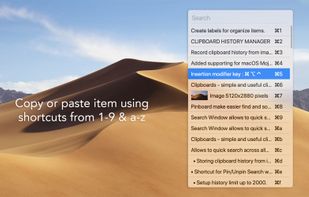
Apps similar to Diodon include CopyQ, which is free and open source. Other options are Ditto, Planck, CopyCat Clipboard and Maccy. There's no shortage of Clipboard Managers like Diodon, with more than 100 alternatives for Mac, Windows, Linux, iPhone and iPad.
Keyboard-driven multiple-clipboard manager for Windows: hold Ctrl, tap V to walk back through everything you have copied, release to paste - no window, no mouse. A .NET 10 + WPF reimplementation of Clipjump, shipped as one self-contained portable exe.
 India
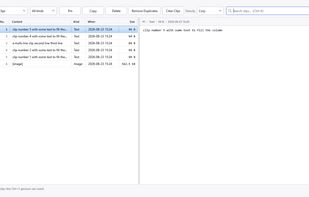
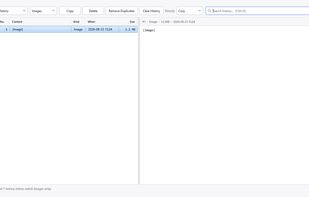
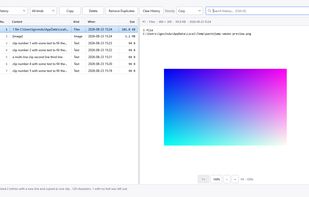

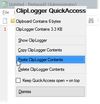
clipLogger logs text copied to the clipboard, putting everything in one textbox for easy access. Clipboard captures can be separated & labeled with a timestamp, or just appended by themselves. It can also log the paths of copied or dragged&dropped files.


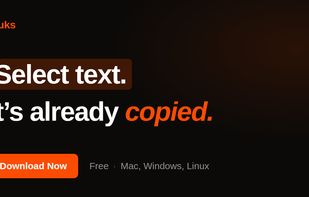
Auto-copies any text the moment you select it — no Ctrl+C needed. Provides deep click paste and a searchable local clipboard history. Works on Mac and Windows.


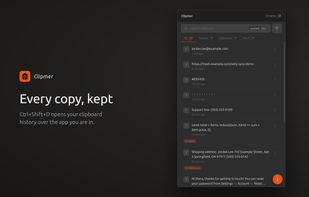
Secrets-aware clipboard manager for Linux. Mask entries before a screen share, annotate them with notes, and file SSH commands and API keys into folders. Ubuntu · GNOME · Wayland.
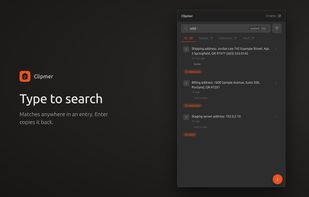
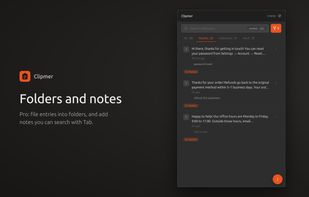
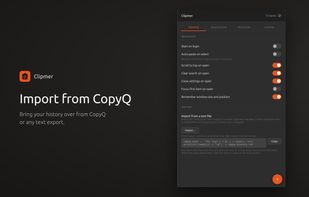

simple clipboard manager for Wayland, built in Rust. It saves a history of your clipboard content, and lets you paste things you've copied earlier. It also lets you configure "favorite" pastes for strings you need often.

 United States


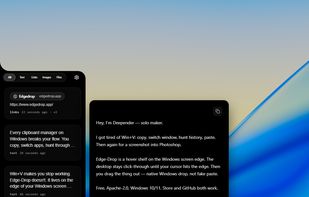
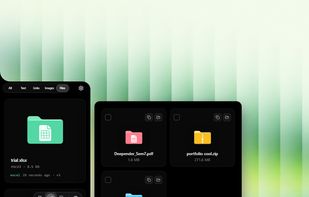
Hover-activated clipboard shelf for Windows. It hides on your screen edge, springs open when your cursor nears it, and lets you drag files and images straight into any app. Free and open source.



ClipCapsule is a minimalist clipboard manager for Linux. It supercharges your productivity by allowing you to manage and switch clipboard entries using only keyboard shortcuts—no mouse or GUI required.


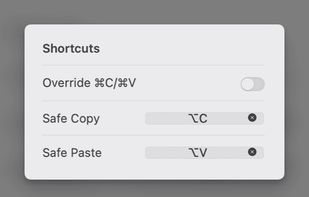
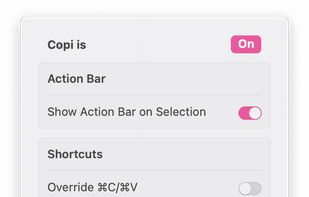
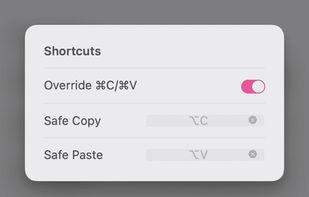
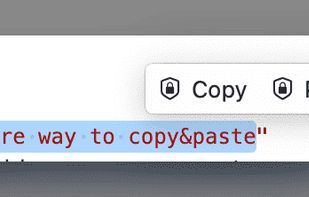
Copi is an open-source, lightweight, and secure clipboard alternative for macOS. It offers the same copy and paste functionality as the system clipboard, but its contents cannot be accessed by any third-party applications, effectively protecting your privacy data.
 China


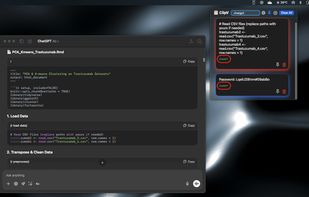
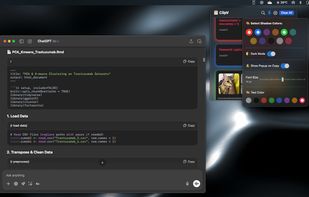
Minimal, native clipboard manager for macOS — one-time purchase, cross-type history (text, code, images, files), and instant search.


 Nigeria


