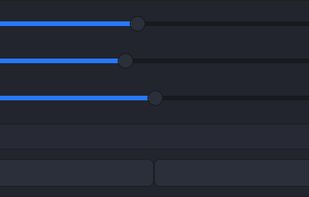
Lumen - magic auto brightness based on screen contents. You control Lumen simply by using your brightness keys - it'll automatically learn your preferences.
Cost / License
- Free
- Open Source (GPL-3.0)
Application type
Platforms
- Mac
 United States
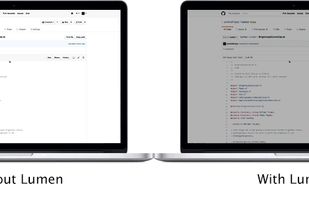


Apps similar to DimScreen include f.lux, which is free. Other options are Redshift, Twinkle Tray, Solace and LightBulb. Screen Dimmers like DimScreen are a crowded field, with more than 50 alternatives for Windows, Mac, Linux, Android and iPhone.
Lumen - magic auto brightness based on screen contents. You control Lumen simply by using your brightness keys - it'll automatically learn your preferences.
United States
Monitor Bright reduces with a simple trick the monitor brightness. Useful to use the PC at night without getting blind if the minimum brightness that can be obtained adjusting monitor settings is still too high if compared to ambience brightness. Supports multi monitor systems.
 Italy
Italy EU
EU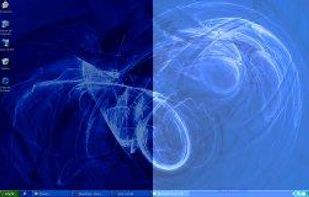


Away From Keyboard is an app that reduces eye strain with reminders to take a break.


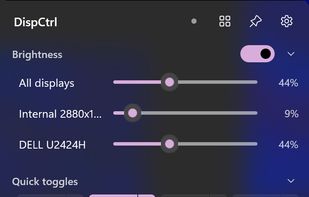
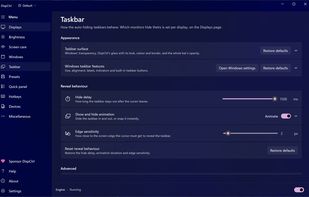
Free, open-source display control for Windows 11: one brightness slider for every monitor (DDC/CI and laptop panels), night light, focus mode, keep awake, per-monitor taskbar hiding and glass, OLED care, your monitor's own settings, hotkeys and a CLI.
 India
India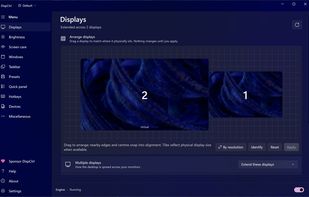


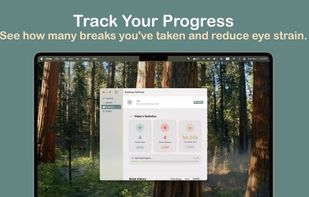
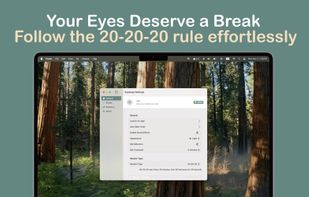
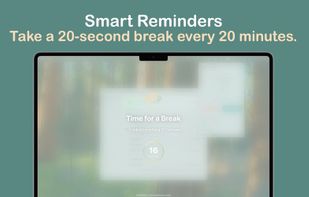
EyeAway is a beautiful, privacy-first macOS app that helps reduce digital eye strain using the proven 20-20-20 rule. Every 20 minutes, look 20 feet away for 20 seconds - your eyes will thank you.



With cursor-based activation, keep your monitors off until you need them and protect your screens from burn-in and image retention.
United States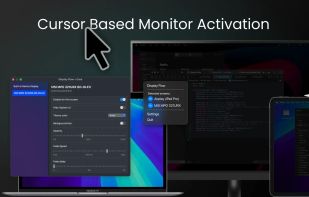
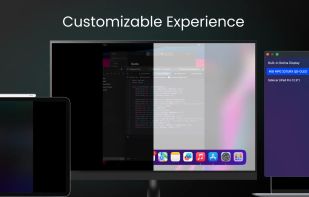
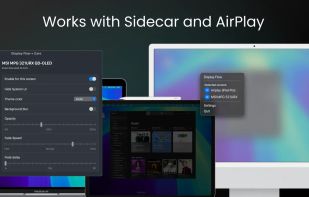

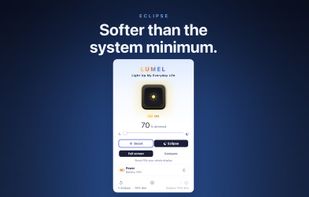
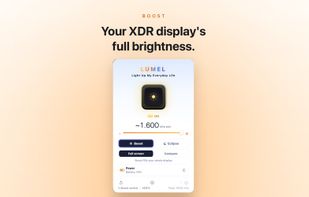
LUMEL is a two-way Mac brightness app: boost a supported XDR display past the macOS cap toward ~1600 nits for sunlight, or dim below the system minimum for dark rooms — all from the menu bar. Public EDR rendering, sandboxed, no data collected. Free tier never expires; $2.99 one-time Pro.
 GermanyEU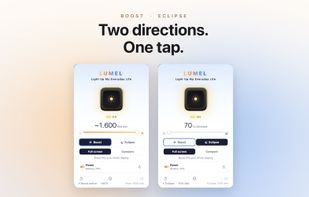



 RomaniaEU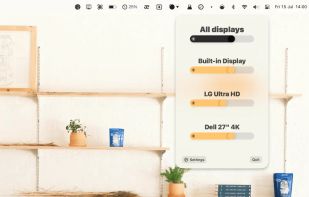


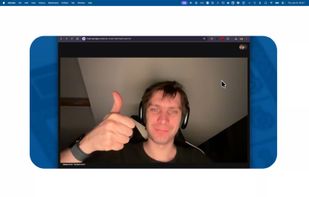
Focus view, extra brightness, ambient glow, and keep awake — all from your menu bar. JoyScreen transforms how you use your Mac.
 PolandEU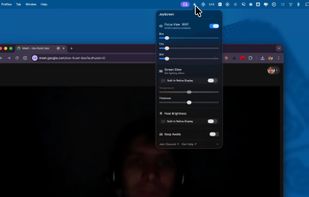

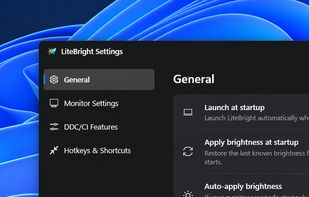
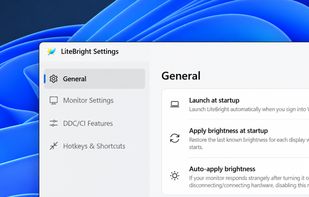
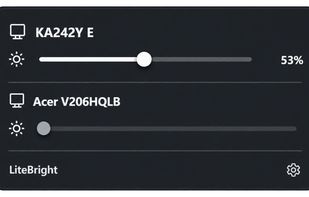
LiteBright is a lightweight native brightness controller for Windows 10 and 11. It lets you control brightness across multiple monitors from the system tray, adjust displays independently or together, and use global keyboard shortcuts for quick changes.

Small GTK GUI application to set contrast, brightness and gamma for wayland compositors which support the wlr-gamma-control protocol extension. Basically this is the example from here: https://github.com/swaywm/wlroots/blob/master/examples/gamma-control.