




DeskJoin Remote
Like
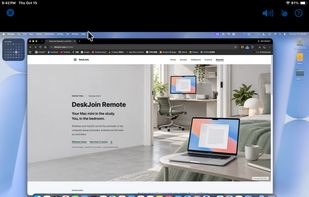
DeskJoin Remote lets you view and control another computer on the same local network. For example, you can use a MacBook to access a Mac mini in another room, or control a nearby Windows PC from an Android tablet. Your apps and files stay on the computer being controlled.


Features
Highlights All activities
DeskJoin Remote News & Activities
Recent activities
 Mauricio B. Holguin added DeskJoin Remote as alternative to Nexjoin
- Neville-Gee added DeskJoin Remote
- Paul updated DeskJoin Remote
 Neville-Gee added DeskJoin Remote as alternative to DeskIn, Chrome Remote Desktop, Spacedesk, AnyDesk and 4 more


Developed by
 Huan-Sen Ge
Licensing
Proprietary and Commercial product.Pricing
One time purchase (perpetual license) that costs $19.Alternatives
9 alternatives listedBadge
Get an embeddable badge for DeskJoin RemoteSupported Languages



No comments or reviews, maybe you want to be first?