

PlainForge opens, edits, and saves local files with a focus on privacy, control, and productivity. No ads, no tracking, no login, and no internet permission.






Apps similar to Cyan80 include Notepads, which is free and open source. Other options are Nextpad++, Windows Notepad, Zikky and Markpad - Markdown Editor. There's no shortage of Text Editors like Cyan80, with more than 50 alternatives for Windows, Mac, the web, Linux and Android.
PlainForge opens, edits, and saves local files with a focus on privacy, control, and productivity. No ads, no tracking, no login, and no internet permission.


A lightweight, distraction-free notepad with instant access, no registration or ads, auto-saves notes locally, supports manual export, and works seamlessly on modern browsers and mobile devices while prioritizing privacy with a clean interface and dark mode.
 Türkiye


Smultron is a text editor for Mac OS X Leopard 10.5 which is both easy to use and powerful. It is designed to neither confuse newcomers nor disappoint advanced users. It should work perfectly for a whole variety of needs - like web programming, script editing, making a to do...
 Sweden
 EU


Judge0 IDE is a free and open-source online code editor that allows you to write and execute code from a rich set of languages. It's perfect for anybody who just wants to quickly write and run some code without opening a full-featured IDE on their computer.
 CroatiaEU


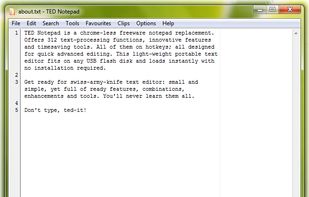
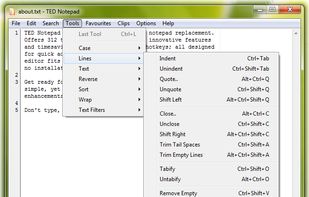
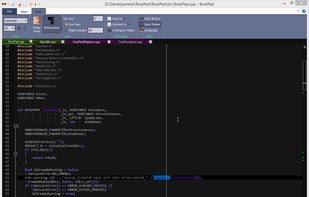
Replace notepad with free Unicode notepad replacement, rich in innovative features, text-processing functions, tools and hot-keys.


 ItalyEU


Notepad is a fast and distraction-free online writing space. Capture thoughts, take notes, and share instantly. Perfect for quick ideas, to-do lists, etc.


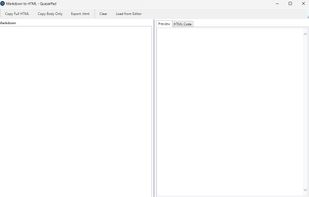
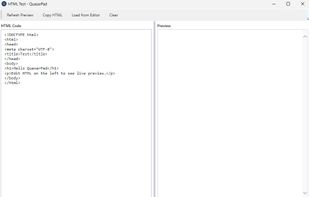
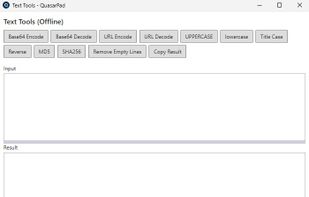
Notepad alternative with offline tools: Markdown→HTML, converters, tabs. Free, no telemetry.


 Switzerland



Simple distraction-free text editor without any rich text nonsense. The simplicity is a feature.
 Norway


NotepadX is a simple text editor. With NotepadX you're be able to create standard text files, open text files and edit them. The finished file can be sent directly from the app via E-Mail, stored locally or uploaded online to OneDrive.