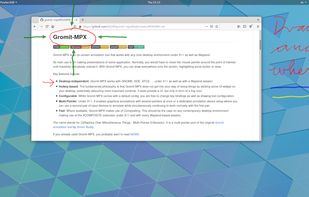
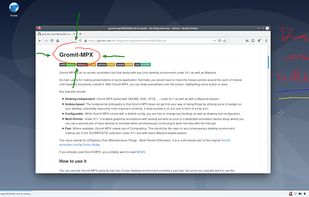
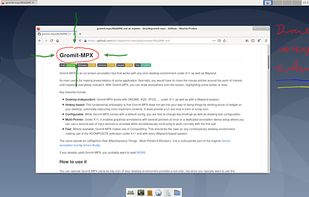
Gromit-MPX is an on-screen annotation tool that works with any Unix desktop environment under X11 as well as Wayland.
Cost / License
- Free
- Open Source
Platforms
- Linux
- Ubuntu
 Germany
 EU
EU




Apps similar to Crealesson include SHARA, which has a free version. Other options are EpicPencil, RePen, ZoomIt and gInk. You can choose from more than 10 Whiteboards like Crealesson for Windows, Mac and Linux.
Gromit-MPX is an on-screen annotation tool that works with any Unix desktop environment under X11 as well as Wayland.
GermanyEU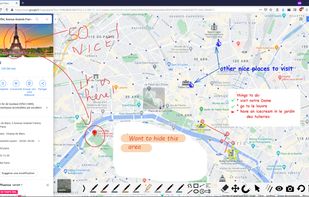

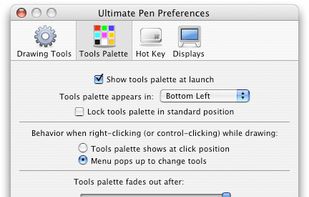
Ultimate Pen is a software only solution which creates a full screen, transparent window, allowing you to draw on top of most applications. Think of Ultimate Pen as an incredibly easy way to doodle on your computer screen.
 United States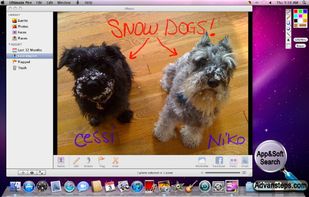


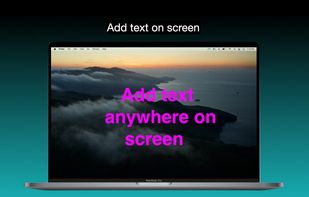
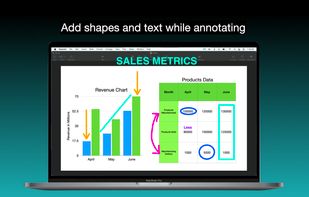
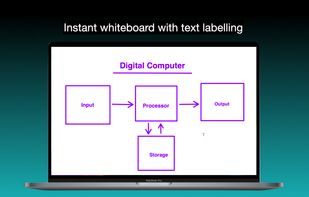
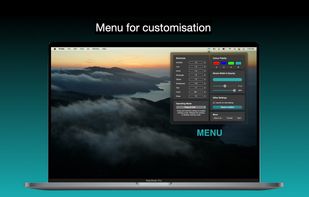
It is a an application which helps the user to annotate anywhere on the mac's screen. It can be used while presentation, video tutorials, screen recordings to draw the audience attention.


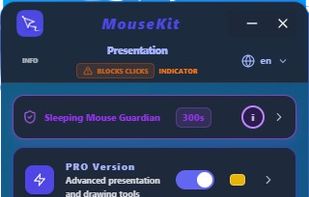
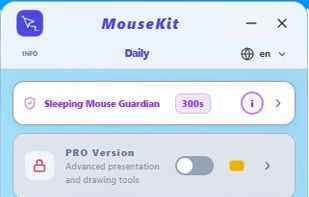
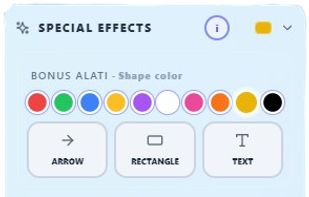
MouseKit turns your mouse cursor into a presentation, on-screen drawing, and cursor-tracking tool — all in one, for Windows.
 Serbia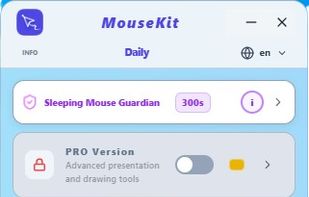


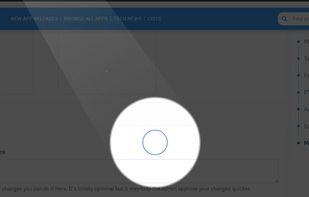
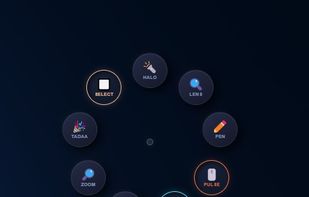
Turn every screen share into a polished presentation. Cursaura adds beautiful cursor highlights, click effects, zoom, annotations, keystroke display, and focus tools directly on your screen — perfect for demos, tutorials, livestreams, online courses, and remote meetings.

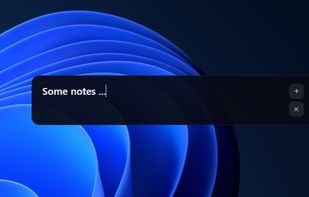


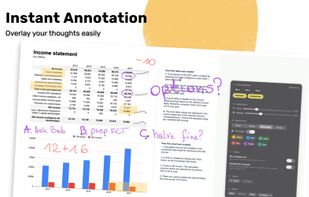
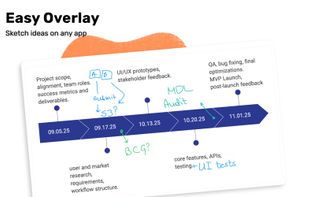
Draw Over It gives presenters, trainers, and any professional an always-ready overlay for live markups. Open it with a hotkey, sketch directly on top of any app, and jump back to work without leaving a trace.
 PolandEU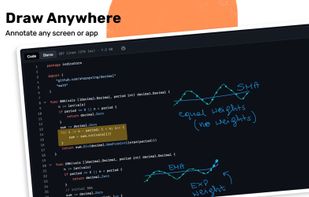
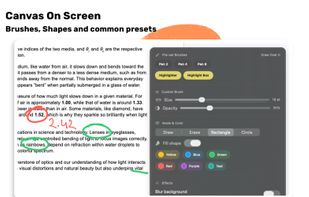


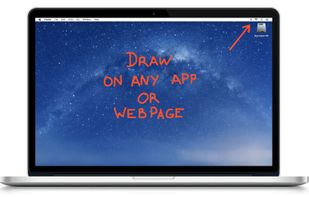
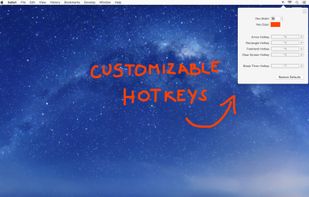
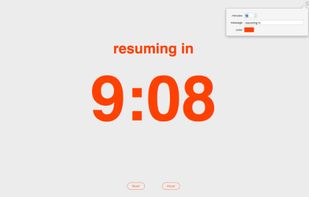
DemoPro is a simple and unobtrusive screen annotation tool for the Mac ideal for live demonstrations. Just press a customizable hotkey to draw on the screen. Release it to continue your demonstration. DemoPro also includes a countdown timer.



Lightweight screen annotation tool for Windows. Draw on your screen over any application with fading ink, spotlight mode, laser pointer, and shapes. Perfect for presentations, teaching, and streaming.