


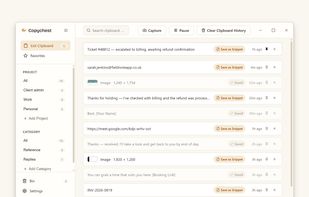
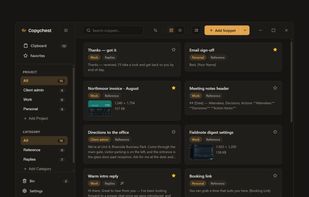
Clipboard Router is a free, open-source clipboard workspace for Apple-silicon Macs running macOS 14 or later.
Cost / License
- Free
- Open Source (MIT)
Application type
Platforms
- Mac
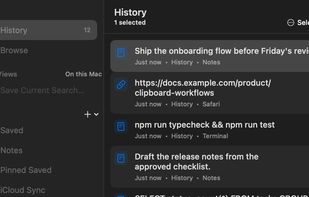


One of the most popular alternatives to CopyQ is Ditto, which is free and open source. Other popular alternatives are PasteBar, Planck, CopyCat Clipboard and Maccy. There's no shortage of Clipboard Managers like CopyQ, with more than 100 alternatives for Mac, Windows, Linux, iPhone and iPad.
Clipboard Router is a free, open-source clipboard workspace for Apple-silicon Macs running macOS 14 or later.
simple clipboard manager for Wayland, built in Rust. It saves a history of your clipboard content, and lets you paste things you've copied earlier. It also lets you configure "favorite" pastes for strings you need often.

CopyCharm is a Windows desktop app that helps users collect and reuse copied text, important clips, and saved prompts for AI work. It stores copied text locally and provides search and favorites to help users find useful material from past work.

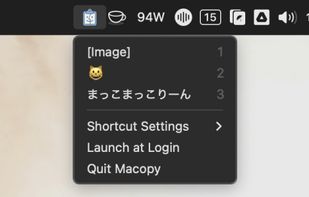
Macopy keeps a history of what you copy and puts it a keyboard shortcut away. Pick an entry and it pastes straight into whatever app you were using, so you never go hunting for something you copied five minutes ago.
 Japan
Japan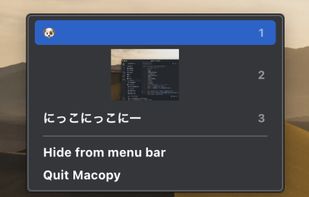

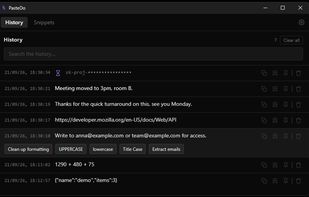
PasteDo keeps your clipboard history, with search and pinning, and lets you act on any entry: clean up formatting, change case, evaluate an expression, pull out emails or URLs, format JSON. All ten actions run offline, with no key and no network call.
 Italy
Italy EU
EU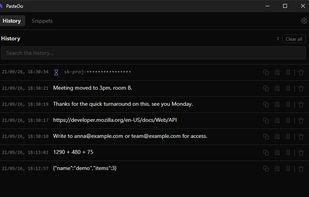


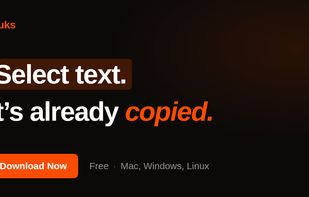
Auto-copies any text the moment you select it — no Ctrl+C needed. Provides deep click paste and a searchable local clipboard history. Works on Mac and Windows.

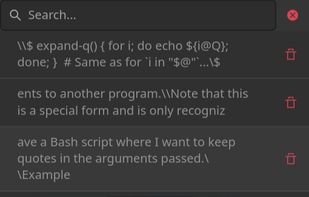

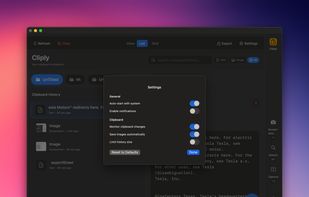
Cliply keeps everything you copy on macOS—text, images, screenshots—and lets you paste it instantly. ??V to open, type to find, ?? to paste. Local database, no cloud, zero tracking. One-time purchase with 14-day refund. Apple Silicon native.
 United States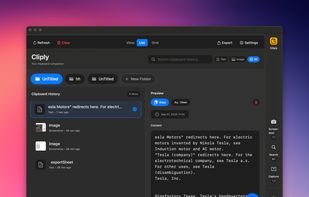


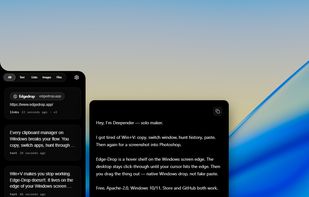
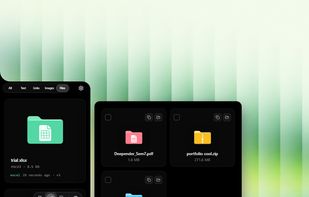
Hover-activated clipboard shelf for Windows. It hides on your screen edge, springs open when your cursor nears it, and lets you drag files and images straight into any app. Free and open source.



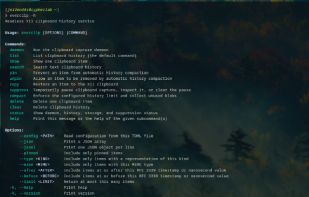
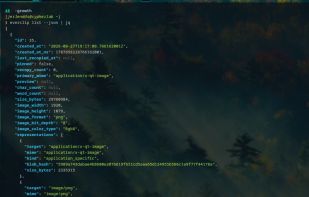
everclip is a headless, event-driven X11 CLIPBOARD history daemon and pipe-first CLI. It stores stable history records in a Turso database (sqlite3) while keeping each original X11 target payload in a deduplicated blob store.


Clipboard manager for Windows with searchable history, reusable saved text, and region screen capture with annotation. Stored locally, no account.
 United Kingdom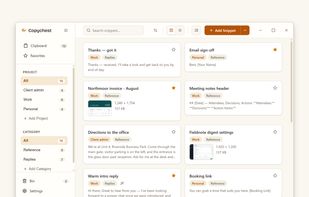


ClipCapsule is a minimalist clipboard manager for Linux. It supercharges your productivity by allowing you to manage and switch clipboard entries using only keyboard shortcuts—no mouse or GUI required.


 Nigeria