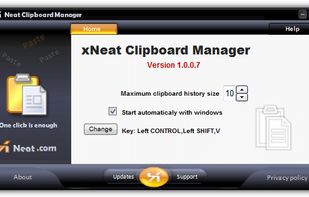
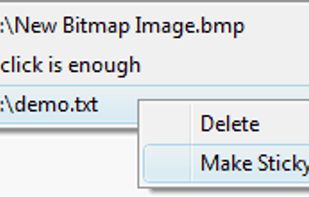
Clipboard Manager is simple and powerful application to manage your clipboard, keep history, fast access to your notes in history, etc.
Cost / License
- Freemium
- Proprietary
Application type
Platforms
- Android
- Android Tablet







C


Apps similar to Comfort Clipboard Pro include CopyQ, which is free and open source. Other options are Ditto, Maccy, ClipPocket and TFCBM. There's no shortage of Clipboard Managers like Comfort Clipboard Pro, with more than 100 alternatives for Mac, Windows, Linux, iPhone and iPad.
Clipboard Manager is simple and powerful application to manage your clipboard, keep history, fast access to your notes in history, etc.

Advanced Recent Access is designed to see more properties of your recent used resources (files and directories). Key features: can see more properties of the recent resources, such as path, size, type, date modified and date created. And more.
 United States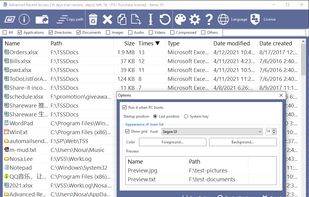


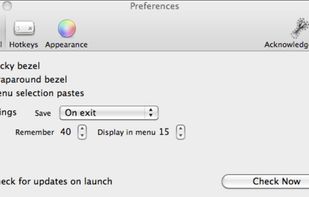
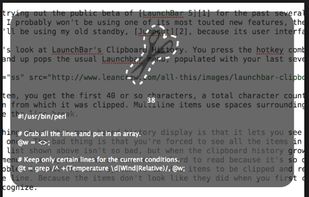
macOS clipboard manager that provides Mac users with quick, intuitive access to their clipboard history, with an interface that stays out of their way.
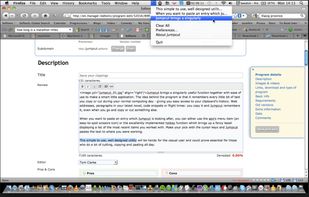


Free Clipboard Viewer is a free, full-featured and portable clipboard viewer for Windows.
 Canada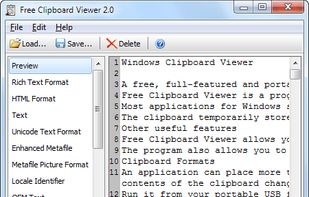


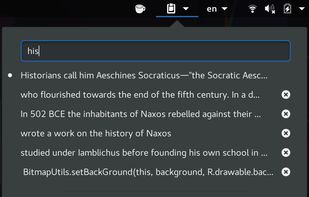
Clipboard Manager extension for Gnome-Shell: Adds a clipboard indicator to the top panel, and caches clipboard history.


· You can add any type of clipboard item and copy them directly or redirect to specific app depends of the item type.

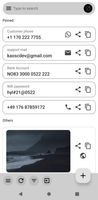



A full-featured desktop clipboard manager for your operating system to track what you copy & paste
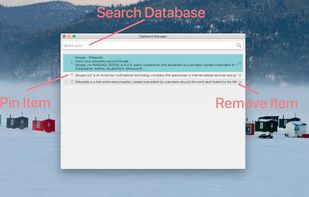


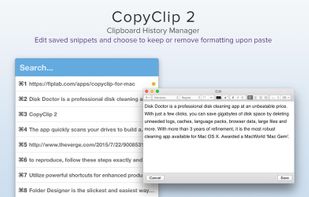
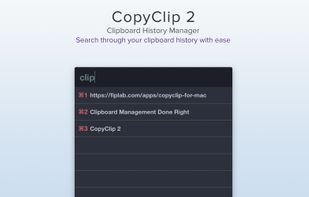
CopyClip 2 is the slickest and most efficient premium clipboard manager for your Mac. Running discreetly from your menu bar, the app stores all that you have copied or cut in the past, allowing you to quickly find that snippet of text you've been looking for.
 United Kingdom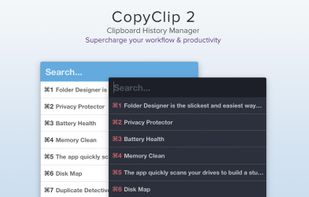
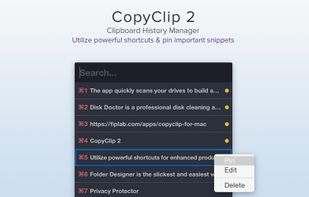


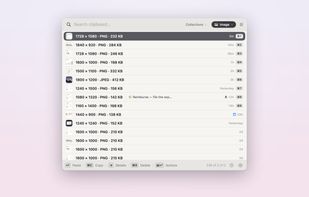
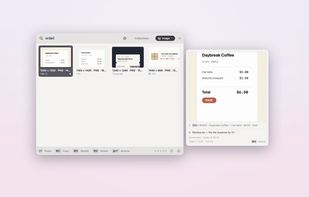
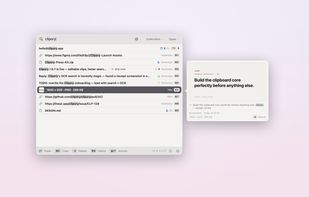
A keyboard-first native macOS clipboard manager with searchable screenshots and auto-collections — all local and encrypted.
 Australia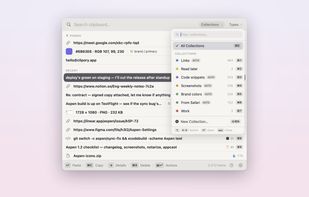


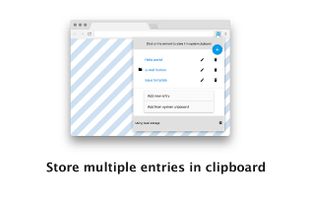
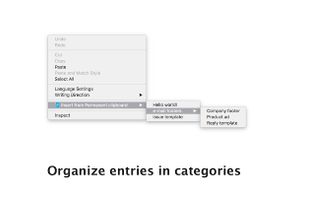
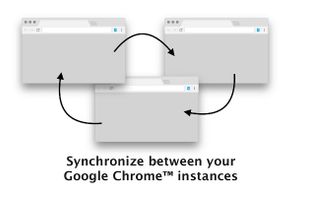
Permanent Clipboard is Google Chrome browser extension that improves the clipboard by allowing users to store multiple entries just a click away.


The Microsoft Office (And most other) multi clipboards simply retain the last few clips so that you can copy more than once before pasting. That functionality doesn't even scratch the surface of what Spartan can do!


xNeat clipboard manager is handy and very simple to use. it captures clipboard items as they are copied to the Windows Clipboard, and you can simply bring up a menu containing all the previously copied items and select the item you want to paste from it using a hot key.